Tabs are not restoring after session closed

Tabs are not restoring after session closed. I have tried the profile suggestion. I verified my settings say open tabs from last session. Rebooted. Cleared cache then opened tabs then closed and it keeps only opening one tab. It crashed last night with tabs on it and this was the results once I brought it back up.
Tabs are not restoring after session closed. I have tried the profile suggestion. I verified my settings say open tabs from last session. Rebooted. Cleared cache then opened tabs then closed and it keeps only opening one tab. It crashed last night with tabs on it and this was the results once I brought it back up.
Все ответы (3)
You can answer on this thread, just wanted you see the other one. ;-))
CherylPhD said
The steps do not restore the previous session. At this stage, I would like for it to stop losing the tabs each time I close it now. How do I get to start rememnering the previous session again? Thank You
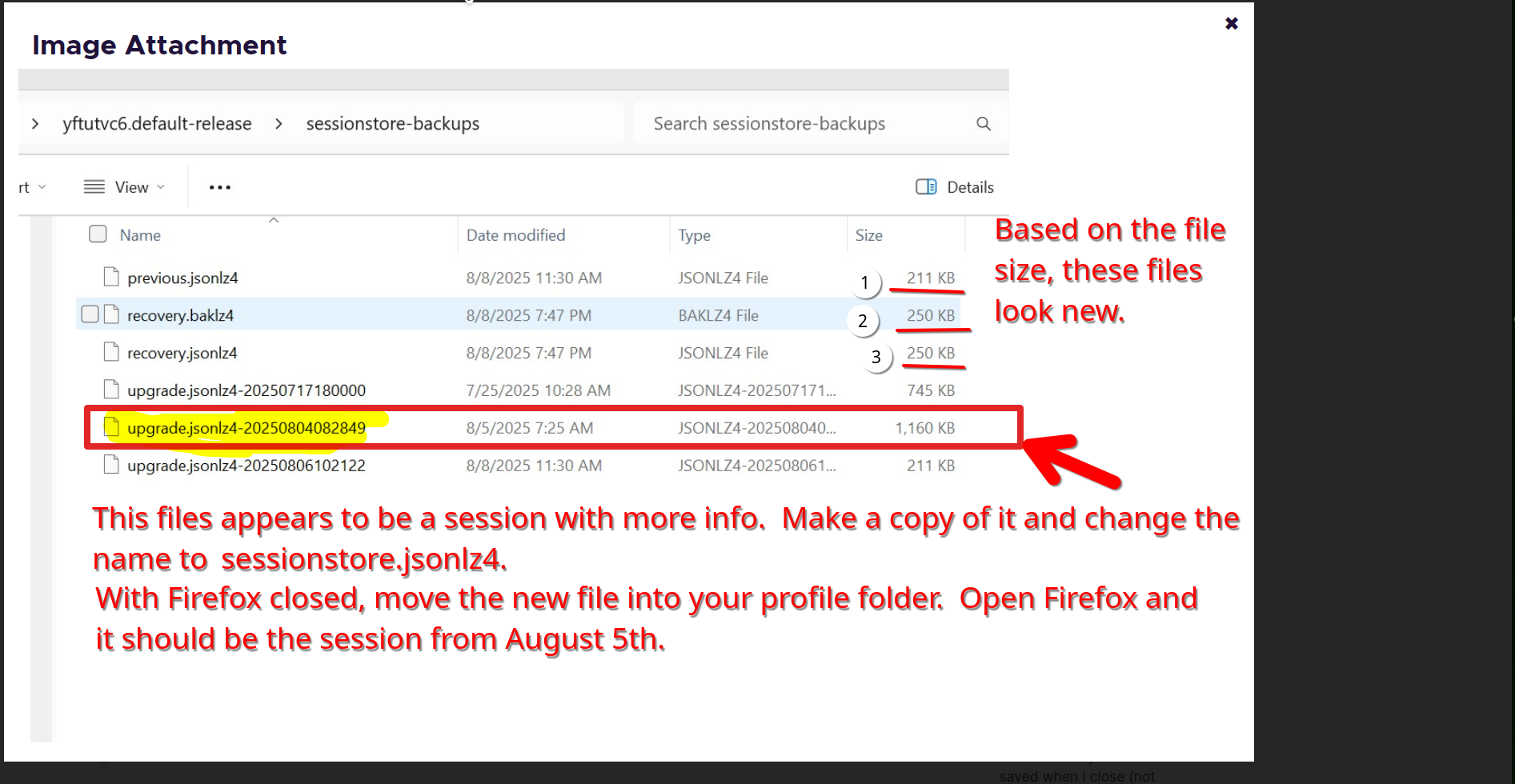
Did you use this file from your screenshot in the square. That file clearly has more data the 3 new files that I numbered. see screenshot
Изменено jonzn4SUSE
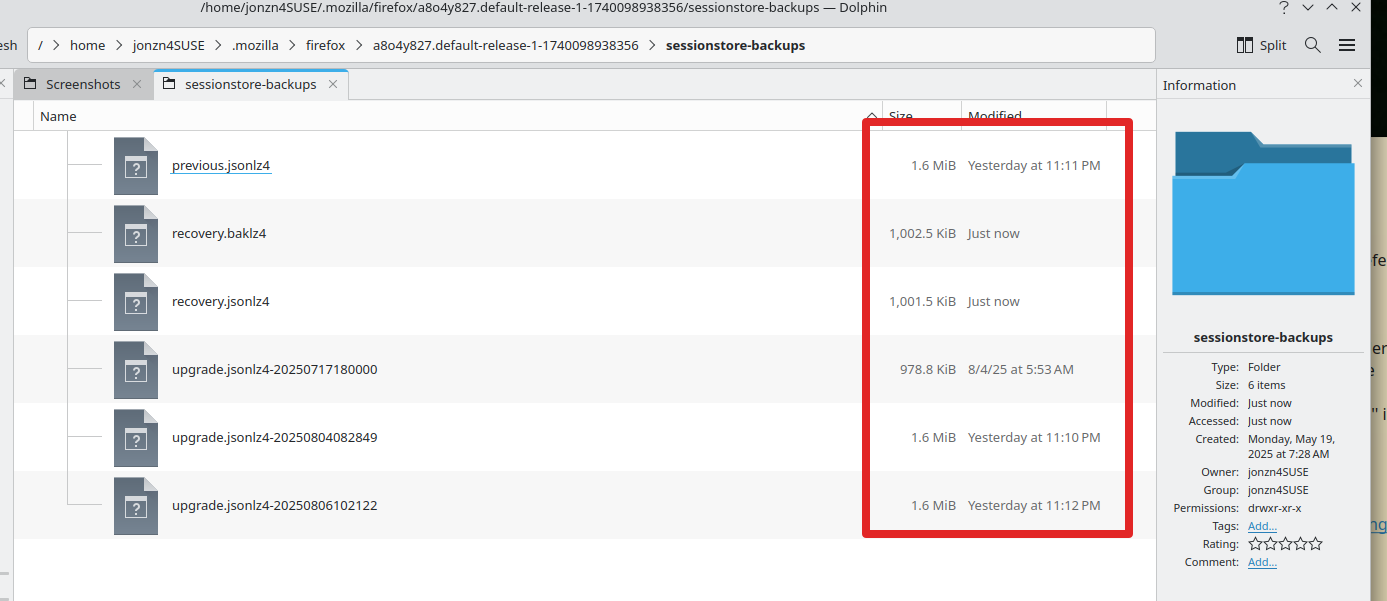
Just for S&Gs, here's a screenshot of my current files. see screenshot