


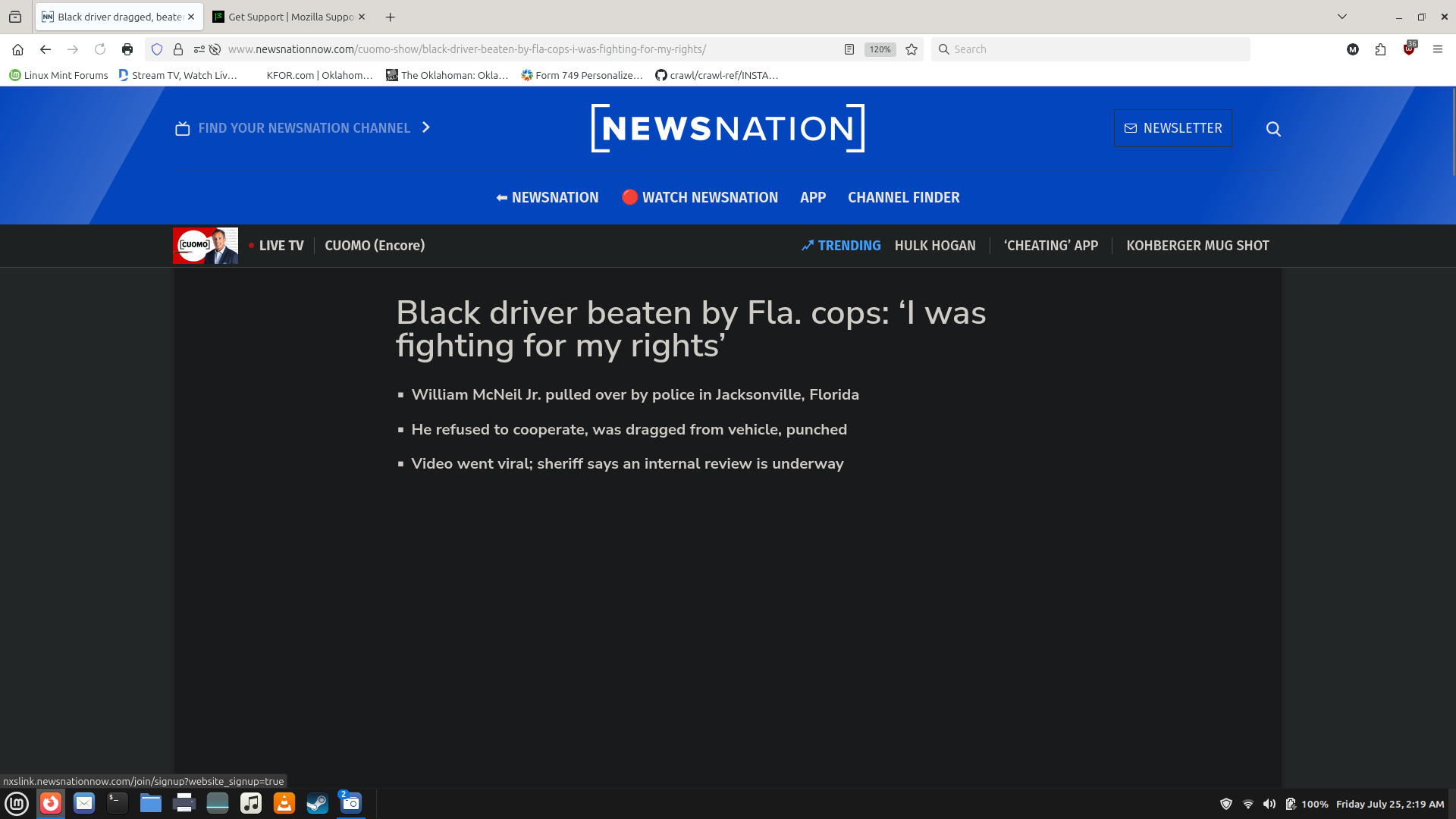
Dark theme not working on tool bar and top of Firefox window.

When I select Dark Theme, I DON'T wanr to see this. I just noticed this on my Linux Mint desktop machine tonight when I logged in. I also have Dark Reader installed and it isn't affecting ioit eitherit either. Make this go away. It burnsssssss!
Выбранное решение
There is an issue with how Mint informs Firefox about a user's dark theme preference. (https://github.com/linuxmint/cinnamon/issues/12994) Before Firefox 141, this was concealed by having extra dark theme data in the "System" (or "Default") theme, but that was removed in Firefox 141, so now the problem was revealed.
Until that is addressed, you need to change from the "System" theme to the built-in "Dark" theme as a workaround. This is a separate setting from "Website Appearance." See: Use themes to change the look of Firefox.
Прочитайте этот ответ в контексте 👍 0Все ответы (2)
Выбранное решение
There is an issue with how Mint informs Firefox about a user's dark theme preference. (https://github.com/linuxmint/cinnamon/issues/12994) Before Firefox 141, this was concealed by having extra dark theme data in the "System" (or "Default") theme, but that was removed in Firefox 141, so now the problem was revealed.
Until that is addressed, you need to change from the "System" theme to the built-in "Dark" theme as a workaround. This is a separate setting from "Website Appearance." See: Use themes to change the look of Firefox.
Thank you very much! My eyes are happy again. :-)