


Missing local folders
Dear users,
I installed thunderbird on my pc only to open .mbox files containing archives from past years.
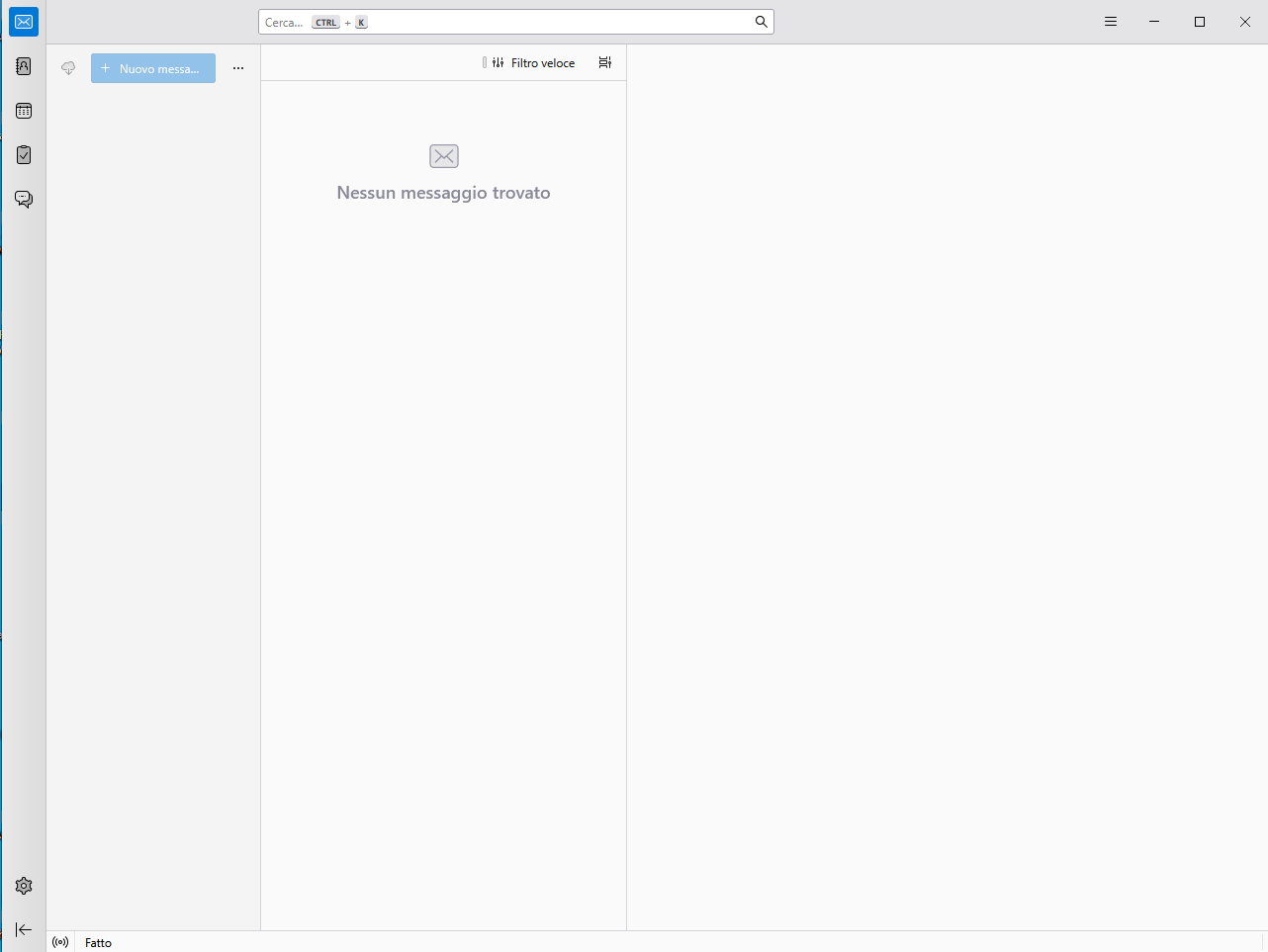
I read in the guide I need to add a plugin called ImportExport NG to open mbox files, but first I have to see the "local folders", which doesn't exist.
I attached the screenshot of thunderbird just installed on my pc and launched. I miss the "local folders".
How can I fix?
Thanks
Все ответы (5)
A mail account has to be added before Local Folders is created. Once that's done, Help/Troubleshooting Info, Profile Folder, Open Directory (Win: Folder), close TB, paste the .mbox file(s) into Mail/Local Folders, remove the .mbox extension, restart TB, find the folders under Local Folders in the Folder Pane. The IET NG add-on is not needed.
Can I add a dummy email account or I need a real account and be able to receive the messages?
I don't know - try it and see.
I can't add a dummy email account, but I don't want to create a real email account. Can I add a feed?
And then, how can I import .mbox files?
Thanks
No, it won't work by just adding a feed.
Search online for free mbox viewer apps.