


Blank Gray Screen after ""Allow" when trying to add Google Account

I have been a Thunderbird user for over 10 years and recently my employer has started switching us over to Google Workspace emails. I'm trying to add the email to Thunderbird, but keep getting a blank gray screen (Image 2) in the Google pop-up after clicking "Allow" (Image 1). No error messages are displayed anywhere in the pop-up or in Thunderbird.
I have tried several times with no success. I've tried rebooting, same issue. I've tried disabling all the plugins in Thunderbird, same issue. I've let the screen sit there for over 20 minutes and nothing occurs. I even tried one-time hitting "Deny" and got the same blank screen.
As it is occurring inside Thunderbird itself, I have no way of telling what is going wrong. I know I am signing into my new Google account successfully as I wouldn't reach the page with "Allow".
Anybody know what I can do?
Изменено Wayne Mery
Выбранное решение
Also make sure you do not use a VPN.
Turn off your anti-virus software during the authentication attempt.
In general it is recommended to create an exception in your anti-virus software for the Thunderbird profile folder, so that the anti-virus real-time scanner will not scan it. https://support.mozilla.org/en-US/kb/profiles-where-thunderbird-stores-user-data#w_how-do-i-find-my-profile
Are you running some sort of software like a web server, which is blocking TCP port 80 on localhost? This can also be anti-virus/security software blocking that port.
Start Thunderbird in troubleshooting mode. Does the problem go away?
Прочитайте этот ответ в контексте 👍 0Все ответы (6)
Forgot the screenshots.
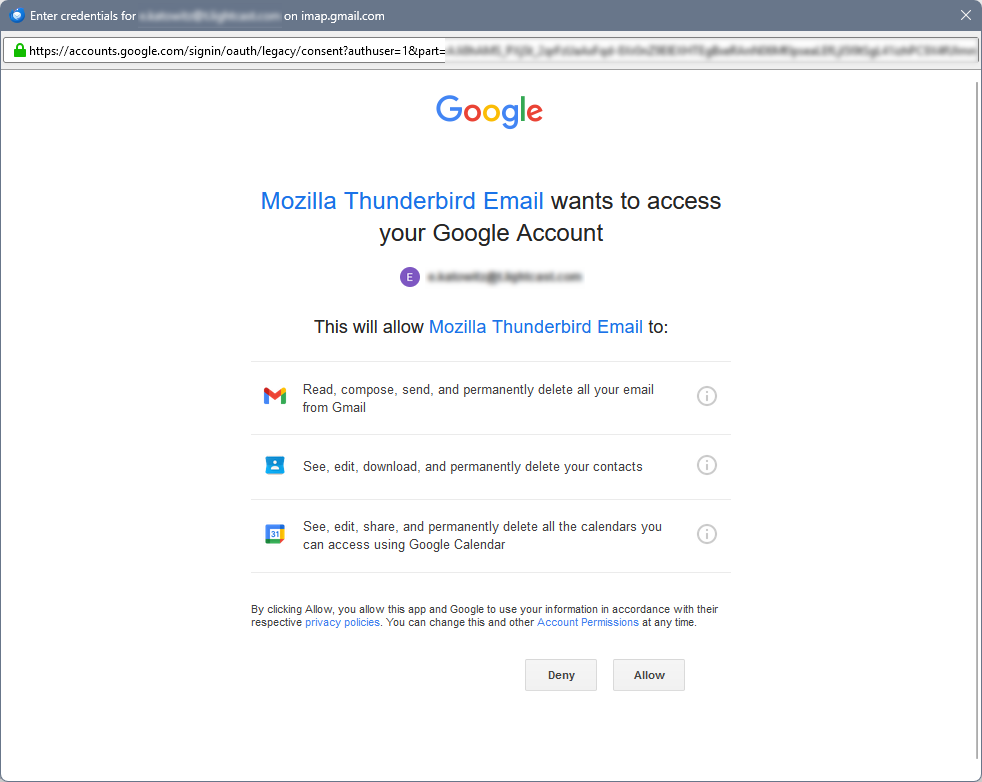
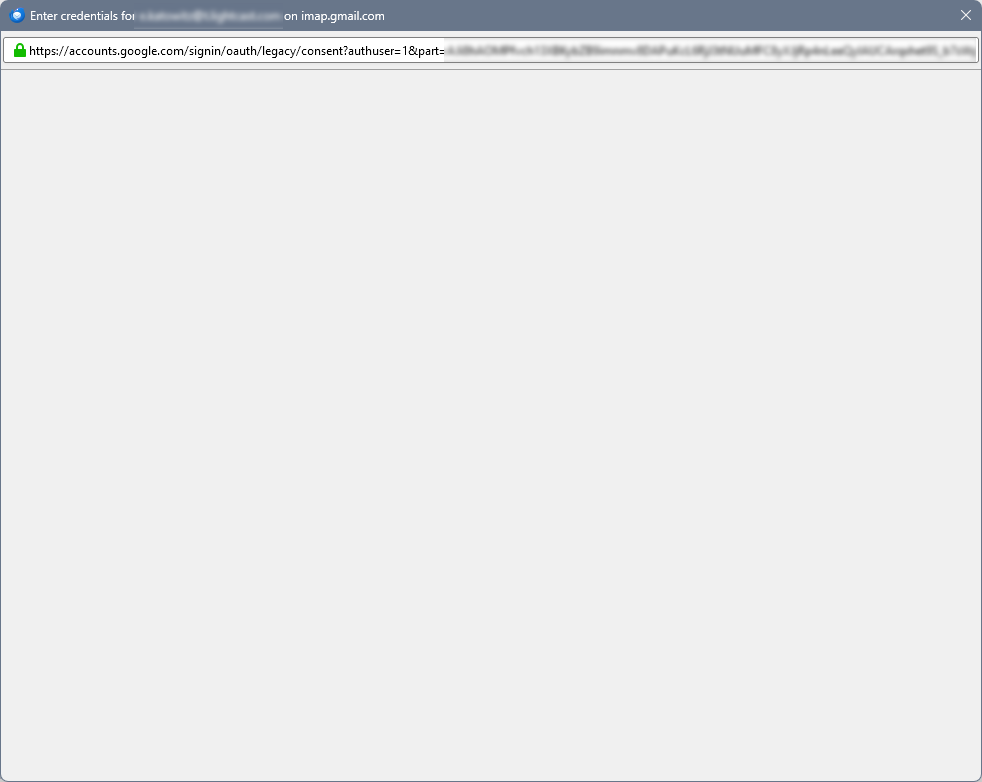

Make sure cookies are allowed in Thunderbird during the authentication. Also see https://support.mozilla.org/kb/automatic-conversion-google-mail-accounts-oauth20
I already had Cookies enabled. I even tried deleting the Cookies from accounts.google.com and trying again, same issue occurred.
Thank you for trying to help.
Выбранное решение
Also make sure you do not use a VPN.
Turn off your anti-virus software during the authentication attempt.
In general it is recommended to create an exception in your anti-virus software for the Thunderbird profile folder, so that the anti-virus real-time scanner will not scan it. https://support.mozilla.org/en-US/kb/profiles-where-thunderbird-stores-user-data#w_how-do-i-find-my-profile
Are you running some sort of software like a web server, which is blocking TCP port 80 on localhost? This can also be anti-virus/security software blocking that port.
Start Thunderbird in troubleshooting mode. Does the problem go away?
Изменено christ1
Thank you. I disabled my work's VPN and my local Web Server and that solved it.

It would be helpful if Thunderbird checked port 80 before trying to use it. An error message would've saved me days without being able to use Thunderbird.