


Error codes between AT&T and Firefox

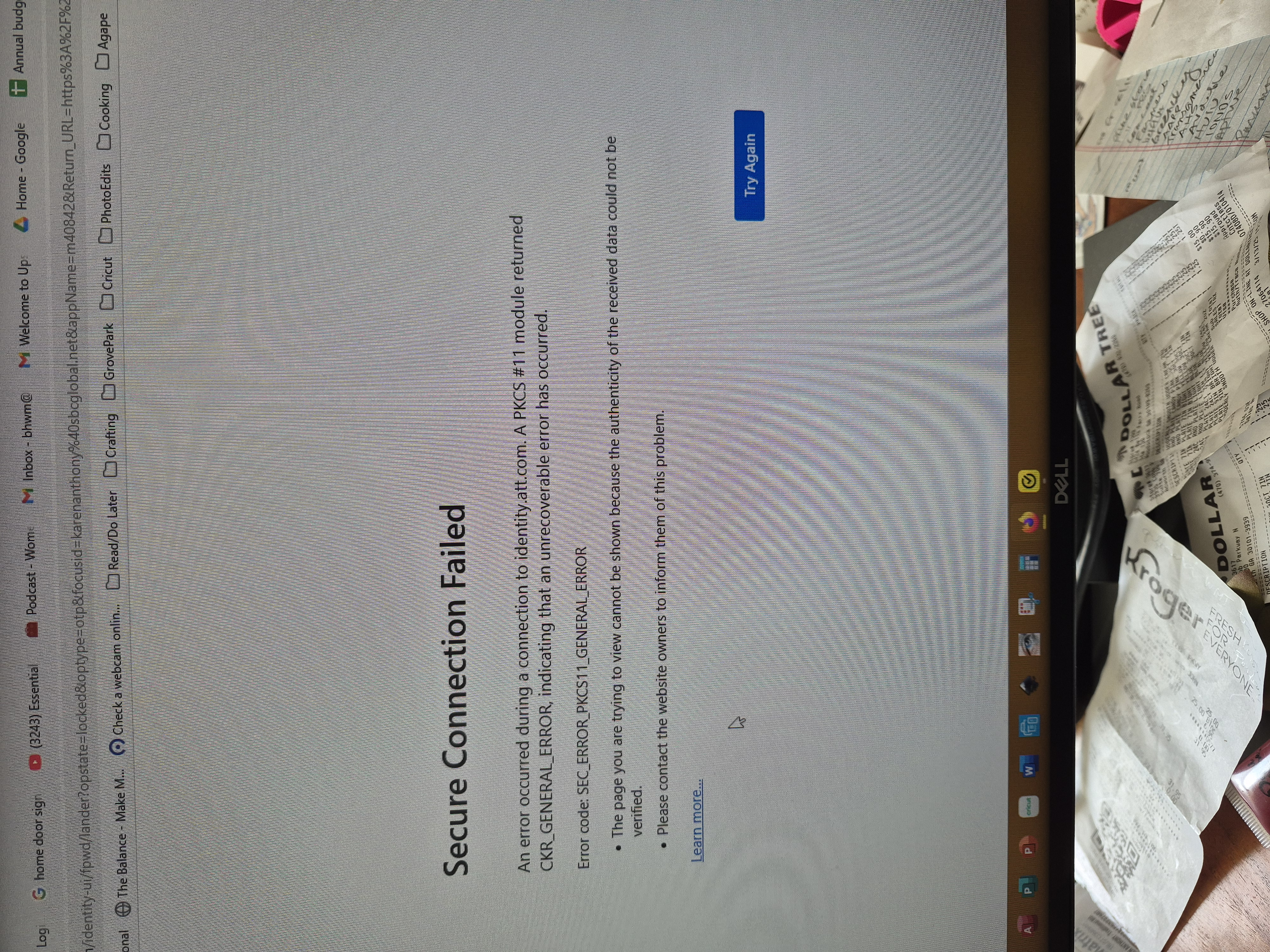
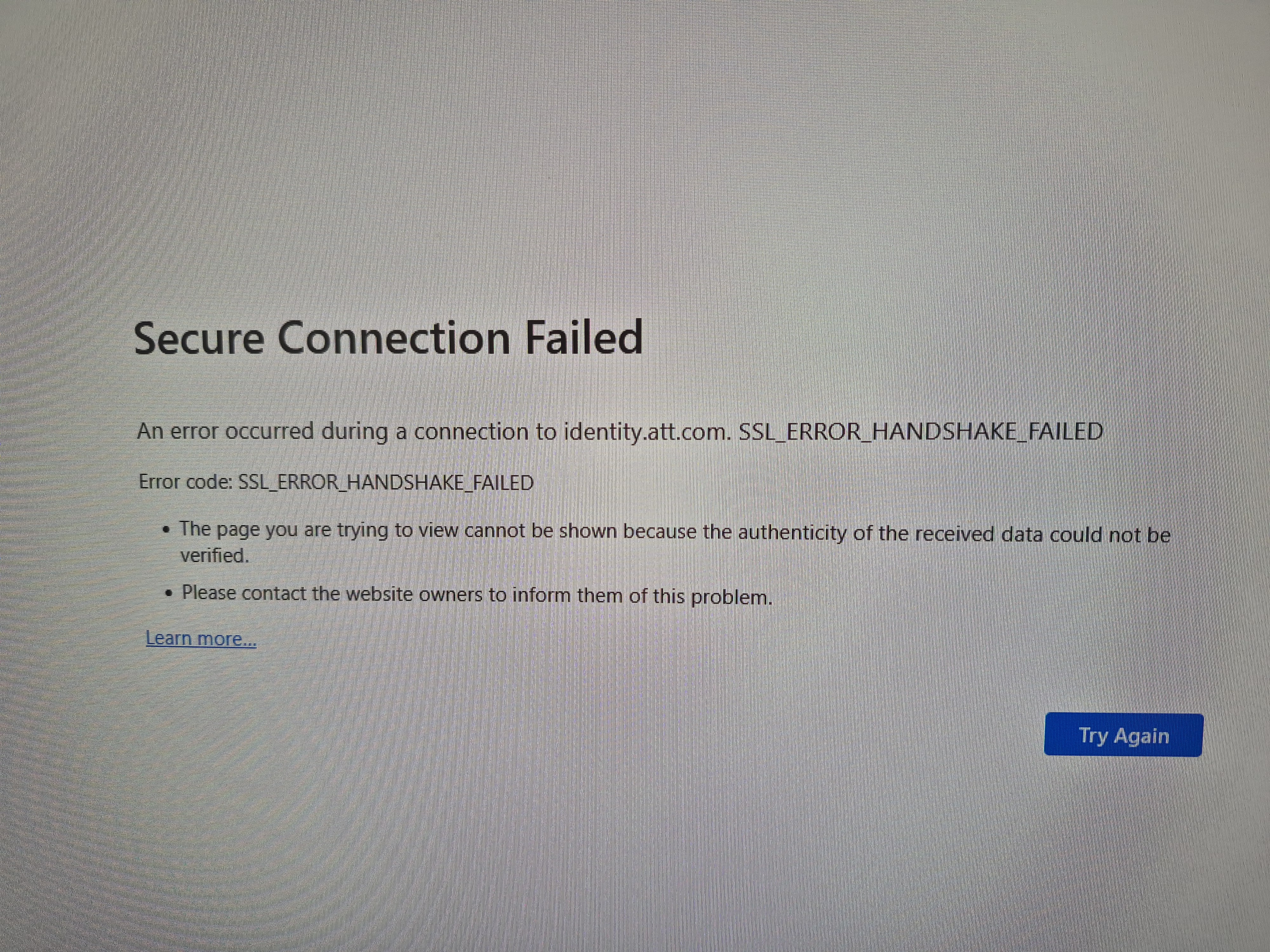
Trying to connect to yahoo mail (currently.com) and keep getting error messages. All other websites on firefox work.
Все ответы (5)
Hi Karen, there have been a lot of threads about problems with the AT&T can't connect page. Some clues to the problem include:
(1) It works for some users in a private window (Ctrl+Shift+P)
(2) Some users reported having to make site exceptions using the toolbar buttons for the AdBlock Plus and DuckDuckGo Privacy Essentials extensions while on the AT&T page.
Whoops, you have a different error screen. I'm not familiar with the CKR_GENERAL_ERROR code. Do you use a hardware device to sign into sites, or a "personal certificate" you imported into Firefox?
Hi, No, I do not use any different devices. This problem started last week. I tried to sign on with Chrome vs Firefox and this is what I get: https://photos.app.goo.gl/F1bXLuJKAM6S9czCA
Please HELP me! Thanks so much!
Additional messages: https://photos.app.goo.gl/tX7x8Ztpvp1UuG4V8
Do I accept the certificate?
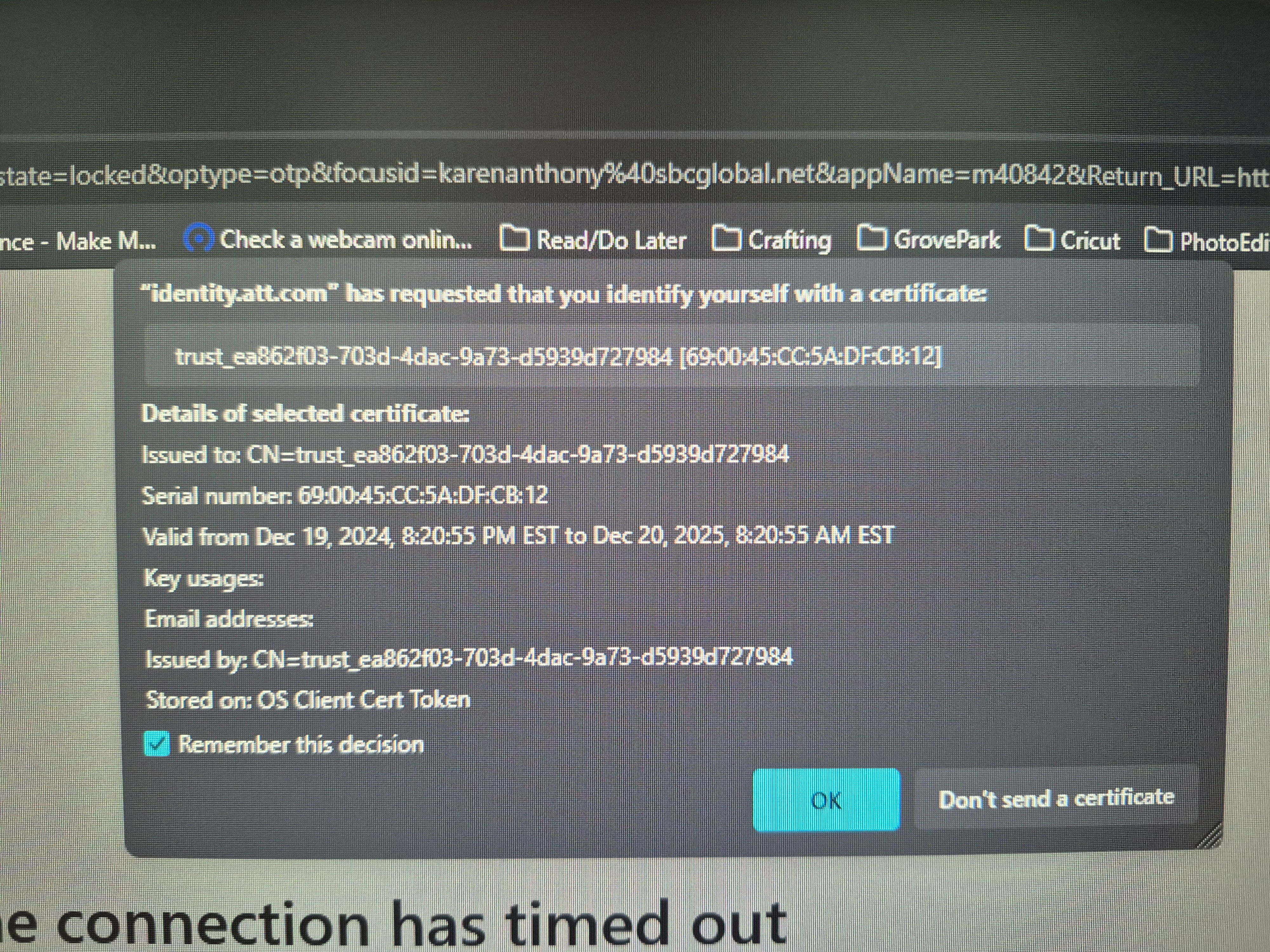
I don't know why that site is asking for a personal certificate. I have not heard of that from other users. Possibly it was installed by some AT&T software outside of your browsers? When I Google it --
"identity.att.com" requested identify yourself certificate
-- there seem to be some pages about password recovery?