


Corrupt images on Firefox
https://messages.google.com/web/authentication
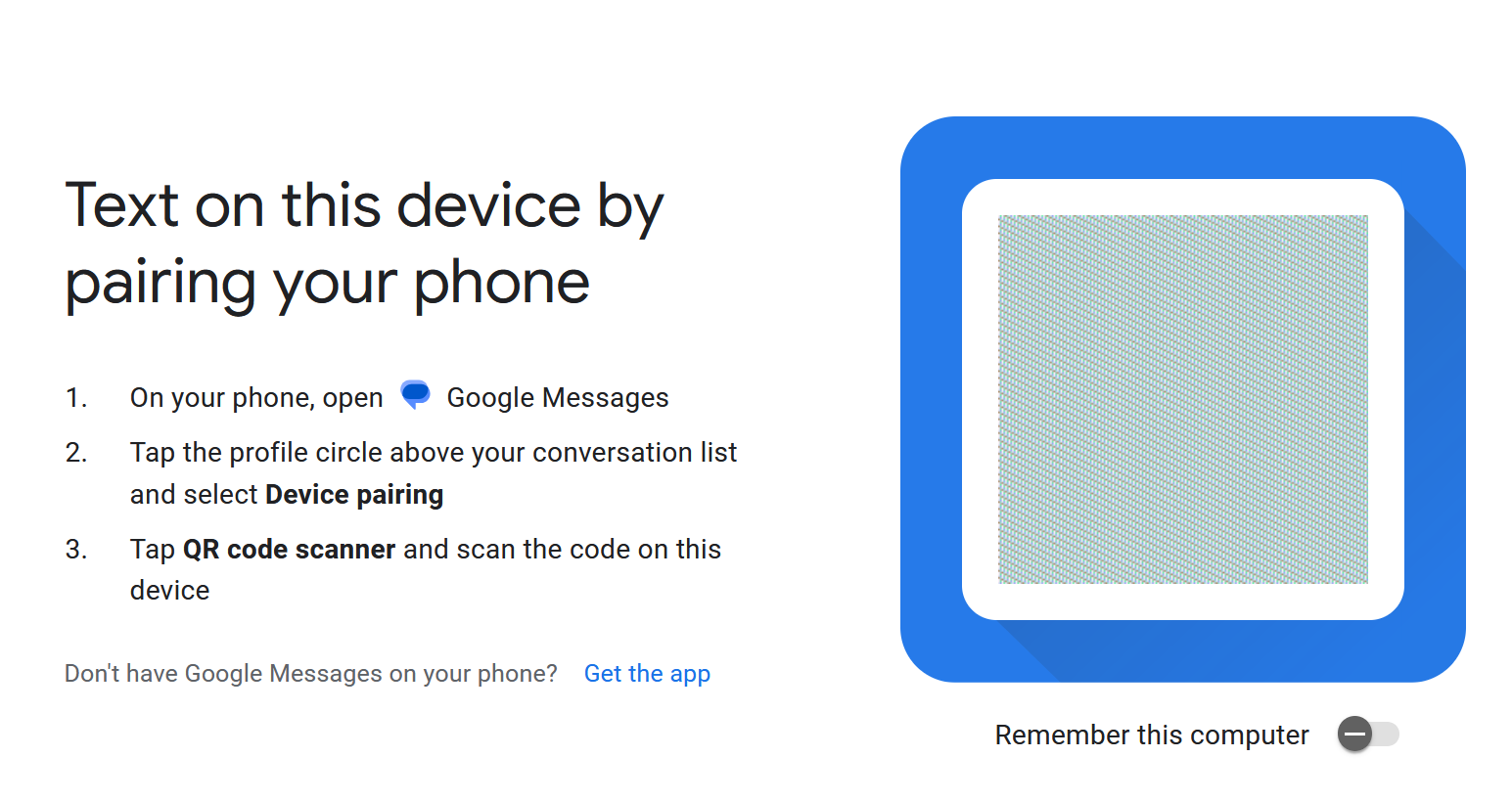
this is supposed to have a QR code, but it does not load. I have attached a still screenshot below.
I also cannot upload images using Firefox to Messenger. The large purple image is a result of an upload, but it should be a picture of a woman saved from Krita.
I tried a setting called "Refresh Firefox" and that fixed it but only for less than a day. whats going on?

Выбранное решение
Ah, under "Settings>Privacy and Security", i discovered Private Internet Access VPN was controlling that setting. Thank you!
Изменено Draws
Все ответы (3)
PS, i tried Control+F5 and that didn't change anything. I also tried Troubleshoot mode, and that doesn't seem to change anything.
Hi, I believe you turned on privacy.resistFingerprinting which blurs canvas extracts. To create a site exception, look for a special permission icon next to the lock in the address bar on pages where you have this problem.
Выбранное решение
Ah, under "Settings>Privacy and Security", i discovered Private Internet Access VPN was controlling that setting. Thank you!
Изменено Draws