Using Sync between Laptops

I want move tabs and bookmarks from an older Mac to and newer Mac. Sync seems to only allow an iOS destination. Is there a way to use it between Firefox on two laptops?
/edit: moved thread from Firefox for iOS to Firefox section as you have macOS.
Изменено James
Все ответы (1)
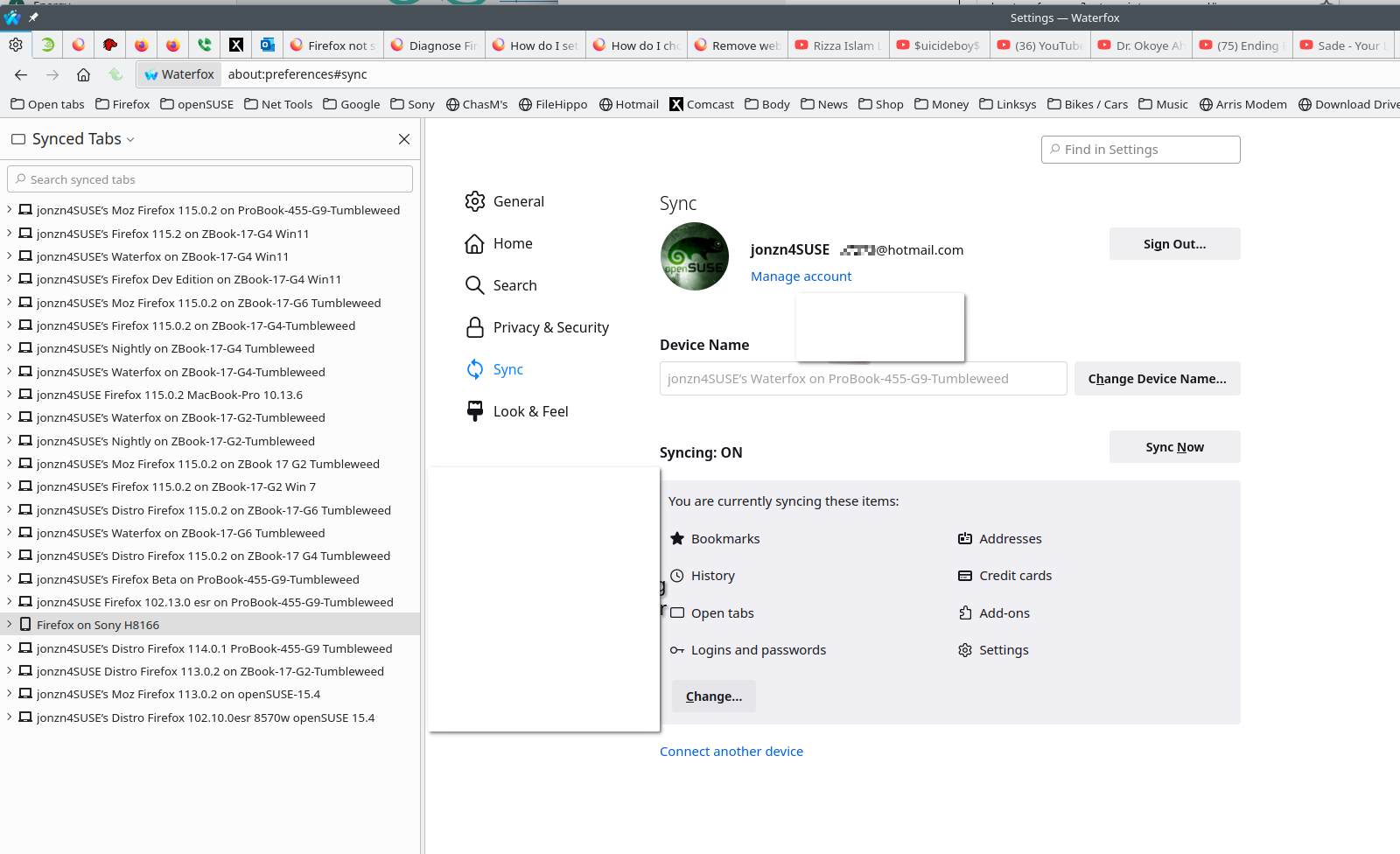
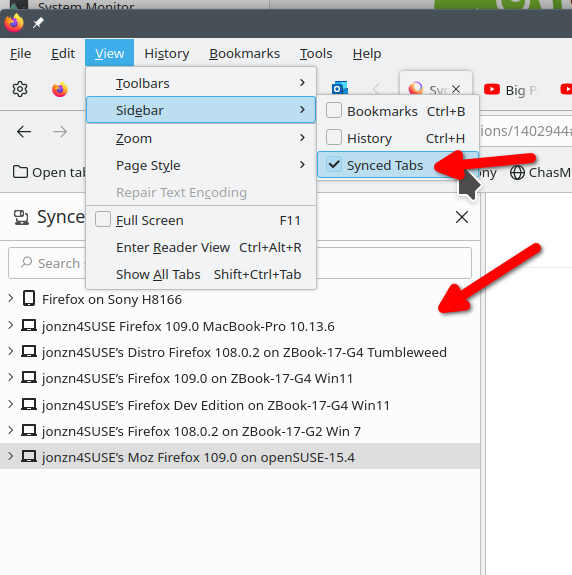
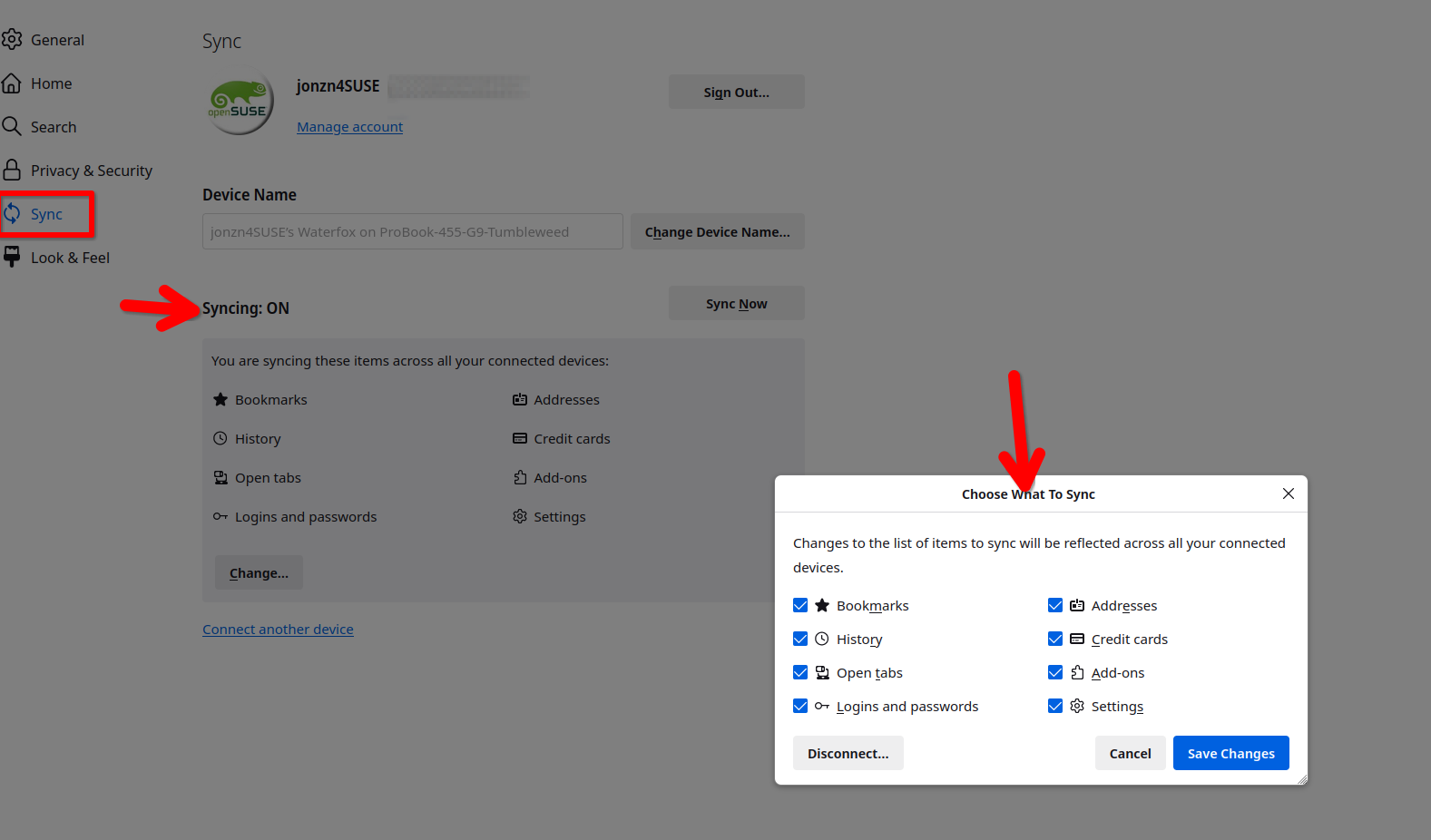
Just sign into your account on the new mac and what the magic. see old screenshot Also make sure the sync options you want are checked on the old one. I also have a 2012 macbook pro in the mix.
FYI... SYNC IS NOT A DATA BACKUP SERVICE Sync info... https://support.mozilla.org/en-US/kb/how-do-i-set-sync-my-computer https://support.mozilla.org/en-US/kb/how-do-i-choose-what-information-sync-firefox https://www.mozilla.org/en-US/firefox/features/sync/ https://hacks.mozilla.org/2018/11/firefox-sync-privacy/ Sync is not a backup tool but it is a good sync/transfer/move tool https://support.mozilla.org/en-US/forums/contributors/707681