


Windows 10 reached EOS (end of support) on October 14, 2025. If you are on Windows 10, see this article.

Поиск в поддержке

Избегайте мошенников, выдающих себя за службу поддержки. Мы никогда не попросим вас позвонить, отправить текстовое сообщение или поделиться личной информацией. Сообщайте о подозрительной активности, используя функцию «Пожаловаться».

Подробнее

Can't share screen in Google Meet videocalls

  • 3 ответа
  • 6 имеют эту проблему
  • 270 просмотров
  • Последний ответ от jonzn4SUSE

Hello,

I checked the troubleshoot and gave all the necesarry permissions on my Mac for Google Meet to use my screen (allowed audio, video and screen recording). Nevertheless, I cannot manage to share my screen on Google Meet. As shown in the screenshot, it offers the option to share my whole screen (I cannot select a window or a tab...) but for my audience neither this is working.

Could you please help me fix this?

Many thanks in advance!
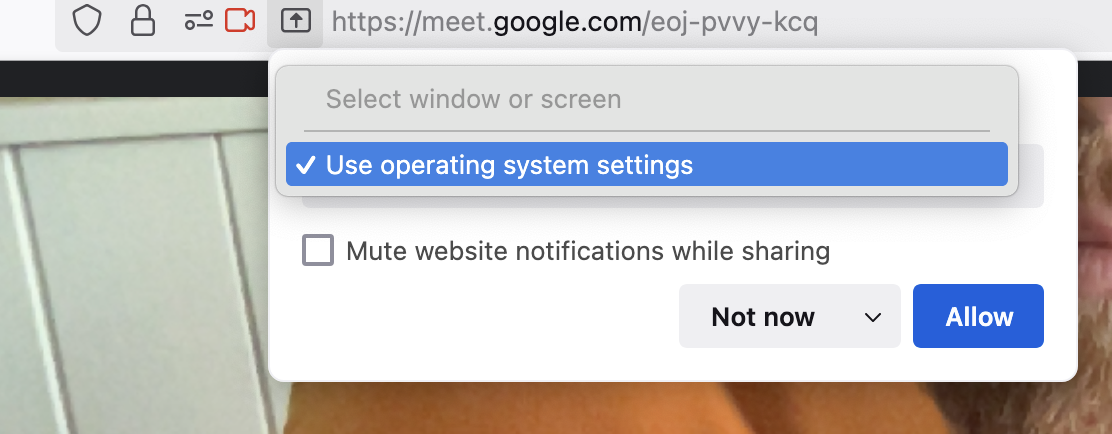
Hello, I checked the troubleshoot and gave all the necesarry permissions on my Mac for Google Meet to use my screen (allowed audio, video and screen recording). Nevertheless, I cannot manage to share my screen on Google Meet. As shown in the screenshot, it offers the option to share my whole screen (I cannot select a window or a tab...) but for my audience neither this is working. Could you please help me fix this? Many thanks in advance!
Приложенные скриншоты

Все ответы (3)

Mac is in the system settings like it says. Let get on my old 10.13.6 and see.

Изменено jonzn4SUSE

Hit Allow. What happens next?

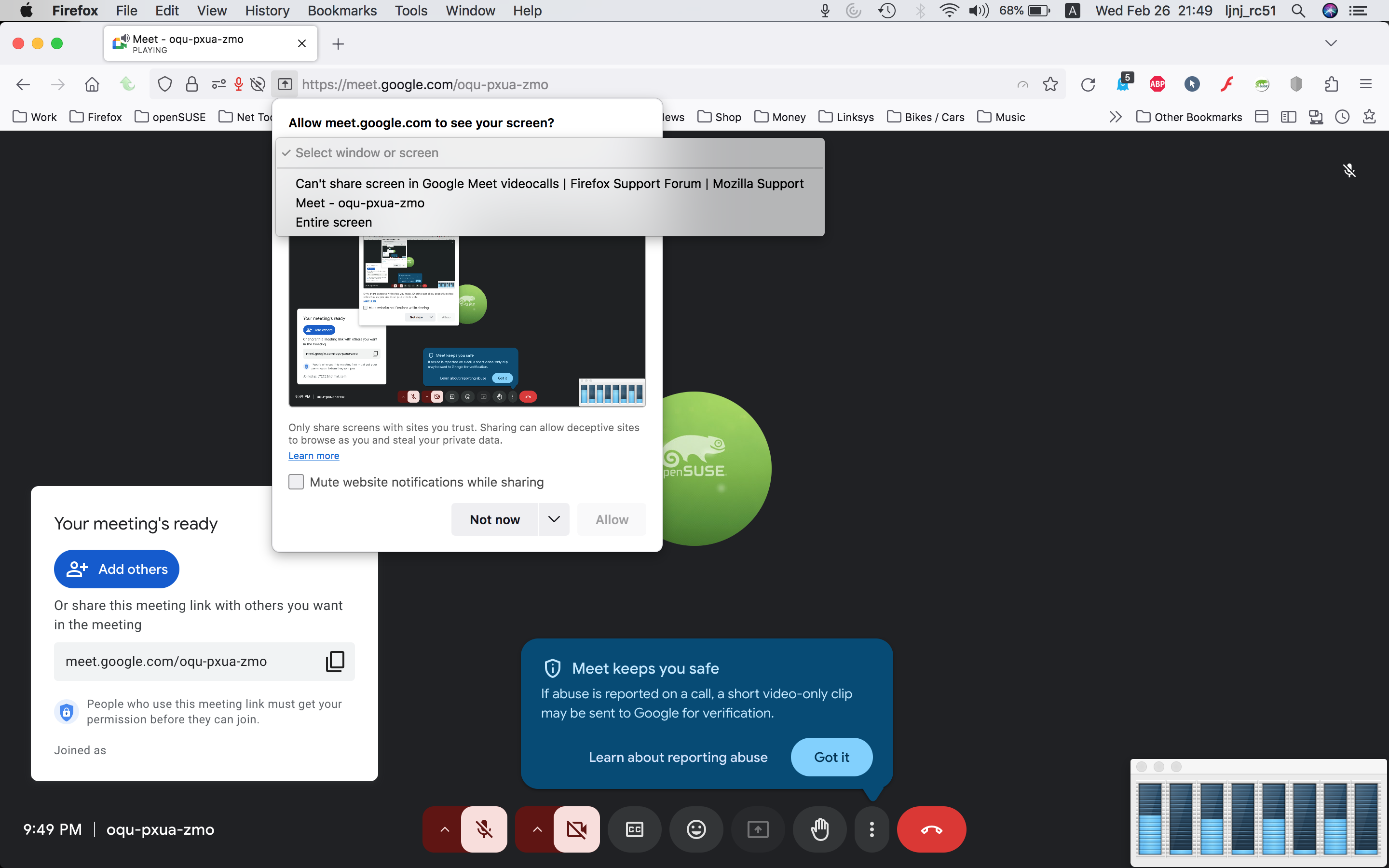
Here is what I see. see screenshot What OS? If I recall correctly, when you hit allow, it should take to the system settings to make changes. I'm on old mac os.
Изменено jonzn4SUSE