Join us to show up for other Firefox users 🦊. Earn fun badges and Mozilla swag vouchers! Find out more: https://mzl.la/askafox150

Windows 10 reached EOS (end of support) on October 14, 2025. If you are on Windows 10, see this article.

Поиск в поддержке

Избегайте мошенников, выдающих себя за службу поддержки. Мы никогда не попросим вас позвонить, отправить текстовое сообщение или поделиться личной информацией. Сообщайте о подозрительной активности, используя функцию «Пожаловаться».

Подробнее

Unable to sync devices due to no option in android app

  • 3 ответа
  • 4 имеют эту проблему
  • 215 просмотров
  • Последний ответ от SuMo Bot
  • Архивировано

I want to sync up my devices, both of which are logged in to my mozilla account. In the settings, there is an option to "Connect Another Device". This prompts me to scan a QR code within the firefox mobile app.

Unfortunately, the option to scan a QR code does not seem to exist in the current version of the app. In the sync settings, there is no way to open a QR code scanner. Opening it via the camera or icon in the URL bar on the app brings me to a page saying "you have to do this within the firefox app!".

The only solution I've found is to log out of my mobile app, then I unlock the option to scan a QR code to log me back in. I'm sure this is not intentional behaviour; I suppose this is more of a bug report than a support request but I wasn't sure where to post this.

I want to sync up my devices, both of which are logged in to my mozilla account. In the settings, there is an option to "Connect Another Device". This prompts me to scan a QR code within the firefox mobile app. Unfortunately, the option to scan a QR code does not seem to exist in the current version of the app. In the sync settings, there is no way to open a QR code scanner. Opening it via the camera or icon in the URL bar on the app brings me to a page saying "you have to do this within the firefox app!". The only solution I've found is to log out of my mobile app, then I unlock the option to scan a QR code to log me back in. I'm sure this is not intentional behaviour; I suppose this is more of a bug report than a support request but I wasn't sure where to post this.

Все ответы (3)

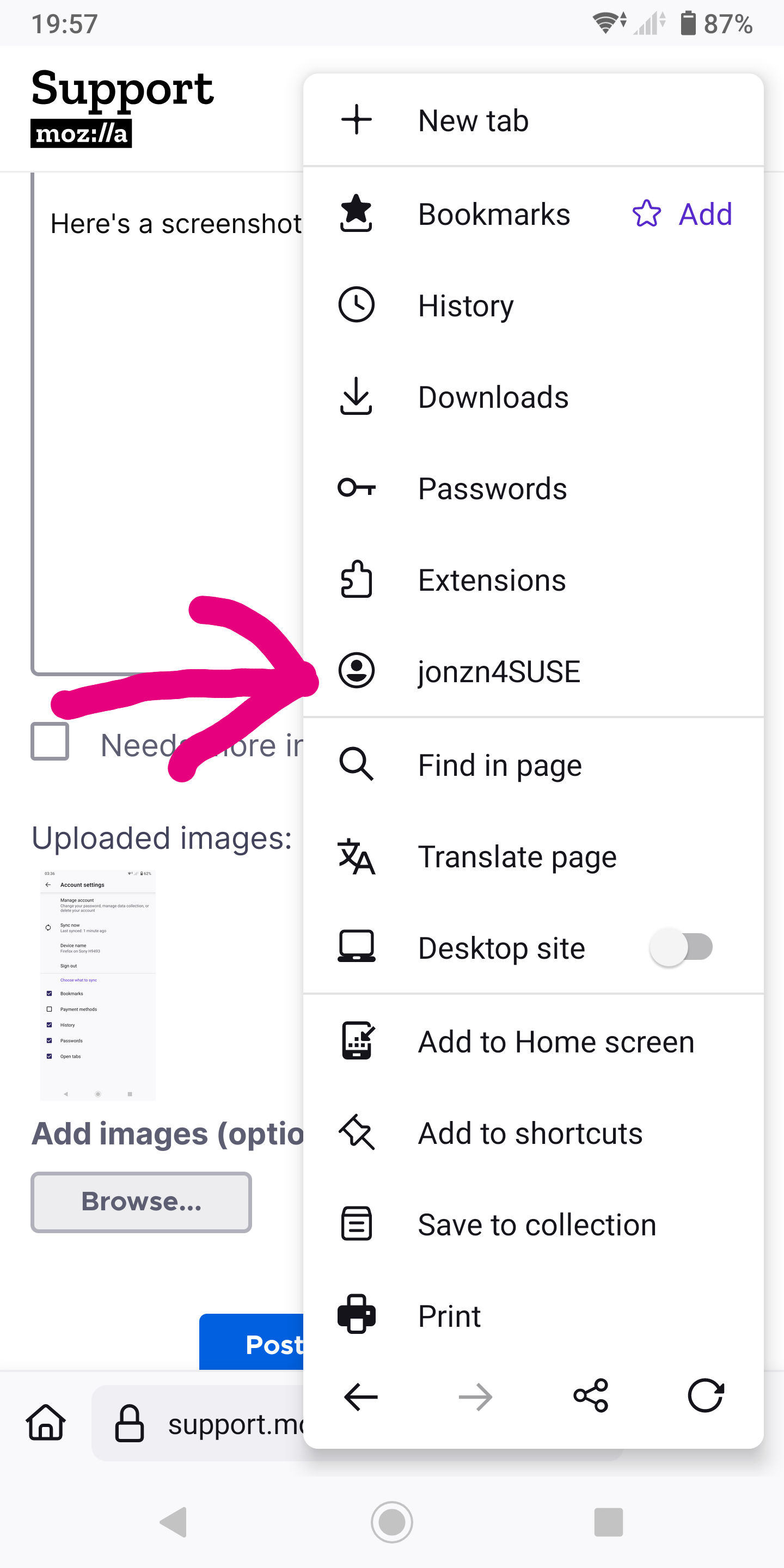
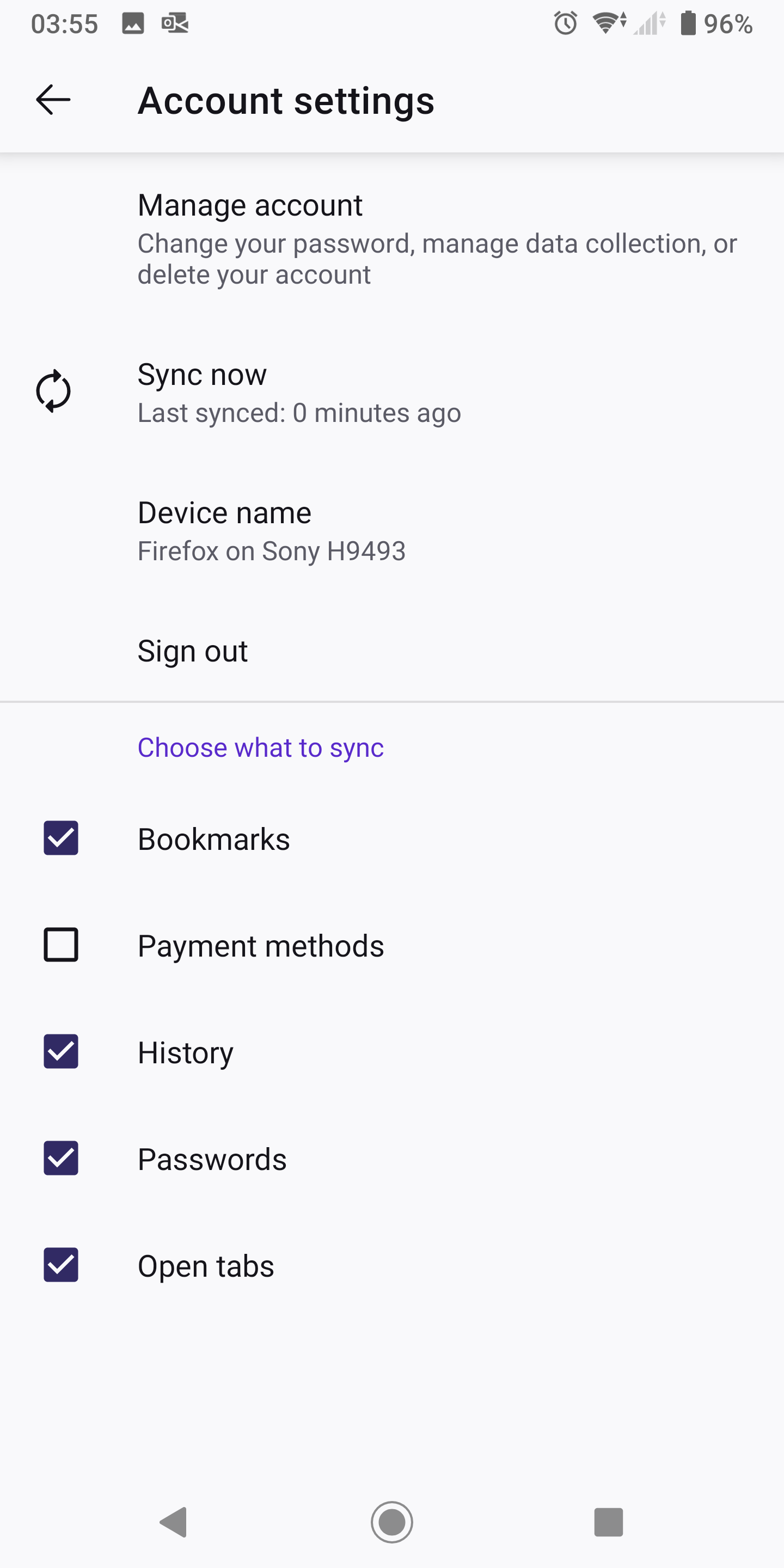
What do you see here? see screenshot Just sign into your account.

jonzn4SUSE said

What do you see here? see screenshot Just sign into your account.

That option doesn't appear when already logged in.

Right. If you're already logged in you should see your account name. see screenshot Post screenshots of what you're seeing.