


Green video playback after update

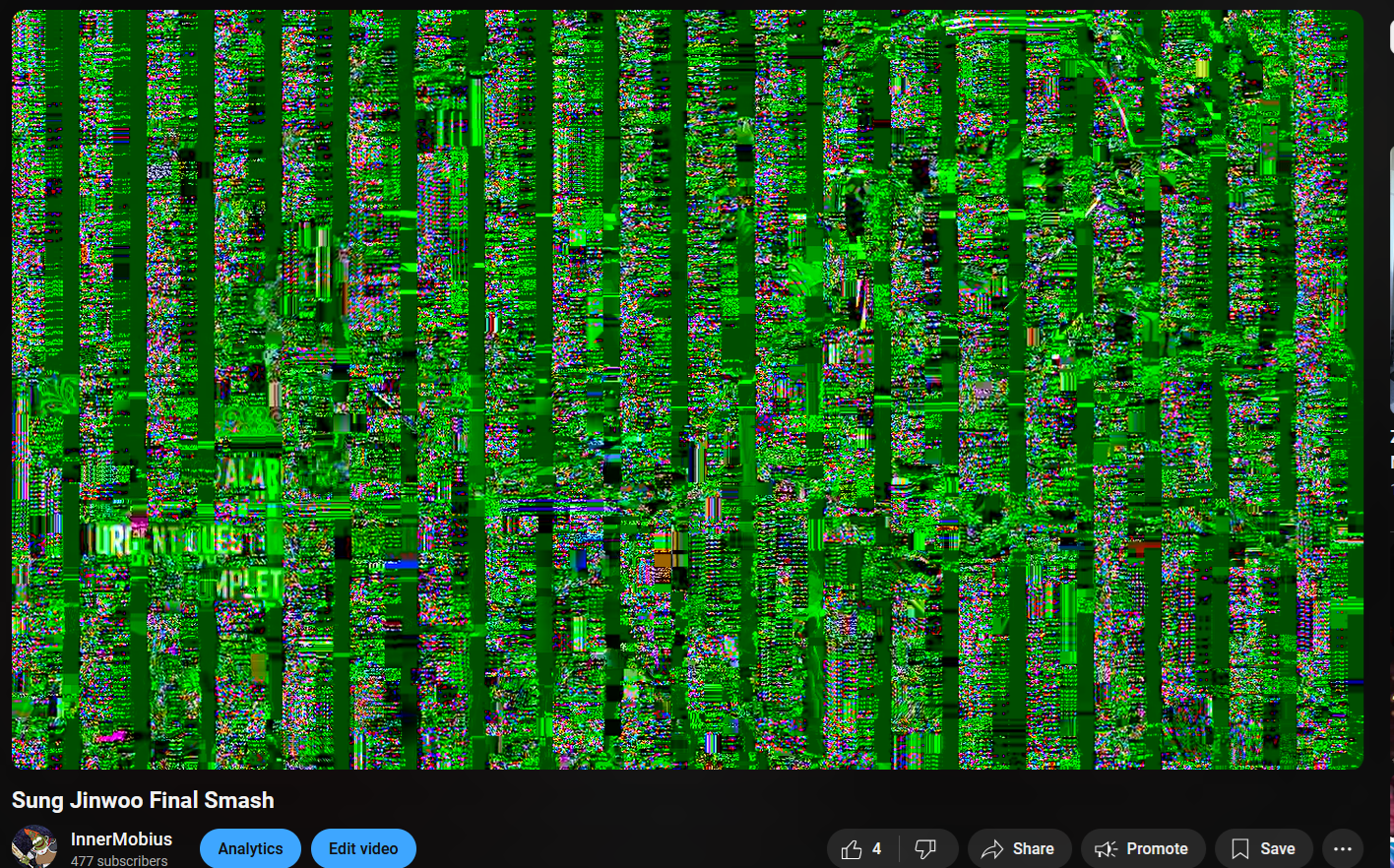
I did some googling first and it seems to be an on and off issue mozilla has had with years. Anyway, whenever I play a video (be it youtube, twitter, instagram, even gifs on twitter actually) the video will often mess up and become a chaotic jumbled garbled up mess of green with junk artifacts over the video. The audio will play fine. It's like watching a scrambled TV station from a 90s bootleg cablebox, but green.
This issue doesn't exist in any of my other browsers.
I'd love to continue supporting Firefox instead of Chrome, but this is a persistent issue across the entire internet, so it's kinda obvious I need to stop using Firefox until this is patched. Thanks.
Все ответы (11)
It looks like bug 1935489.
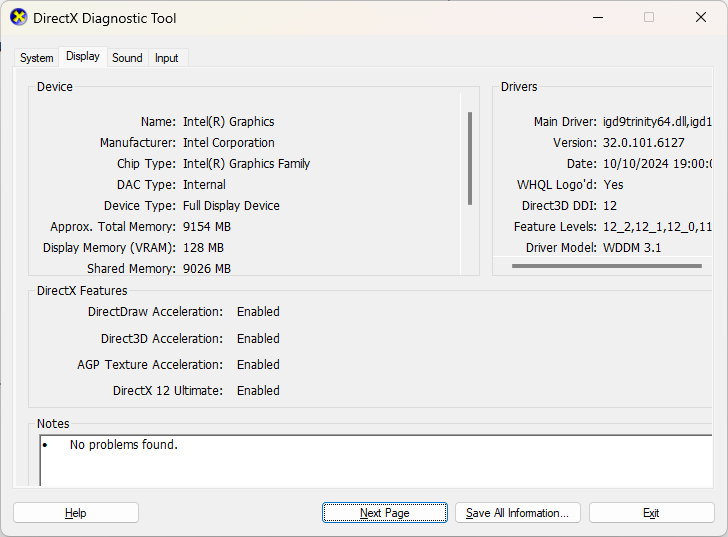
What's your GPU?

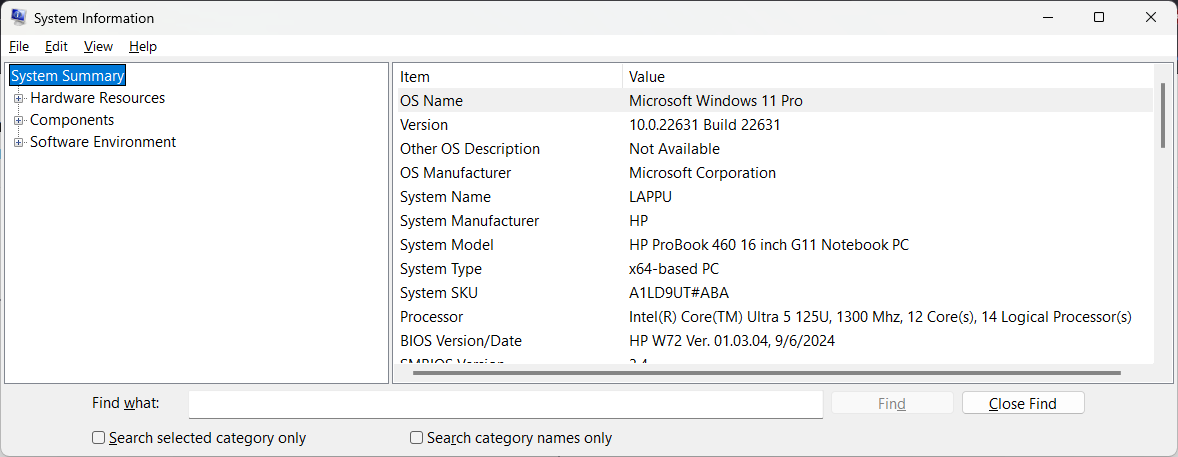
What OS? What version of Firefox? System info would also be helpful.
Изменено jonzn4SUSE
No issues for me. see screenshot https://www.youtube.com/watch?v=G4X4AeSKOwY
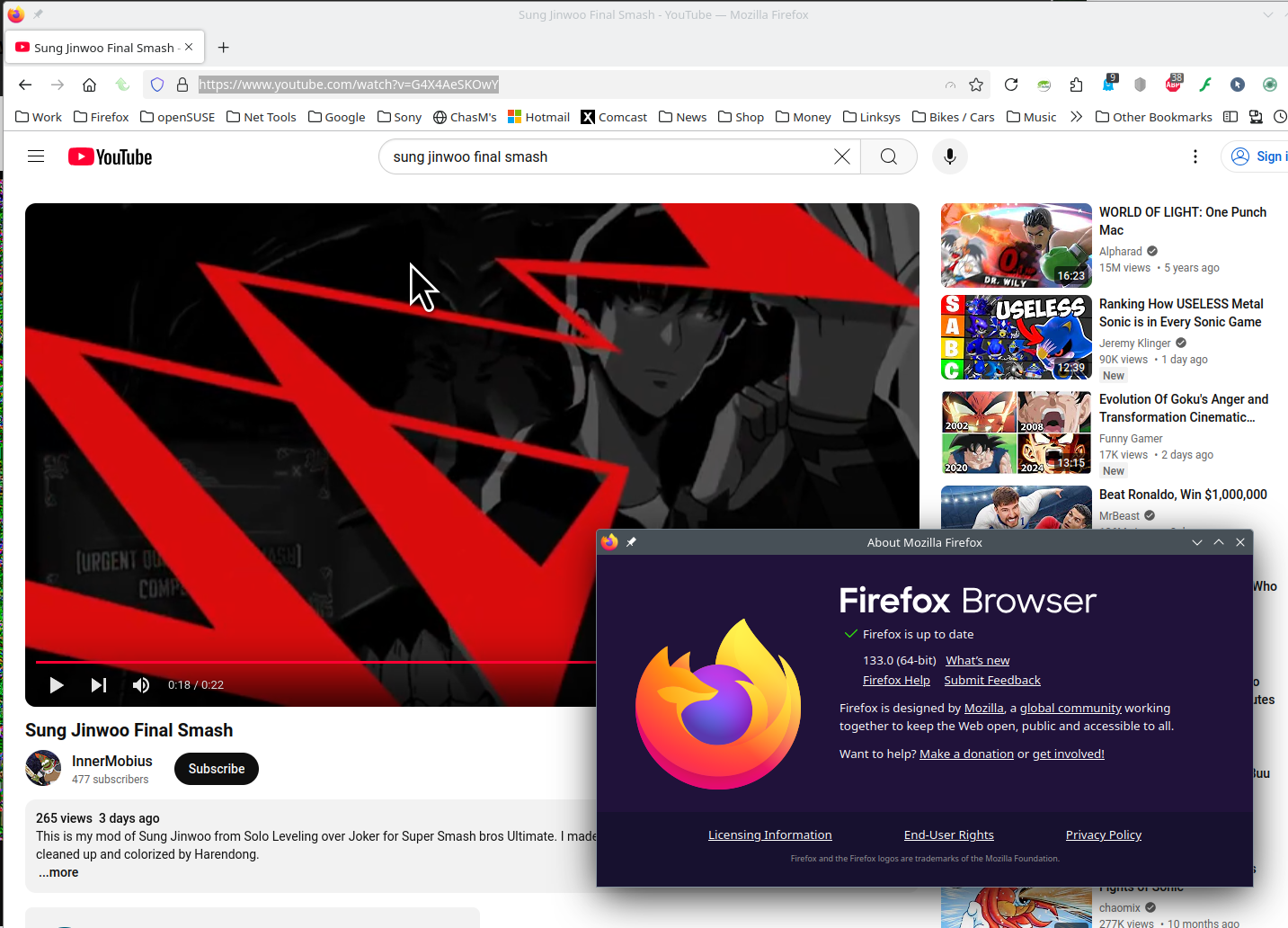
133.0 on windows 11
TyDraniu said
It looks like bug 1935489. What's your GPU?
jonzn4SUSE said
What OS? What version of Firefox? System info would also be helpful.
Sorry, didn't quote.
133.0 on windows 11
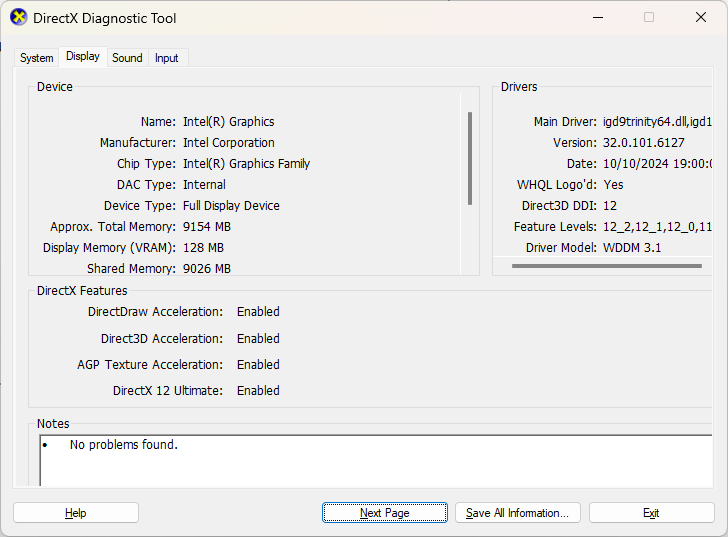
I recommend you run these tools to verify drivers are current? https://ftp.ext.hp.com/pub/caps-softpaq/cmit/HPIA.html https://www.intel.com/content/www/us/en/support/detect.html
Try to enter about:config in the address bar and flip the value of media.ffvpx-hw.enabled, then reload the tab.
TyDraniu said
Try to enter about:config in the address bar and flip the value of media.ffvpx-hw.enabled, then reload the tab.
While that seemed to work temporarily yesterday (without a lot of testing) it's back to not handling youtube and other videos well today. Everything works great on chrome, and I even do a lot of work in blender. My graphics drivers are up to date as well.
jonzn4SUSE said
I recommend you run these tools to verify drivers are current? https://ftp.ext.hp.com/pub/caps-softpaq/cmit/HPIA.html https://www.intel.com/content/www/us/en/support/detect.html
I used that and my graphics drivers are all up to date. This seems to be a firefox issue only as chrome works fine and I do a lot of work in Blender as well, no issues anywhere else
Try testing in Windows Sandbox (VM) to see if you have the same issue. https://www.howtogeek.com/399290/how-to-use-windows-10s-new-sandbox-to-safely-test-apps/