


Can't use hosts file with Firefox

I recently added an entry to my hosts file but Firefox seems to ignore it. I'm using v. 128.5.1esr, fully updated. I've tried a lot of the advice online and none of it seems to work. Here's what I've tried:
disabled "Enable DNS over HTTPS Cleared the DNS Cache changed "Use system proxy settings" to "No proxy". tried troubleshooting mode set network.trr.exclude-etc-hosts to true changed browser.fixup.dns_first_for_single_words to true changed network.dns.offline-local to false restarted FF, rebooted computer
It doesn't work in Chrome either, which makes me wonder if it's a Windows 10 issue. Any suggestions?
Все ответы (7)

That isn't part of Firefox so you need to check where you got the hosts file and see what suppose to happen if you change it.
I'm doing an example from a CompTIA prep book. The only line in the hosts file is this:
34.200.194.131 timmy
It's supposed to open 34.200.194.131 when I type "timmy" into the address bar
It works for me. see screenshot
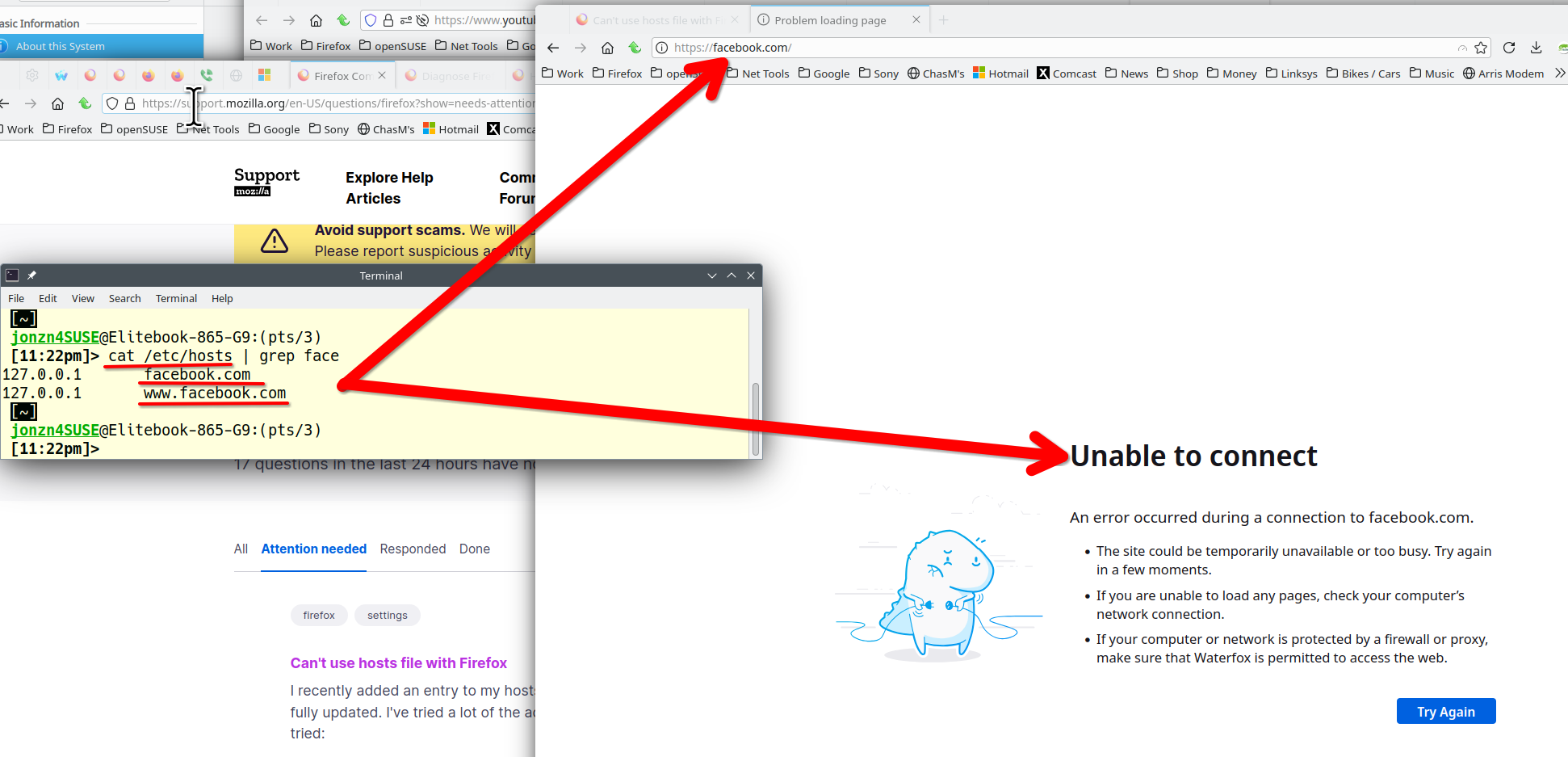
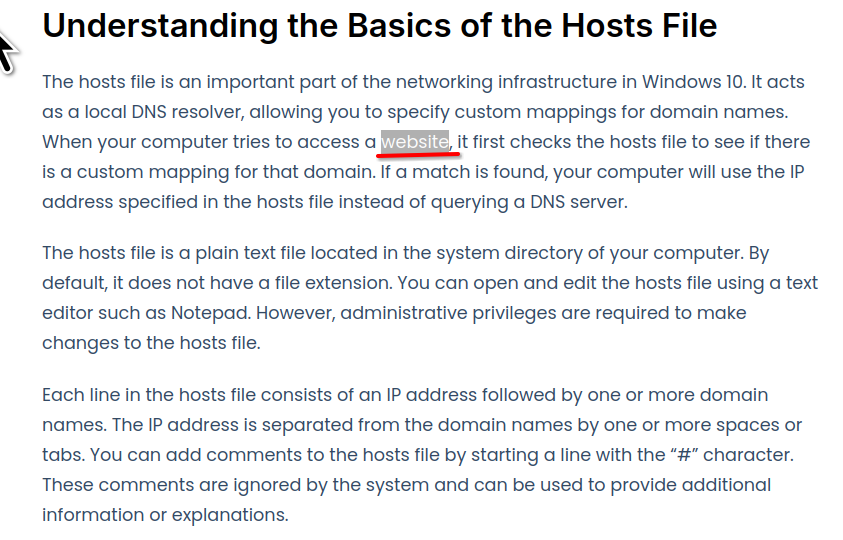
Sounds like you're trying to create an alias for 34.200.194.131. https://convesio.com/knowledgebase/article/a-step-by-step-guide-to-editing-the-hosts-file-in-windows-10/
Изменено jonzn4SUSE
Your facebook example worked, and "127.0.0.1 test" worked, but not the one from the book.
Изменено ThunderbirdUser23987
Изменено jonzn4SUSE
This is not a browser issue so I'm done. Jones out... I recommend you ask the author of the book about their issue. Just because it's in a book doesn't mean it's always right(wink wink). Do your own research to verify how to use the host file.
Изменено jonzn4SUSE