


Missing navigation/toolbar in Firefox Android.

Hi, my firefox appears to be missing its navigation/toolbar. I only have a single bottom bar for the address bar, home, tab and the three dots. I would like to have the back, forward button, bookmarks to be pinned on the toolbar area. I try to use the Secret Setting but it does not have the option to enable toolbar. I have included two screenshots, the orange circle depicting my current situation. I would like to have something similar to the toolbar (Samsung Internet Browser) in the other screenshot with teal circle.



Выбранное решение
So there's no issue here. Just the navigation is not where you want it. You should head over here. ---> connect.mozilla.org
Все ответы (4)
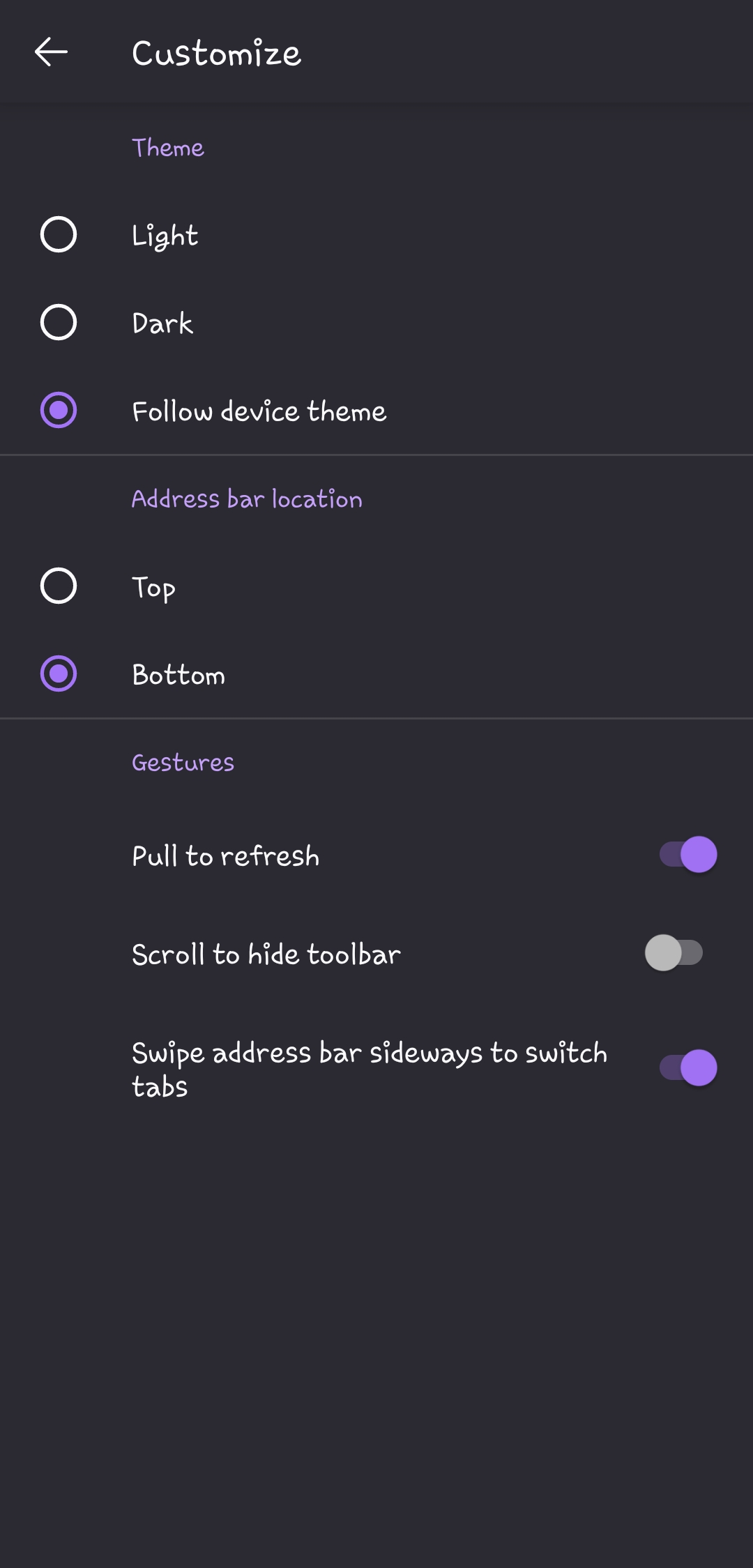
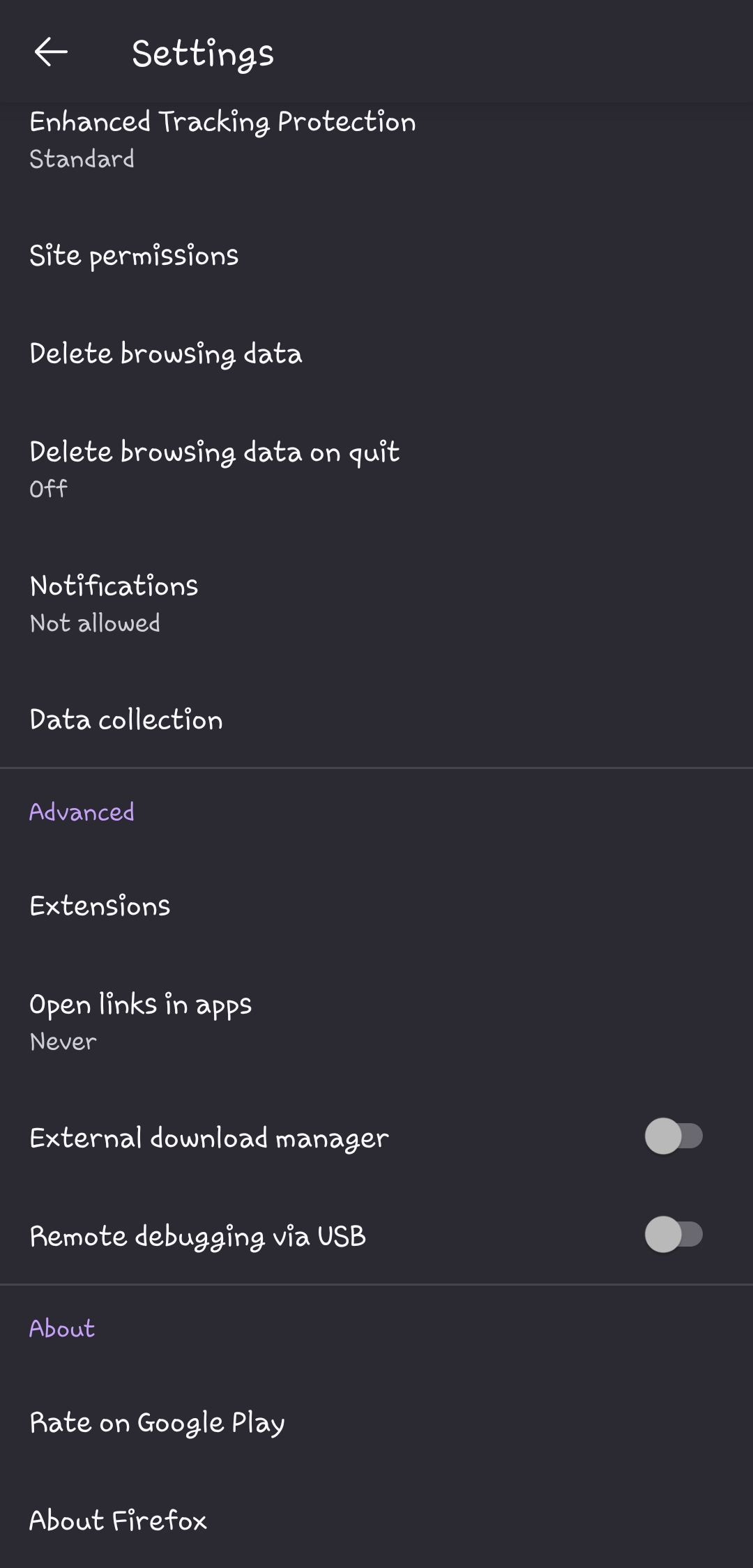
Hi, thank you for answering. 1. My firefox app appears to be the latest version on the Google Play Store. 2 & 3. It appears I am lacking the options you mentioned in the solutions. I will add screenshots on the 'Customize' and 'Advanced' section. There does not seem to be any options to toggle the toolbar or simplified view.
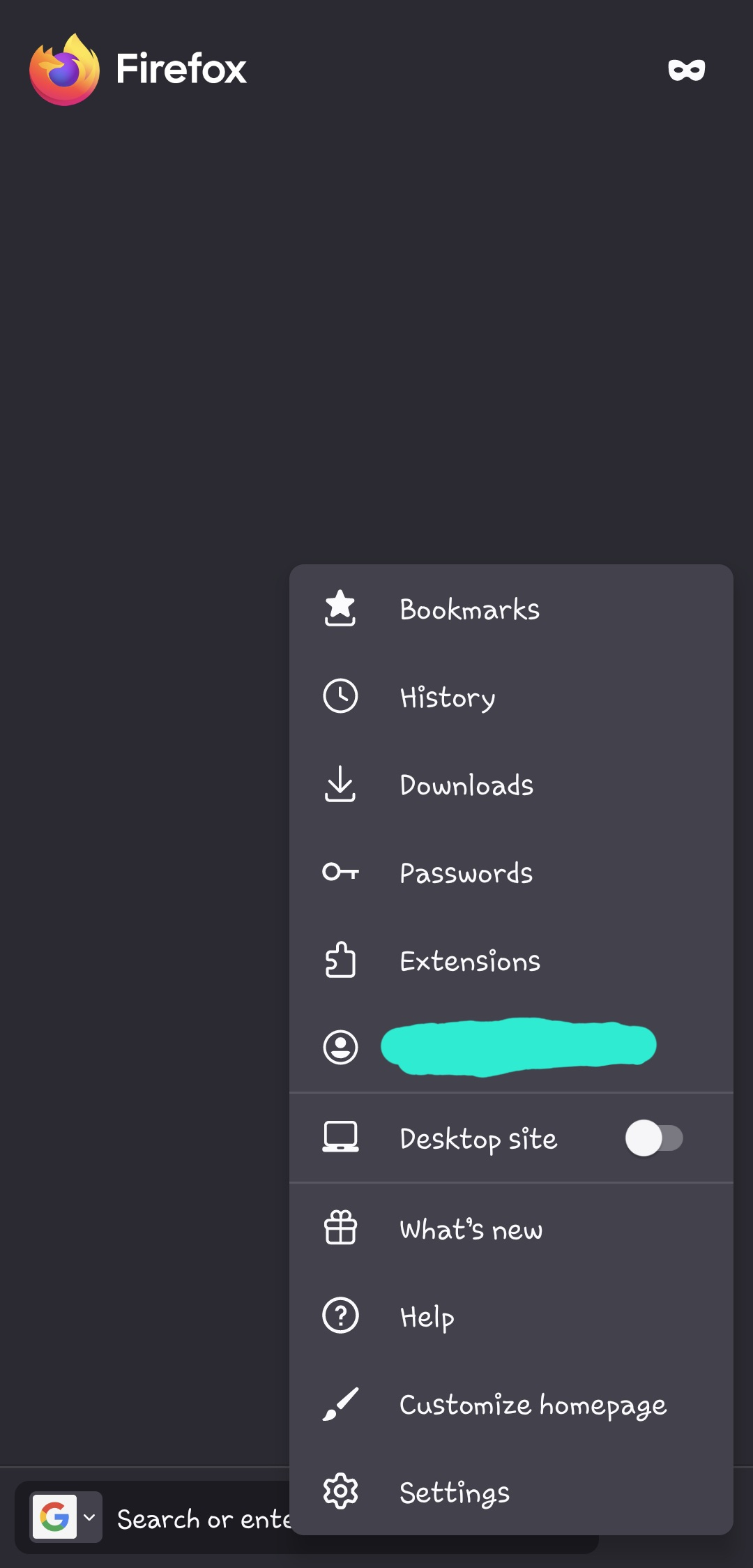
Can you post a screenshot of what you get when you click on the menu option. It should look like this. see screenshot
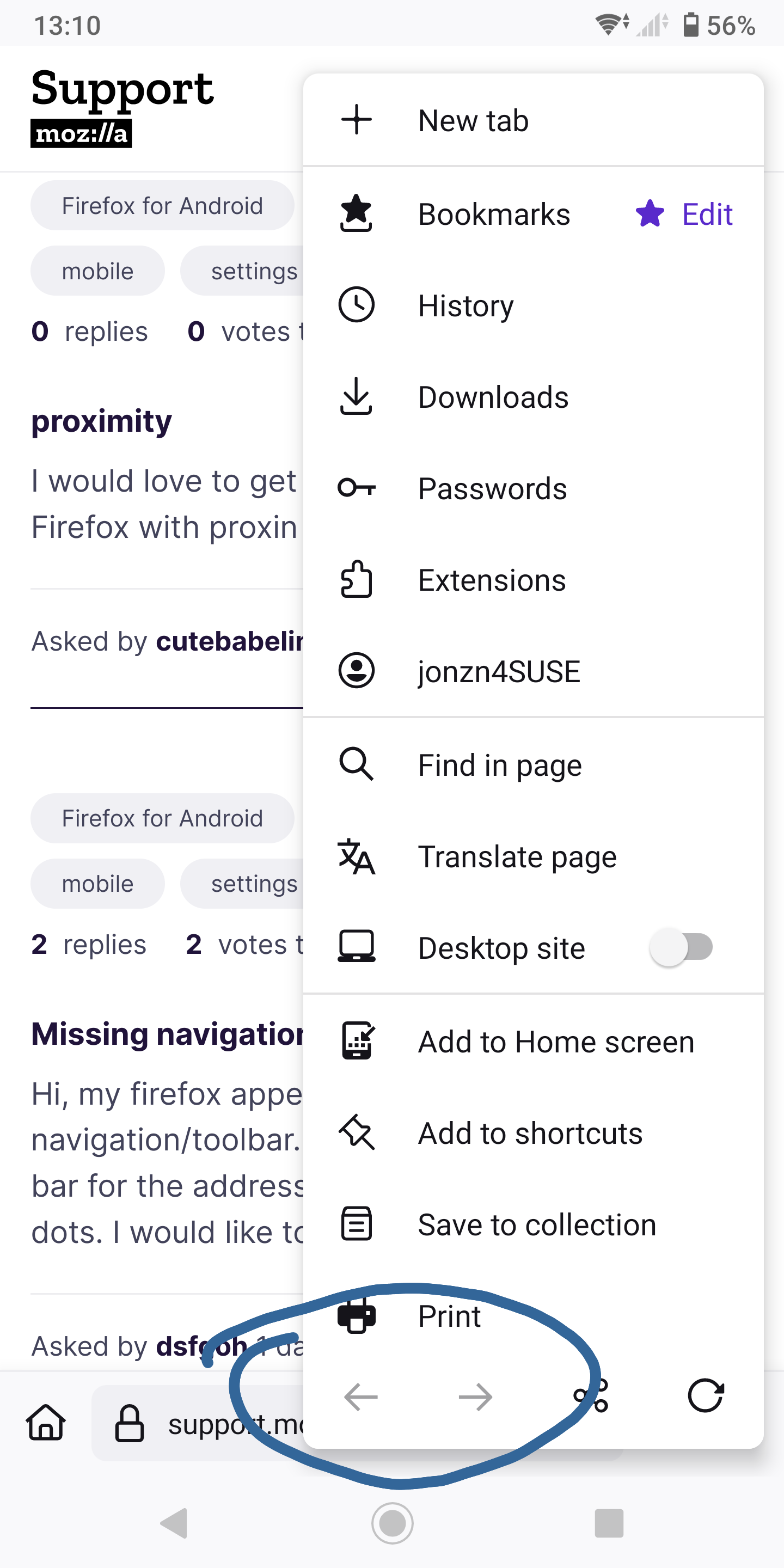
Hi, I do have the options showed on your screenshot. However, I was hoping to find a way to access it without having to press another button, and pinned it under the address bar. As a website I usually use have to press backward and forwards.
Выбранное решение
So there's no issue here. Just the navigation is not where you want it. You should head over here. ---> connect.mozilla.org