


Move from ESR to Release Channel

I recently bought a new computer and transferred all the data from my old computer to this new one. My old computer was running ESR, which was transferred to my new computer.
Without downloading a fresh install of Firefox and having to lose everything, is there a way to simply move over to the release channel of firefox? I tried syncing it up with my account but I still lost my history. Fortunately, I still have the ESR version of Firefox on my computer.
I tried to import but Firefox ESR wasn't an option.
Все ответы (9)
The only way to switch the update channel is installing the full version of this release.
Firefox should be able to pickup a 115 ESR profile and upgrade/use this profile.
What about history? I had to reset my password, which caused me to lose all my history. But it's still on the Firefox ESR version on my computer.
Well this is very interesting, somehow my ESR version of Firefox became the Release version soon after I downloaded 129. My history, uBO #, tabs, and new tab shortcuts and everything is as it was in ESR, but when I go to Firefox > About it now says 129.0, instead of the usual ESR.
I don't know what I did, or how it happened. The only thing I can think is maybe MacOS merged the two versions I had?
Изменено zachcb
zachcb said
Well this is very interesting, somehow my ESR version of Firefox became the Release version soon after I downloaded 129. My history, uBO block #, tabs and windows, and new tab shortcuts and everything is as it was in ESR, but when I go to Firefox > About it now says 129.0, instead of the usual ESR. I don't know what I did, or how it happened. The only thing I can think is maybe MacOS merged the two versions I had?
zachcb said
My history, uBO #, tabs, and new tab shortcuts and everything is as it was in ESR,
Your settings are in a Profile outside of the Firefox folder.
https://support.mozilla.org/en-US/kb/profiles-where-firefox-stores-user-data https://support.mozilla.org/en-US/kb/how-download-and-install-firefox-mac
What likely happened was you copied over the Firefox folder from the old macOS system and continued to use the Firefox 115 ESR, I'm guessing the old Mac was using macOS 1012, 10.13, or 10.14 as Fx 116.0 and later requires macOS 10.15 (ten.fifteen) or later to run. https://support.mozilla.org/en-US/kb/firefox-users-macos-1012-1013-1014-moving-to-extended-support
On the new Mac you would have got an update from Fx 115 ESR to Fx 128 ESR once the Fx old 115 ESR was made EOL with no more updates,
Изменено James
James said
zachcb said
My history, uBO #, tabs, and new tab shortcuts and everything is as it was in ESR,Your settings are in a Profile outside of the Firefox folder.
https://support.mozilla.org/en-US/kb/profiles-where-firefox-stores-user-data https://support.mozilla.org/en-US/kb/how-download-and-install-firefox-mac
What likely happened was you copied over the Firefox folder from the old macOS system and continued to use the Firefox 115 ESR, I'm guessing the old Mac was using macOS 1012, 10.13, or 10.14 as Fx 116.0 and later requires macOS 10.15 (ten.fifteen) or later to run. https://support.mozilla.org/en-US/kb/firefox-users-macos-1012-1013-1014-moving-to-extended-support
On the new Mac you would have got an update from Fx 115 ESR to Fx 128 ESR once the Fx old 115 ESR was made EOL with no more updates,
Gotcha, yes my older Mac was running 10.13.
So when I downloaded a fresh install of Firefox and signed in, it pulled from the Firefox profile that was already stored on my Mac from the other ESR version on the Mac?
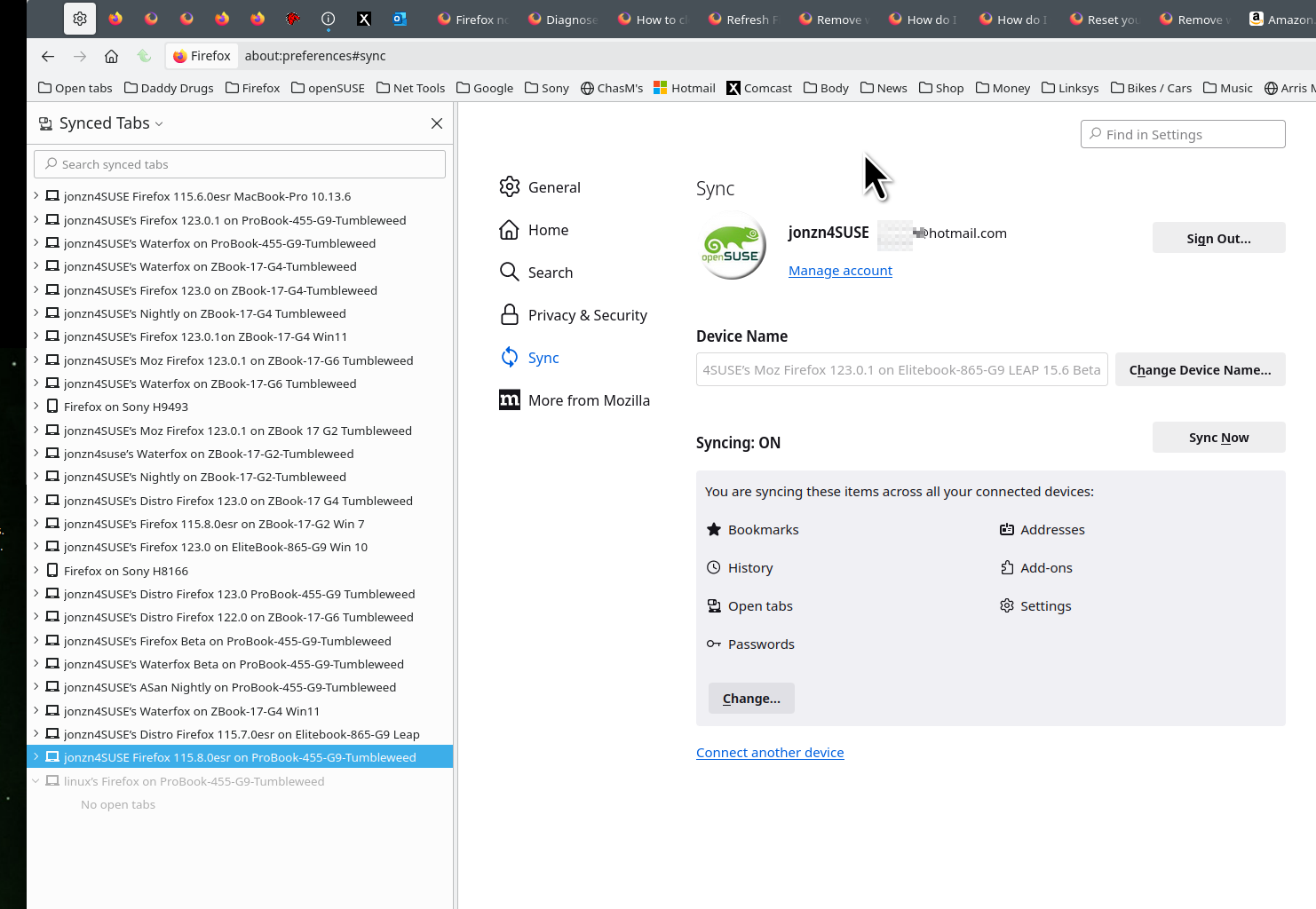
I also suggest you have your data on more than 1 device in case something goes BOOM or you mess up. ;-))
jonzn4SUSE said
I also suggest you have your data on more than 1 device in case something goes BOOM or you mess up. ;-))
I have a backup on my Mac, also have another Mac running Firefox and it's synced up.