



Все ответы (1)

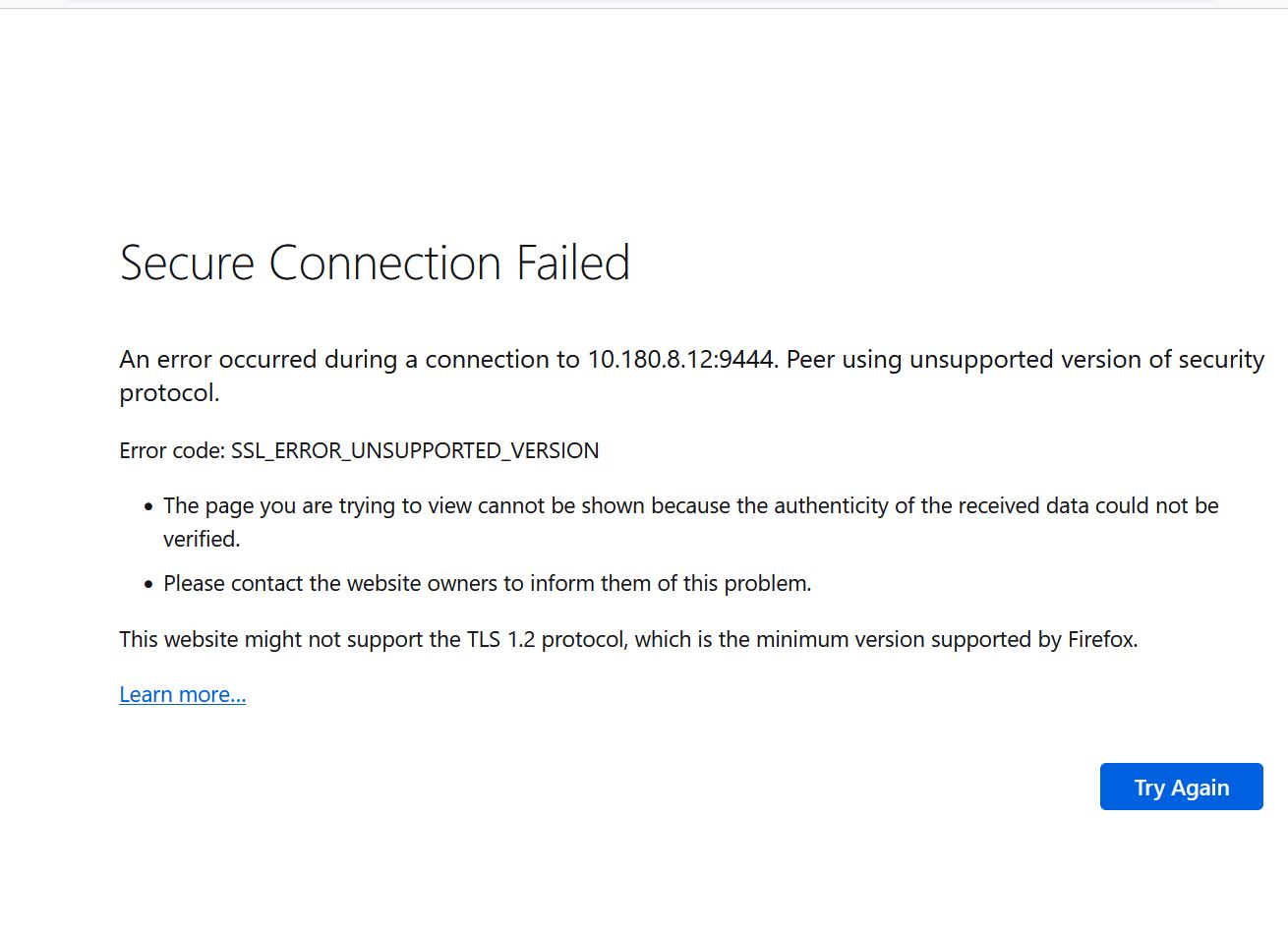
Well i kinda know the problem:TLS version unsupported
Some websites try using outdated (no longer secure) Transport Layer Security (TLS) mechanisms in an attempt to secure your connection. Firefox protects you by preventing navigation to such sites if there is a problem in securely establishing a connection. Contact the owners of the website and ask them to update their TLS version to a version that is still current and secure.
The minimum TLS version allowed by default is TLS 1.2. Websites that don't support TLS version 1.2 or higher will display a Secure Connection Failed error page with a SSL_ERROR_UNSUPPORTED_VERSION error code and a message that says: This website might not support the TLS 1.2 protocol, which is the minimum version supported by Firefox. For more information, see this Mozilla blog post:https://hacks.mozilla.org/2020/02/its-the-boot-for-tls-1-0-and-tls-1-1/ This CAN vary for person to person, If the issue persists go here:https://support.mozilla.org/en-US/kb/secure-connection-failed-firefox-did-not-connect I hope this Helps! -Savanna
Изменено Savanna Salem