Windows 10 reached EOS (end of support) on October 14, 2025. For more information, see this article.

Поиск в поддержке

Избегайте мошенников, выдающих себя за службу поддержки. Мы никогда не попросим вас позвонить, отправить текстовое сообщение или поделиться личной информацией. Сообщайте о подозрительной активности, используя функцию «Пожаловаться».

Подробнее

Enable JavaScript

  • 4 ответа
  • 1 имеет эту проблему
  • 58 просмотров
  • Последний ответ от darmidal

дополнительные действия

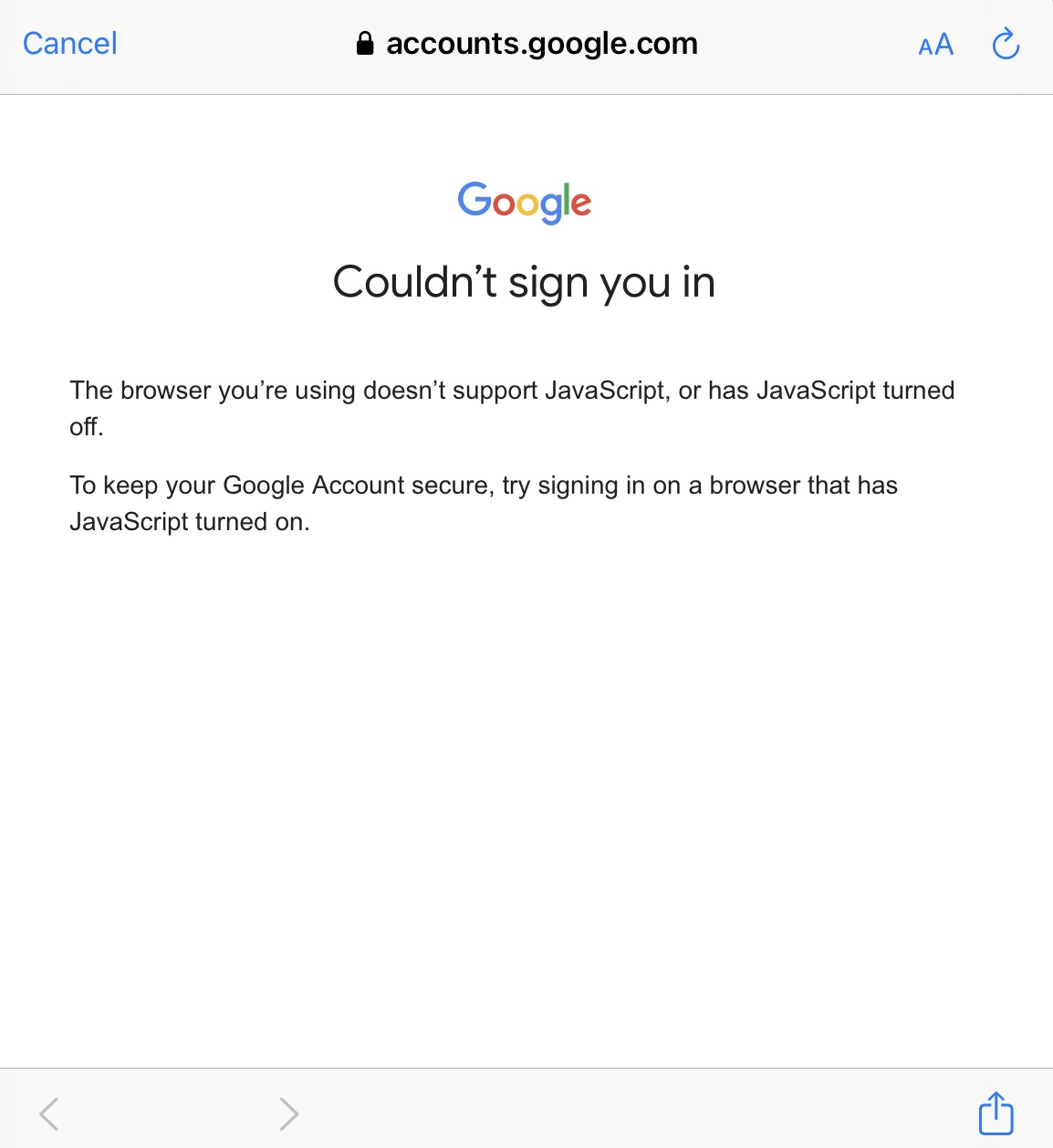
I'm trying to add a new Google Gmail account I just recently created to my iOS 17 iPhone 13Pro Gmail app and it's telling me I need to use a browser that has JavaScript enabled. I'm using Firefox as my default browser. How do I enable JavaScript so that Google will let me add my new email account?

Thanks for your help! Seems many have this problem and no answered in the support data base.

Bill

I'm trying to add a new Google Gmail account I just recently created to my iOS 17 iPhone 13Pro Gmail app and it's telling me I need to use a browser that has JavaScript enabled. I'm using Firefox as my default browser. How do I enable JavaScript so that Google will let me add my new email account? Thanks for your help! Seems many have this problem and no answered in the support data base. Bill

Все ответы (4)

дополнительные действия

Now my Xfinity app is saying the same thing and I can't seem to get anyone to answer. HELP‼️🙏

дополнительные действия

Hi Bill

What level of enhanced tracking protection do you have set in Firefox for iOS?

дополнительные действия

Standard, NOT strict....

Thanks for trying to help me Paul!🙏

Bill

дополнительные действия

I get this error message on my iPad for both gmail and YouTube. I use Firefox as the default browser on my Mac, Windows pc, iPhone and iPad. It works on all but the iPad and is very frustrating. On the iPad tracking is set to Standard. Apple support does not have an answer for this. Can you help?