

Эта тема была архивирована.
Если вам нужна помощь, задайте новый вопрос.

Решён
Архивировано
Download icon in toolbar pops open when I download a file
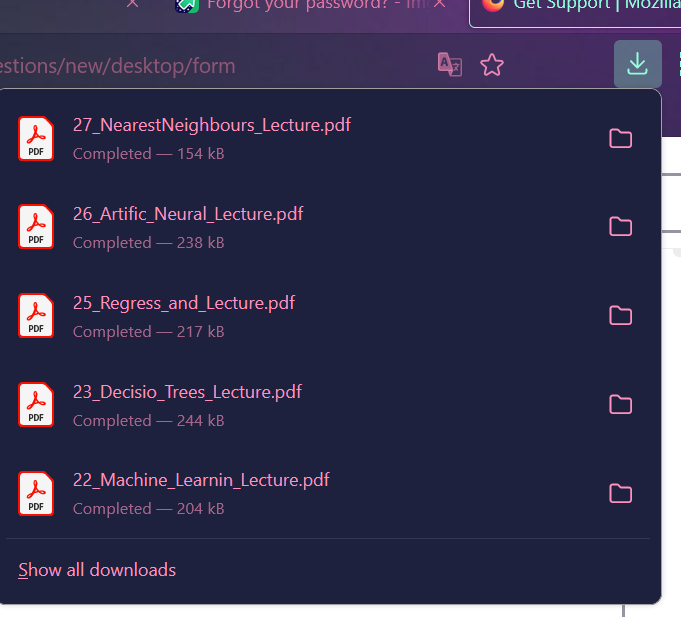
It used to be that when I downloaded something, the icon would light up and I could click it to open if I wanted to, but now it pops open whenever I download something. This is very annoying as I often don't want to immediately open the folder that I downloaded to. How do I change this back to not opening automatically?
It used to be that when I downloaded something, the icon would light up and I could click it to open if I wanted to, but now it pops open whenever I download something. This is very annoying as I often don't want to immediately open the folder that I downloaded to. How do I change this back to not opening automatically?
Все ответы (2)

Выбранное решение
To stop that happening change the following preference in about:config to false. browser.download.alwaysOpenPanel
https://support.mozilla.org/en-US/kb/about-config-editor-firefox
Thank you!!