Inserting inline images not displaying

When I insert an inline image to a Thunderbird email message it only displays a white box. I can only attach images. How can I display an image inline in the text of the message?
Все ответы (5)
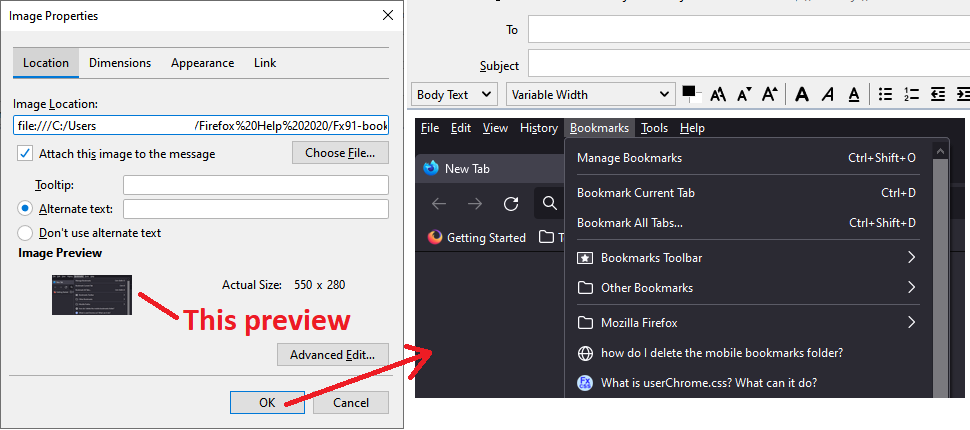
Do you do it this way:
menu bar > Insert > Image...
Note: On Windows, you may need to enable the menu bar: right-click the main compose toolbar, then click Menu bar. Not sure whether that is needed on Mac.
In the dialog, after you select a local image or paste a URL, a preview of the image should appear toward the bottom so you know right away whether it was loaded.
Thanks jscher2000. Yes, that is the way I'm inserting the image. However, it only displays a white box and no image.
Does the image appear correct in the preview in the Insert Image dialog, or can you already see the problem there?
Is it a locally stored file, or a URL, or same problem with both?
Yes, I can see the image when selecting it. It is an image that is in my photos program on mac. I haven't tried any url's to images.
And does the image show in the preview area? But then in the message body it's just a box?