


How do I revert to the previous color scheme with BLACK letters on WHITE background?

After the last update, the color scheme changed to white letters on a black background, which I don't like at all. How to go back to the previous scheme?
Все ответы (5)
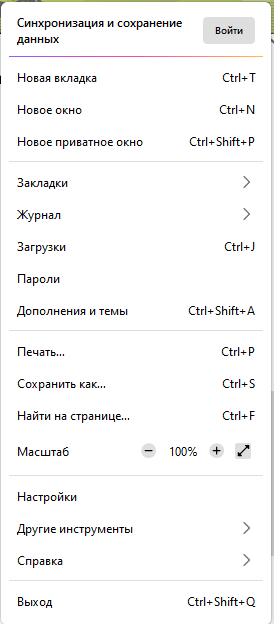
Please go to menu ≡ -> Addons & Themes -> Themes and select System or Light theme.
I used Green Japan for a long time and i like it. Is there an option to change the color scheme without changing the theme?
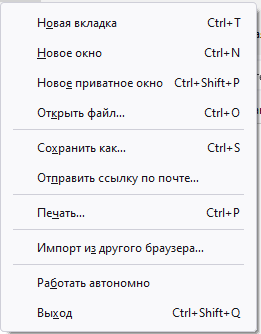
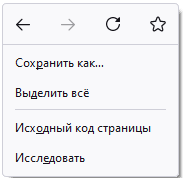
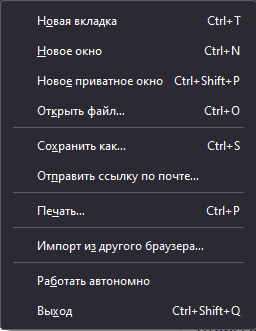
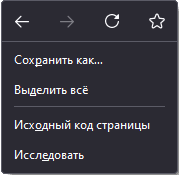
When I use light theme all of the objects on menu panel and "right click menu" have "light" design with black letters on white background (first 2 screenshots). This is what I want to have. But when I use Green Japan (not only, even some themes which looks like "light" have dark design) I have this type of design which i dont want to have (the next 2 screenshots). Is it possible to change between light and dark designs without changing theme? P.S. Some menus still have "light" design even with "black" theme (last screenshot). P.P.S. Sorry for my English.
Do you have the ui.systemUsesDarkTheme preference in about:config?
I do not have this particular setting.