


Increase size of panel letters in Mac ||Where is the Config. Editor in Thunderbird 68.6.0 (64-bit)
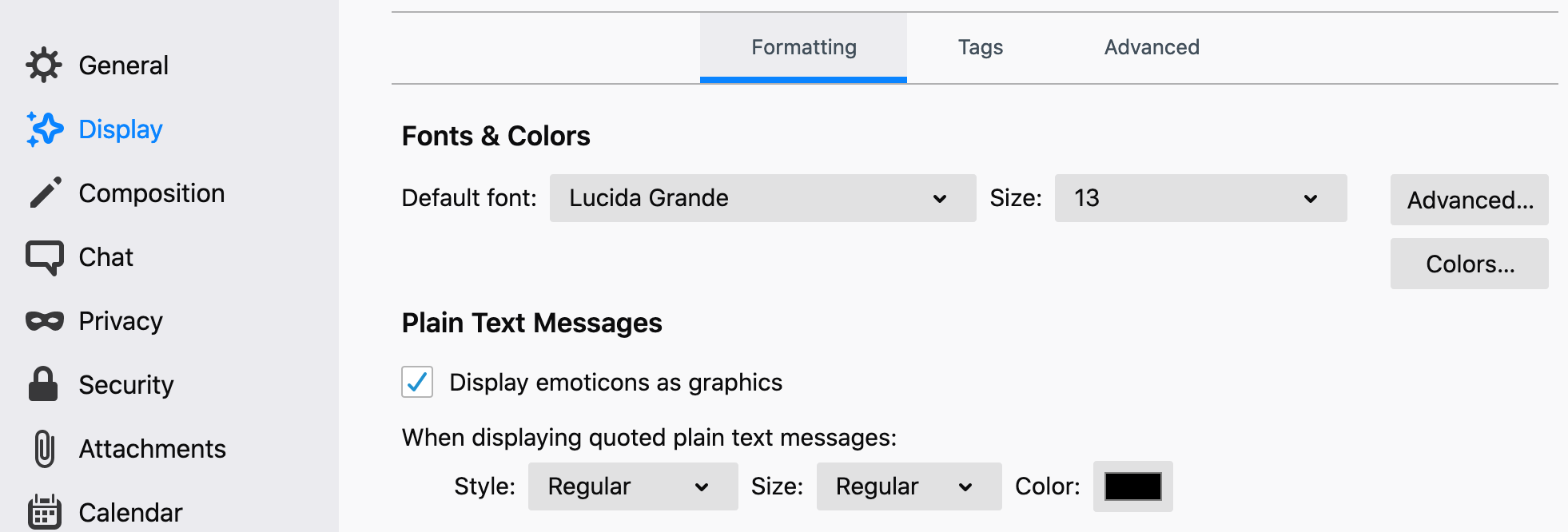
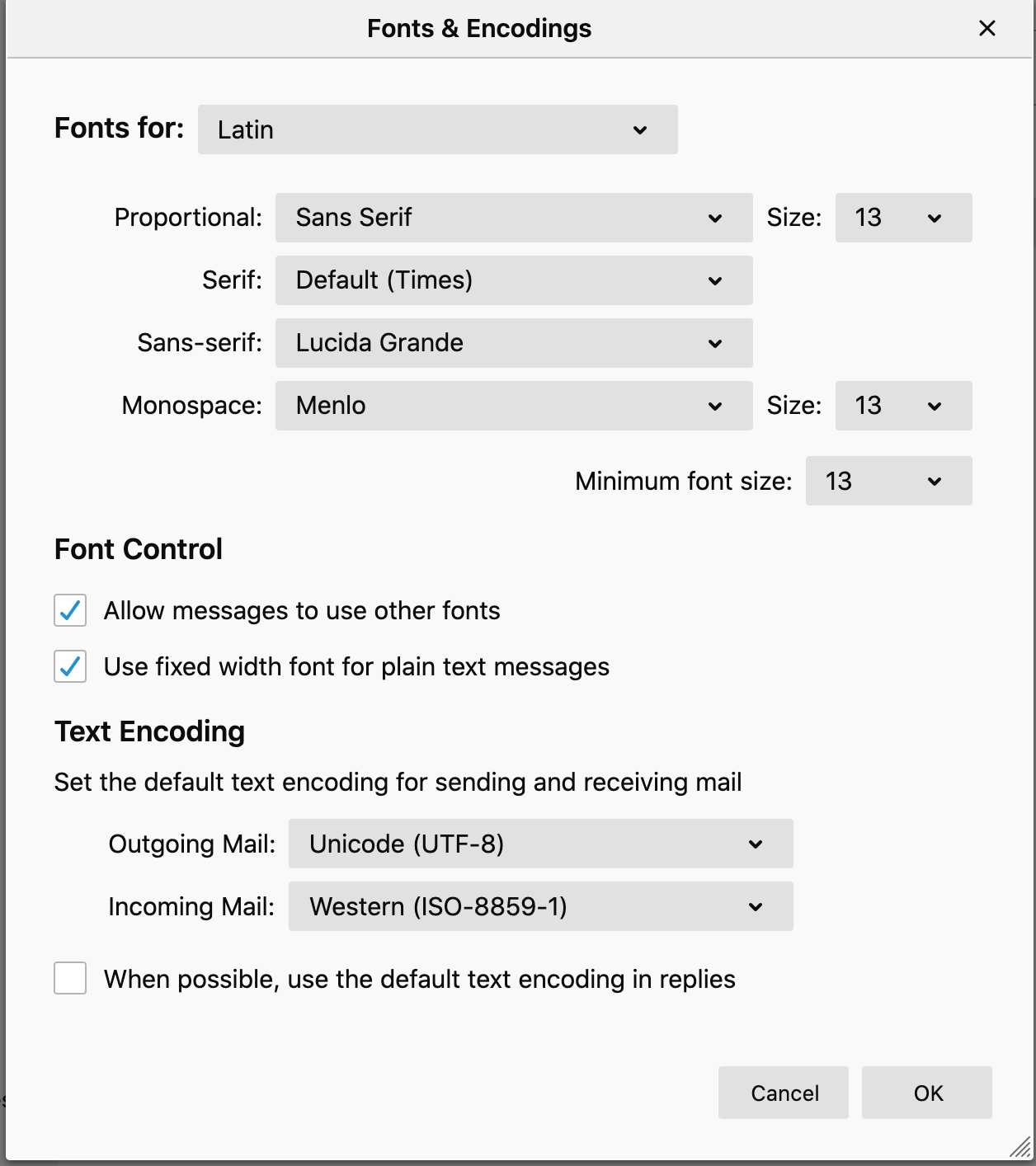
Hi there! I know the question has been answer for older versions, like https://support.mozilla.org/en-US/questions/1269361#answer-1256755 The provided answer stated that "On a Mac, Preferences/Advanced/General/Config. editor, or click the 3-bar icon at upper right, Options/Options/Advanced/General/Config. editor". Well, the path is different. I can not find the Config. Editor. When I go to "Preferences", there is no "Advanced" on "General". "Advanced" is located on "Display", but there I can not see the "Config. editor" button. is there a chance you guys could describe the new path for Thunderbird 68.6.0 (64-bit)? I have uploaded some pictures to clarify that the path is different. Many thanks in advanced for your answer. When I follow the instructions I can not find the same commands. I would like
https://support.mozilla.org/en-US/questions/1269361#answer-1256755
Выбранное решение
sfhowes said
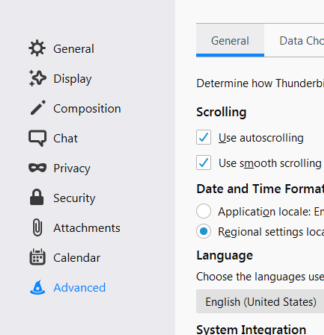
Your first picture is missing the Advanced option below the Calendar option (see picture). No idea why. Does the full set of options appear in safe mode? Hold Option when you launch TB. Does the full set appear if you click the 3-bar icon, Options/Options?
Yes, it did show up!
SOLVED: In order to find "config editor" button in TB 68, you just need to go to Preferences - Advanced - Config Editor.
Все ответы (5)

Sorry, not a Mac user so I can't check for you - but did you try both the Advanced TAB and the Advanced button shown in your first image? Will try to call in a Mac person.
Your first picture is missing the Advanced option below the Calendar option (see picture). No idea why. Does the full set of options appear in safe mode? Hold Option when you launch TB. Does the full set appear if you click the 3-bar icon, Options/Options?
AgnesRM said
Sorry, not a Mac user so I can't check for you - but did you try both the Advanced TAB and the Advanced button shown in your first image? Will try to call in a Mac person.
Many thanks, Agnes, for your asnwer.
AgnesRM said
Sorry, not a Mac user so I can't check for you - but did you try both the Advanced TAB and the Advanced button shown in your first image? Will try to call in a Mac person.
Many thanks, Agnes, for your asnwer.
Выбранное решение
sfhowes said
Your first picture is missing the Advanced option below the Calendar option (see picture). No idea why. Does the full set of options appear in safe mode? Hold Option when you launch TB. Does the full set appear if you click the 3-bar icon, Options/Options?
Yes, it did show up!
SOLVED: In order to find "config editor" button in TB 68, you just need to go to Preferences - Advanced - Config Editor.