


windows doesn't open maximised

When I open firefox the window always open only 3/4
Все ответы (5)

Are you saying you can't change to the full window, or that you can't grab the corners and pull them out?
When I launch firefox it opens as a 3/4 screen as default.
I want it to open as a maximised screen as default (but not a full screen)
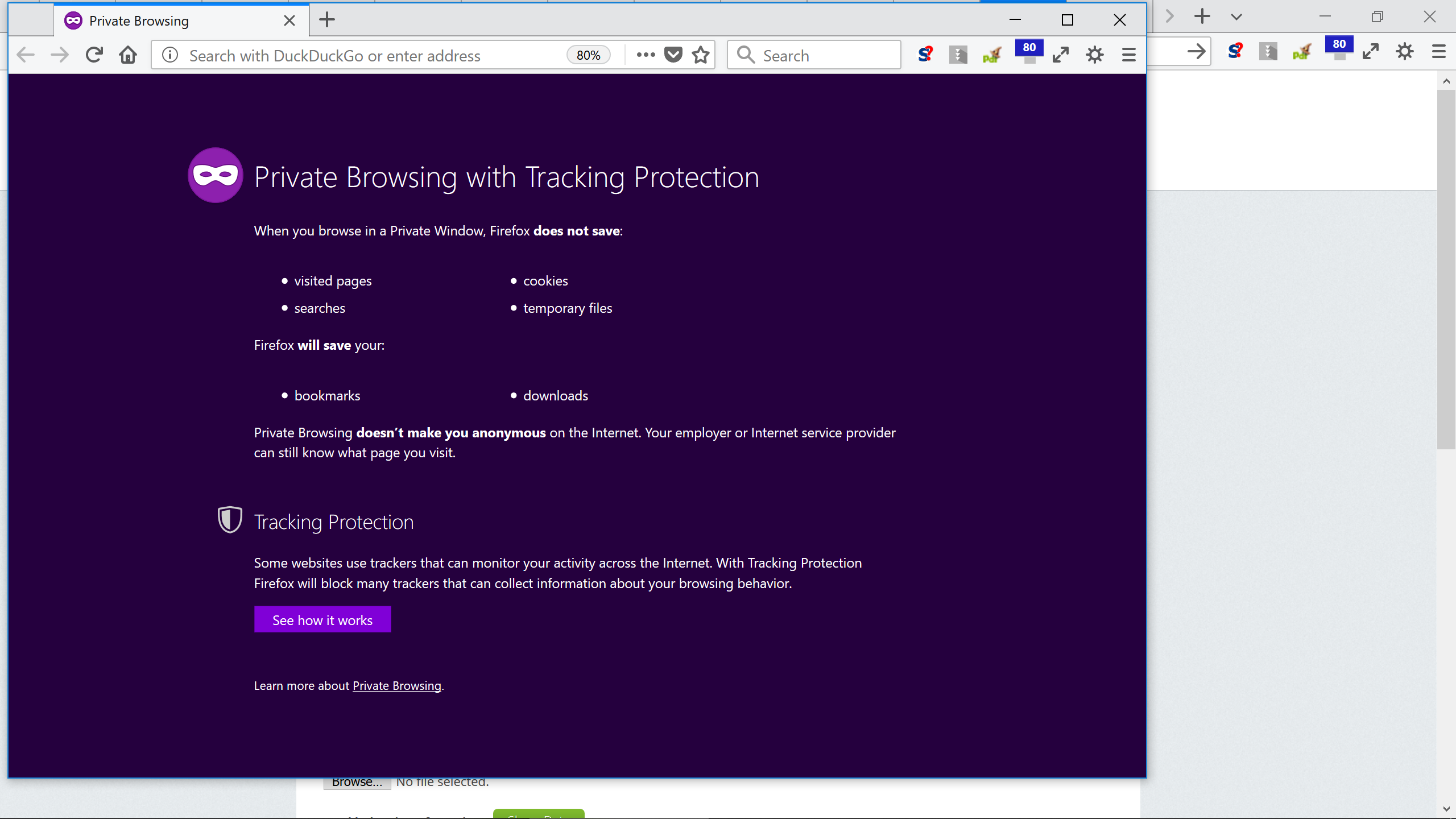
Are you talking about that box on the right? I don't know what it is, but there is a closing X at its upper right.
Try to rename/remove xulstore.json and if present delete localstore.rdf in the Firefox profile folder with Firefox closed.
You can use the button on the "Help -> Troubleshooting Information" (about:support) page to go to the current Firefox profile folder or use the about:profiles page.
- Help -> Troubleshooting Information -> Profile Directory:
Windows: Show Folder; Linux: Open Directory; Mac: Show in Finder - http://kb.mozillazine.org/Profile_folder_-_Firefox
Hi cor-el,
I deleted xulstore.json and there was no localstore.rdf file.
It still opens 3/4 full. This is so annoying.
How do you make a window open maximised by default anyway? Is it just deleting the json file. Don't you need to also do anything else?