

Эта тема была архивирована.
Если вам нужна помощь, задайте новый вопрос.

Решён
Архивировано
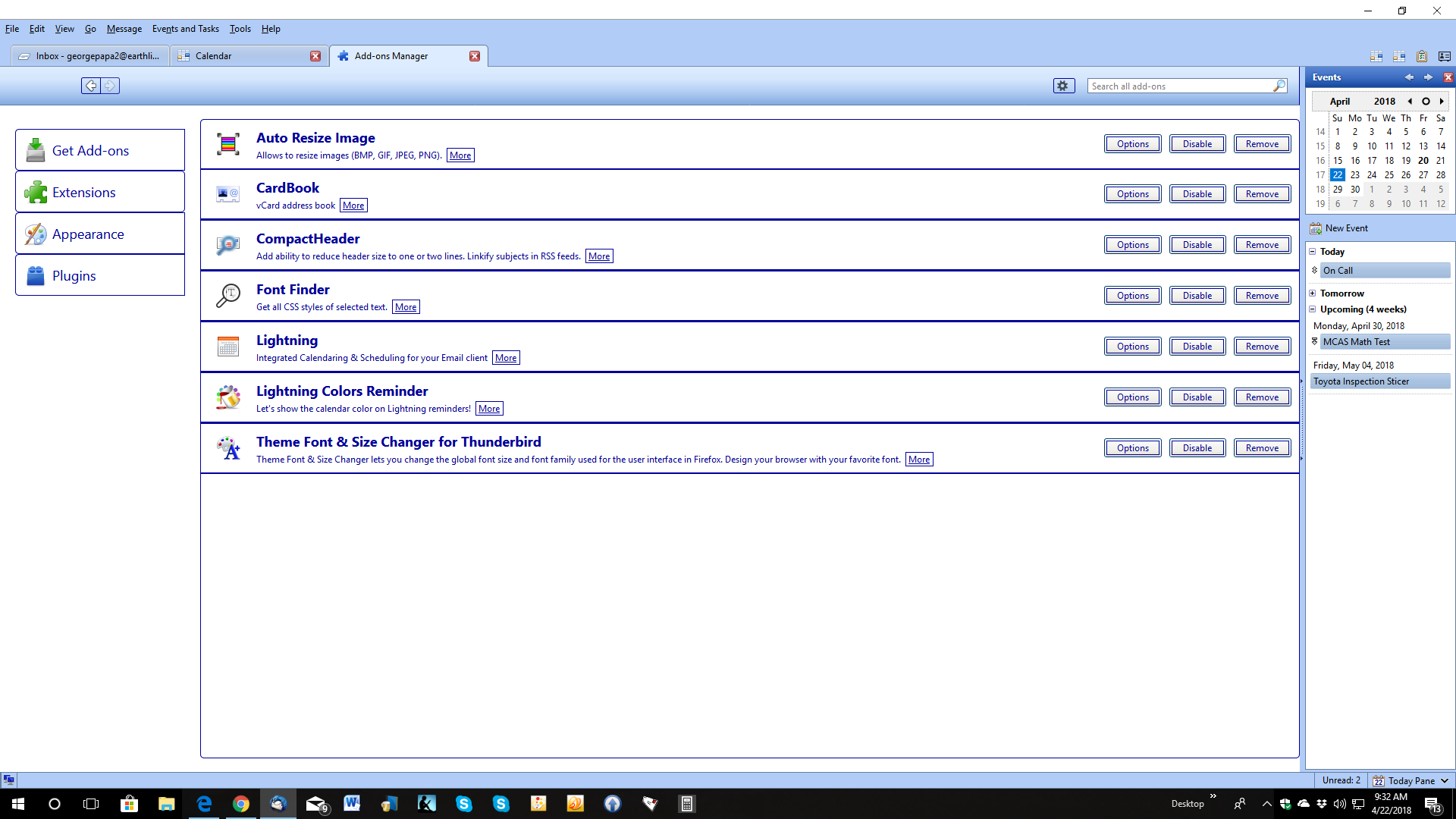
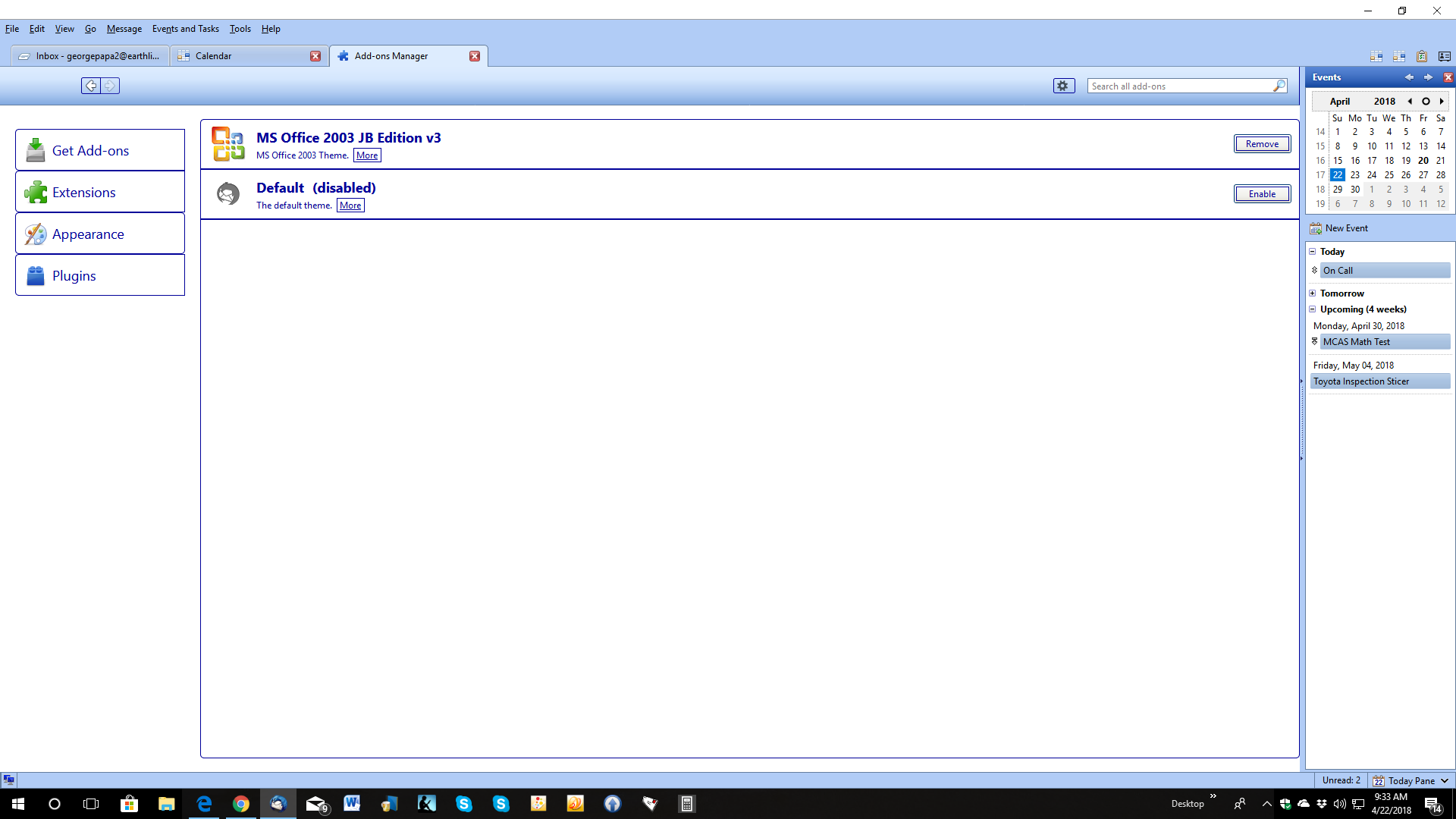
theme font and size changer is not listed under appearance but listed under extensions. I do not see it on tools menu and is not working. It is not visible

theme font & size changer not visible anywhere in tools menu. toolbar or anywhere. have no control of it.
theme font & size changer not visible anywhere in tools menu. toolbar or anywhere.
have no control of it.
Все ответы (2)
drag the Download Now button and drop it onto Tools/Add-ons/Extensions in TB. it wont work, and when i tried to download by clicking on it, run, adobe message comes up: adobe couldn't' open this file etc., etc.,
Выбранное решение
To install a downloaded add on file go to the Add-on tab and click Extensions. Click the gear icon and select Install from File.