


Is it possible to not only open multiple tabs on startup but also focus on the last one?

On startup i want to focus on the tab on the very right. By default firefox focuses on the very left tab when opening multiple tabs on startup. about:config solution? tab-mixplus does not help
Выбранное решение
Not that I know of. Note that you can use Ctrl+9 to go to the last tab.
If you reopen tabs from the previous session automatically then the focus is on the tab that is selected when you close Firefox.
Прочитайте этот ответ в контексте 👍 0Все ответы (7)
Yes
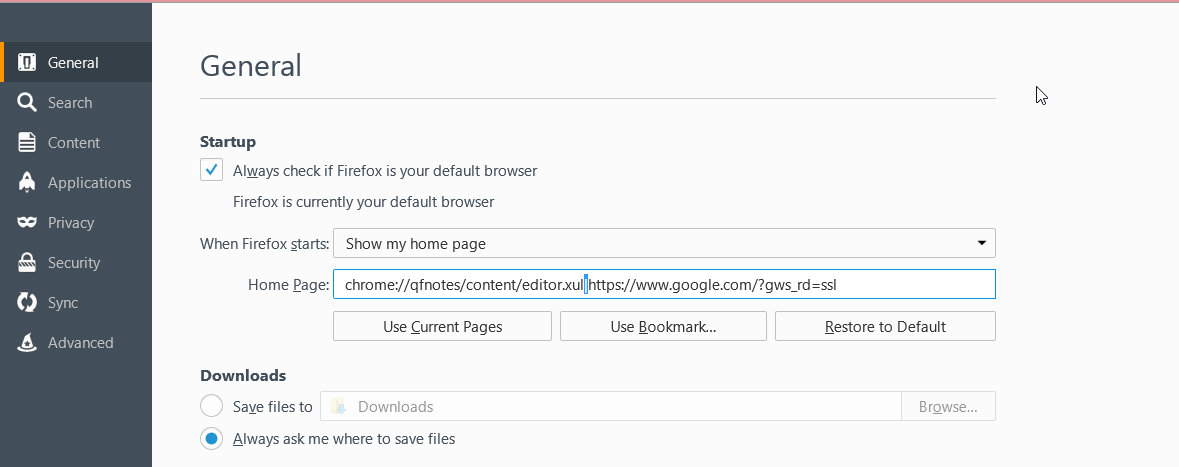
1) Go to Options 2) First Section in General in the HomePage: text Box 3) place the urls of page of tabs you want open even text docs off PC and such 4) Separate each like with a pipe | located on keyboard (Shift + \ button)
file:///C:/Users/ (username)/Desktop/stuff.txt
Next too Under General
Check the box
⌧ When I open a link in a new tab, switch to it immediately
Изменено mrbunnylamakins
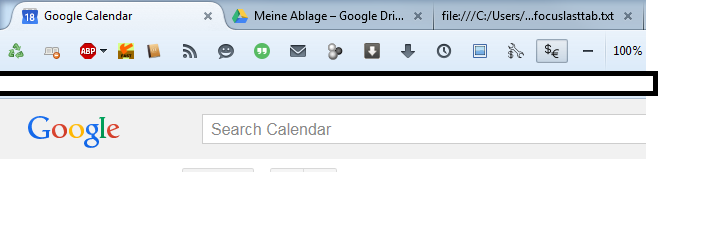
Did exactly as you said but doesnt change a thing. :( focus still in the first tab. the last unfocused tab shows text from the file.
You can try to start Firefox with the about:blank page or with the page that you want to open by modifying the Firefox desktop shortcut or create a copy and add the URL to the target line in the properties.
read the cl-options. same result and the -foreground argument changes nothing. focus needs to be on yahoo, result is always on first one, google. i want yahoo to be the right tab.
-url google.com -url yahoo.com -foreground OR -url google.com yahoo.com -foreground OR -url google.com yahoo.com
Did you try -new-tab?
Yep, New tab only creates seperate Windows if there is no existing window open. Also not working in combination with URL. Is there an option for delaying new tab few so the last tab gets opened with newtab command on focus?
Выбранное решение
Not that I know of. Note that you can use Ctrl+9 to go to the last tab.
If you reopen tabs from the previous session automatically then the focus is on the tab that is selected when you close Firefox.