


Firefox 36 cannot open Untrusted pages

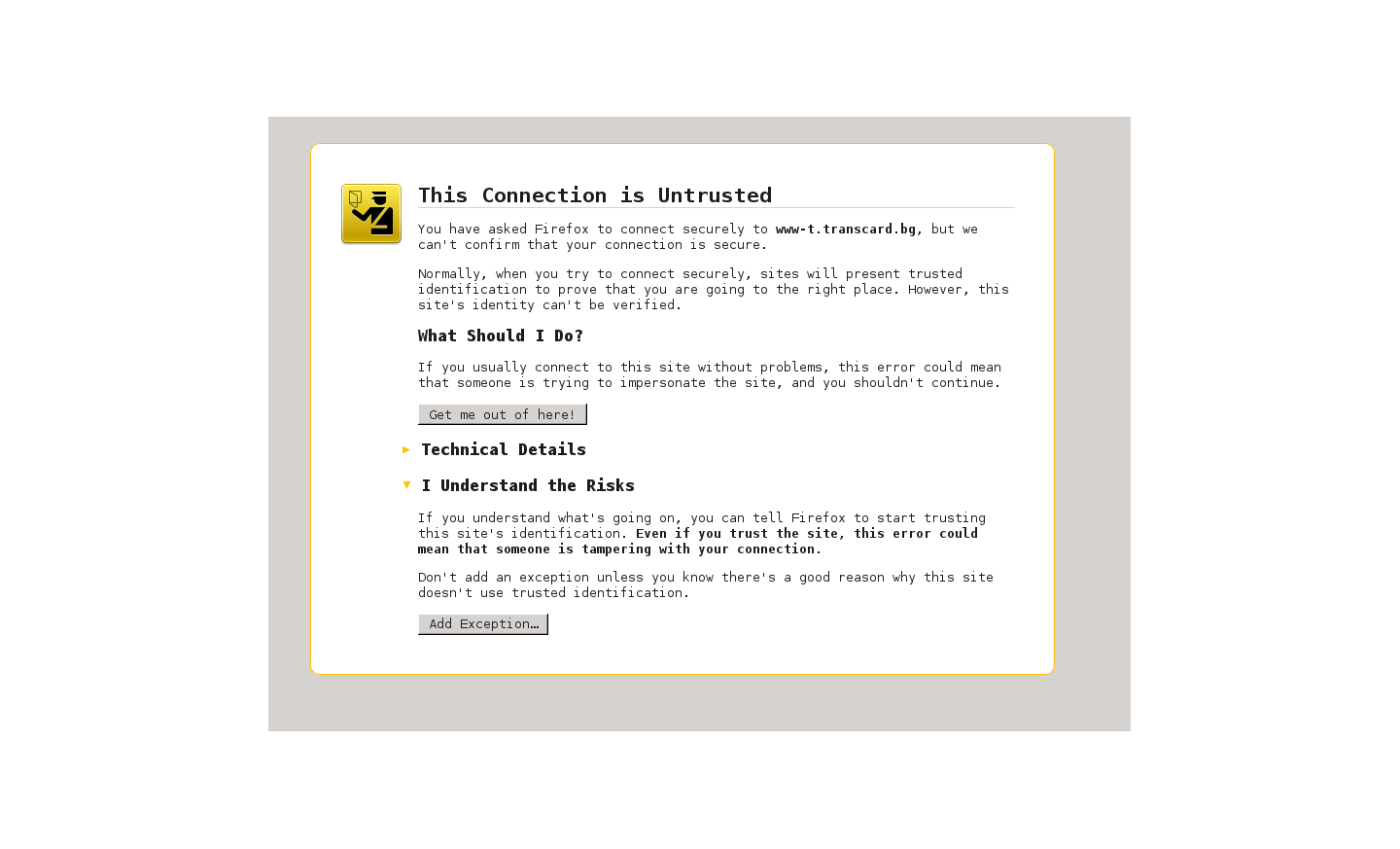
After update of Firefox up to version 36.0.0/1 it cannot open https pages that are with untrusted site certificate. If i try to open https with untrusted certificate the firefox show page "This Connection is Untrusted". Then the button "Add Exception..." do nothing!
Все ответы (9)
Please re-install firefox by downloading fresh installer.
In terminal
apt-get install firefox
Изменено Saurav
hello Saurav, the user's system details on the top left show that it's a question from linux.
philipp said
hello Saurav, the user's system details on the top left show that it's a question from linux.
Really sorry, i pasted wrong link.
Saurav said
Please re-install firefox by downloading fresh installer. In terminal apt-get install firefox
Hello i have this problem on both Linux(Fedora 20)(FF36.0.0) and windows 7(FF36.0.1). I re-install firefox on windows and there was no effect - problem remains.
- Please check system dates and times.
Please follow this
https://support.mozilla.org/en-US/kb/connection-untrusted-error-message
The date and time is correct. The problem is that button "Add Exception..." not work ,when i click on it nothing happen.
Open this chrome URI by pasting or typing this URI in the location/address bar to open the "Add Security Exception" window and check the certificate:
- chrome://pippki/content/exceptionDialog.xul
In the location field type/paste the URL of the website
- retrieve the certificate via the "Get certificate" button
- inspect the certificate via the "View..." button
What does it show in the Technical details?
cor-el said
Open this chrome URI by pasting or typing this URI in the location/address bar to open the "Add Security Exception" window and check the certificate:In the location field type/paste the URL of the website
- chrome://pippki/content/exceptionDialog.xul
What does it show in the Technical details?
- retrieve the certificate via the "Get certificate" button
- inspect the certificate via the "View..." button
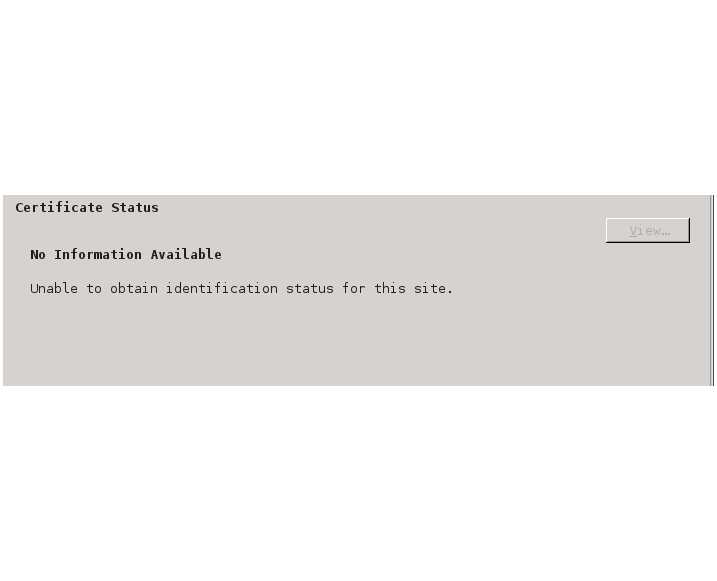
Ok , i try this and show me the "no information Availible \n Unable to obtain identification status of this site"
By the way i get older version of FF(35.0) on windows and there the Untrusted pages open correct. It show me again the page "This Connection is Untrusted" ,but the button "Add Exception..." work and open the page.
My system date and time had changed and were way off. I entered the correct date and time and everything back to normal.