


Javascript functions suddenly "not defined"

As of today, Wikidot sites have stopped behaving correctly in Firefox on my primary computer. The same pages will display fine in Firefox on another computer, so I know the problem is local to that machine.
Firebug and the Error Console tell me things like:
 "OZONE is not defined"
 "$j is not defined"
 "$ is not defined"
This causes Wikidot pages to display improperly and some functions on them to not work at all.
Clearing the cache hasn't fixed the issue.
I tried installing Firefox 4 beta 8 on the theory it would give me a clean(er) slate to work with, but that didn't change anything either.
What else might solve this?
Soluție aleasă
- "Clear the Cache": Tools > Options > Advanced > Network > Offline Storage (Cache): "Clear Now"
- "Remove the Cookies" from sites that cause problems: Tools > Options > Privacy > Cookies: "Show Cookies"
Start Firefox in Use Troubleshoot Mode in Firefox to check if one of the add-ons is causing the problem (switch to the DEFAULT theme: Tools > Add-ons > Themes).
- Don't make any changes on the Safe mode start window.
See:
- Troubleshoot extensions, themes and hardware acceleration issues to solve common Firefox problems
- Troubleshoot issues with plugins like Flash or Java to fix common Firefox problems
Toate răspunsurile (3)
Soluție aleasă
- "Clear the Cache": Tools > Options > Advanced > Network > Offline Storage (Cache): "Clear Now"
- "Remove the Cookies" from sites that cause problems: Tools > Options > Privacy > Cookies: "Show Cookies"
Start Firefox in Use Troubleshoot Mode in Firefox to check if one of the add-ons is causing the problem (switch to the DEFAULT theme: Tools > Add-ons > Themes).
- Don't make any changes on the Safe mode start window.
See:
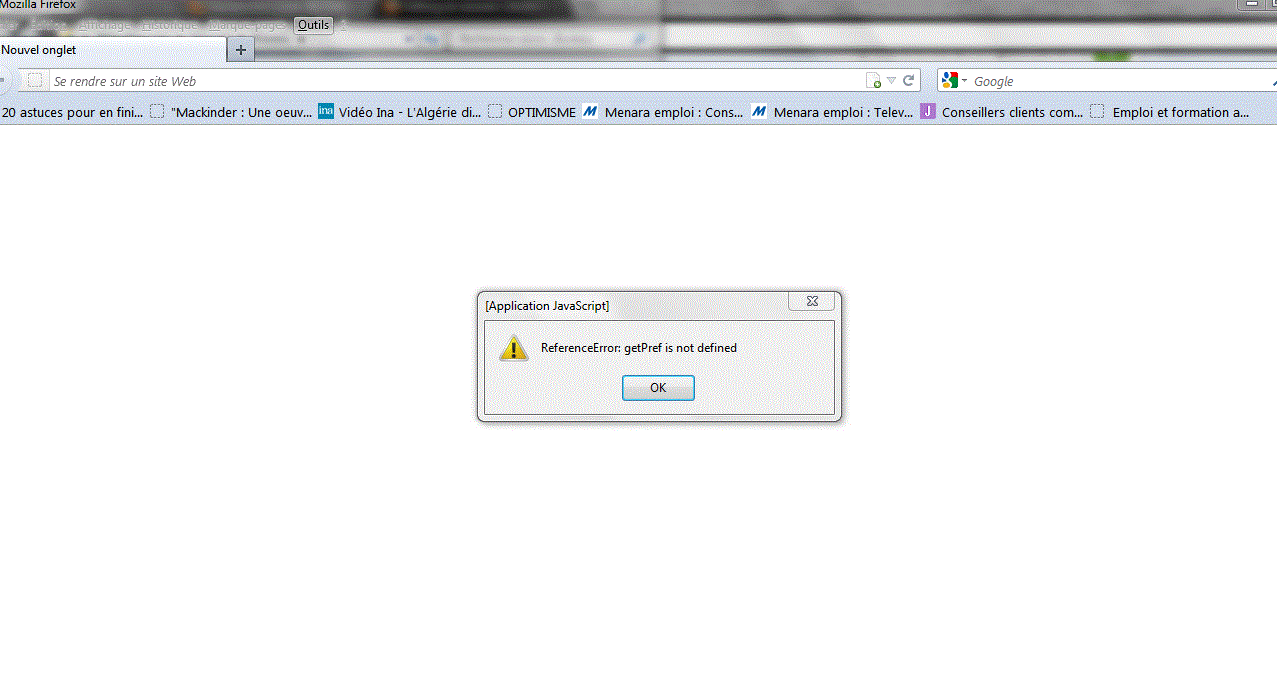
comment regler ce probléme ReferenceError: getPref is not defined (application javascript NB: une repense en français
Modificat la de n.azelmad
Did you try to start Firefox in Save mode?
- Aide > Redémarrer avec les modules désactivés…
See also: