


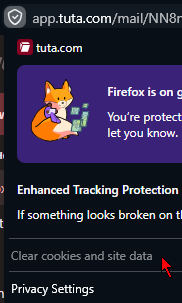
Clear cookies for site greyed out

I cannot clear cookies for this site. Works for other sites.
Why do we have to break things that worked before?
Toate răspunsurile (8)
And you sure there's any site data present to clear? Can you compare that with the data management pane in Setting for the same host if there's anything stored really?
jbr said
And you sure there's any site data present to clear? Can you compare that with the data management pane in Setting for the same host if there's anything stored really?
I'm sure, I'm logged in, and it's e2e email, it stores the keys in the browser.
It's also greyed out for this e2e site too, where I'm also logged in https://hydrogen.element.io
Modificat la de e2norep.ndn97
jbr said
And you sure there's any site data present to clear? Can you compare that with the data management pane in Setting for the same host if there's anything stored really?
I'm sure, I'm logged in, and it's e2e email, it stores the keys in the browser.
It's also greyed out for this e2e site too, where I'm also logged in https://hydrogen.element.io
Interestingly, for this e2e mail it works: https://mail.proton.me/u/0/inbox
Modificat la de e2norep.ndn97
jbr said
And you sure there's any site data present to clear? Can you compare that with the data management pane in Setting for the same host if there's anything stored really?
I'm sure, I'm logged in, and it's e2e email, it stores the keys in the browser.
It's also greyed out for this e2e site too, where I'm also logged in https://hydrogen.element.io
Interestingly, for this e2e mail it works: https://mail.proton.me/u/0/inbox
I did check the element client and for me it populates the storages back after clearing upon subsequent navigation thus enabling the panel menu item accordingly, on both 157.0 and 157.0.1 (not sure what regression range you actually had in mind).
Not using containers or some other user context partitioning addons?
If you inspect the storages: firefox-source-docs.mozilla.org/devtools-user/ firefox-source-docs.mozilla.org/devtools-user/storage_inspector/ are they listed there, while the privacy pane row appears disabled?
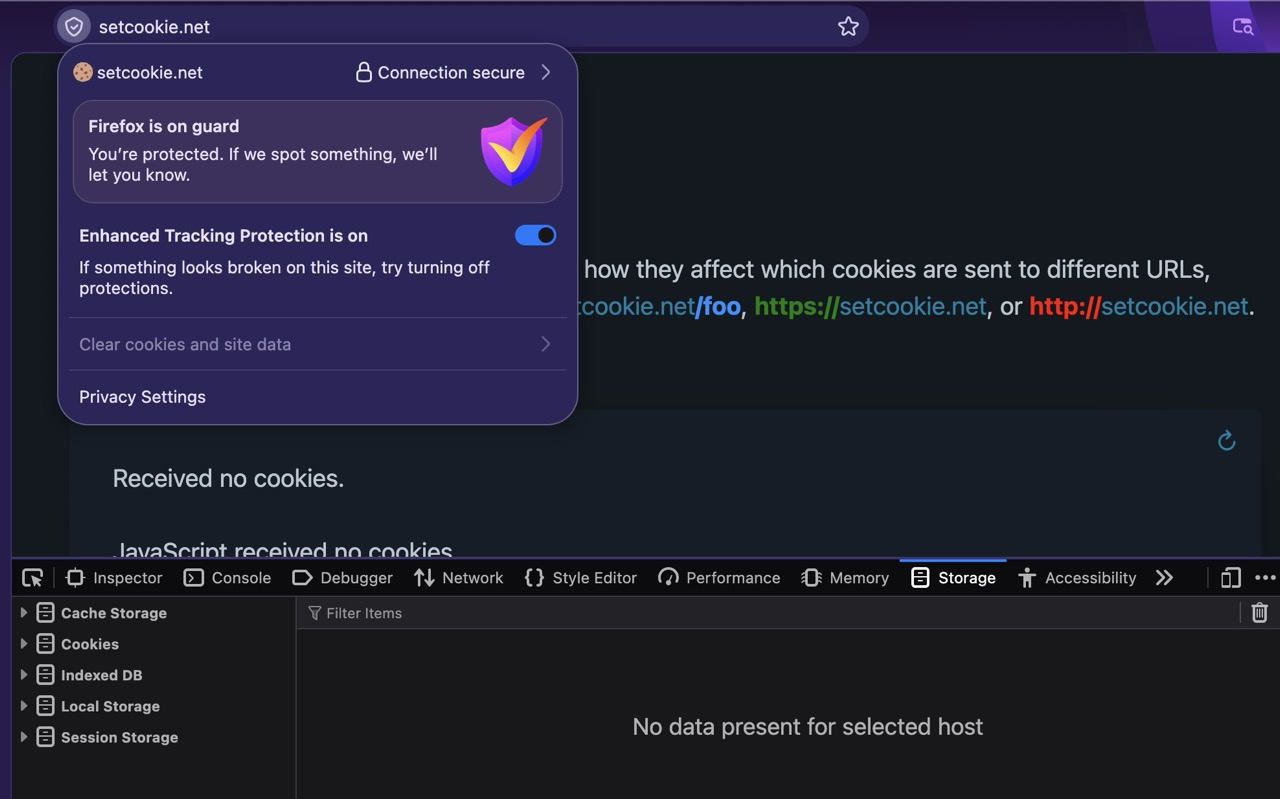

I'm not using containers, never needed them. I don't have any container/partitioner addon. I even have ublock origin, other privacy addons disabled but still.
Then again, on other sites where I have every addon enabled it allows me to clear cookies.
I definitely could use cookie clearing in v14x on Tuta site, before the AI madness started.
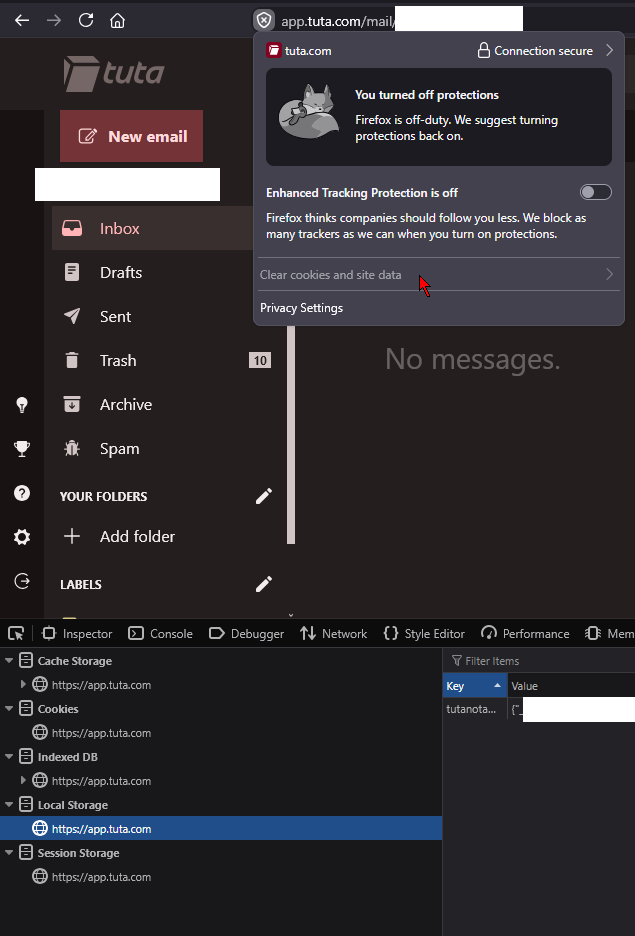
I see the storage being used. See attachment.
Should any addon be able to disable a primary function like this? It might even affect the browser wide storage/history clearing, which might be life or death for a political activist.
I double checked, I'm on 157.0.1 (64-bit)
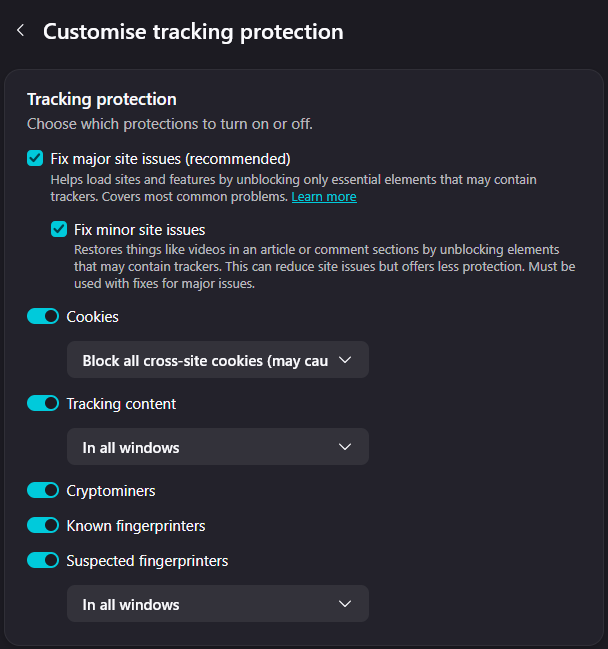
Although I use strict cookies settings, but that never was a problem in v14x.
Would you be willing to run a mozregression to help confirm there's definitely a range of repeatedly "good" vs. repeatedly "bad" results on the site(s) where you can reproduce reliably using an isolated environment? Thanks!