


When relaunching FF all windows are invisible and inaccessible

Hi folks My configuration: MacOS Tahoe FF 15.4.0 When I relaunched FF after restarting the Mac, in the Windows menu all the pages from the previous session were listed but none appeared when I tried selecting them. They must be hidden somewhere. I tried several work-arounds. The one that gives a result is by selecting in the View menu the Enter Full Screen item, then try to go back to a normal view which is a pain in the neck. Is there a clean method to make all those windows come back to their normal position and if possible preventing FF from doing this in the first place? TIA Nick
Toate răspunsurile (8)
The window spaces/layout should be generally remembered by macOS, so they might get misplaced somewhere. If you try the system features like "show all windows" (right clicking the running app icon) and selecting one of the exposé previews, do they come back to foreground?
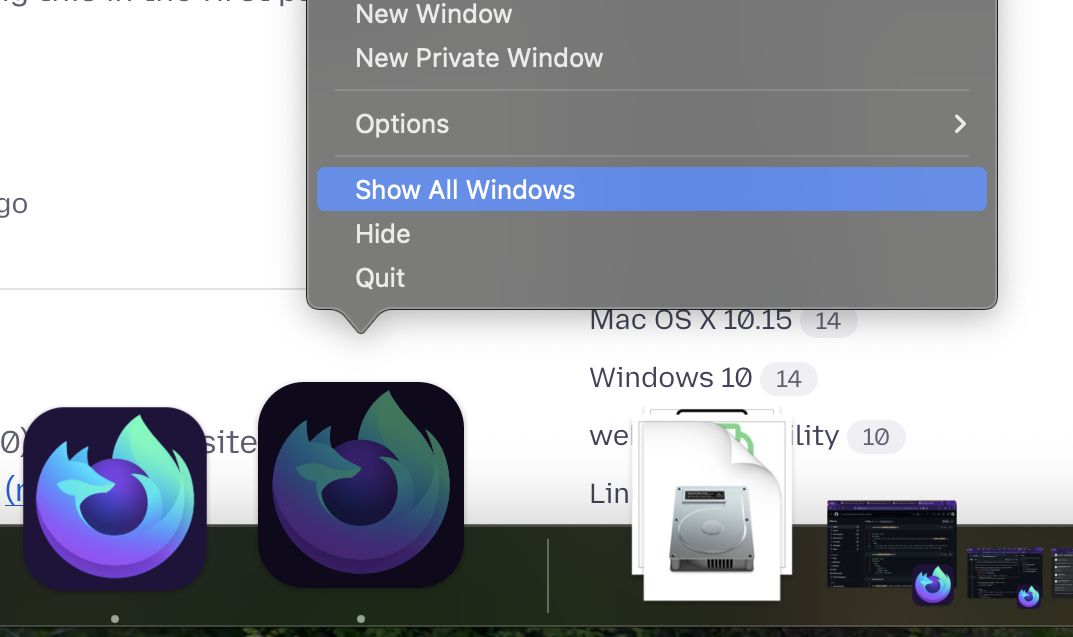
Hello jbr Thanks for your quick response. Alas the windows don't all come to the foreground, only the ones I already managed to unearth from the abyss. The others remain invisible. Where can those windows be hidden? With MacOS it happens windows are out of the screen but usually you can select them. Moreover when I manage to get one on the foreground instead of being in its normal configuration like in the first image, it's in a sort of no-style state like in the second image. And I didn't find out how to make it normal. The only way is to copy the URL, create a new window, paste the URL and download again. All this is extremely time consuming. I should probably downgrade FF because the issue happened after I restarted my Mac. An upgrade had been downloaded. Nick
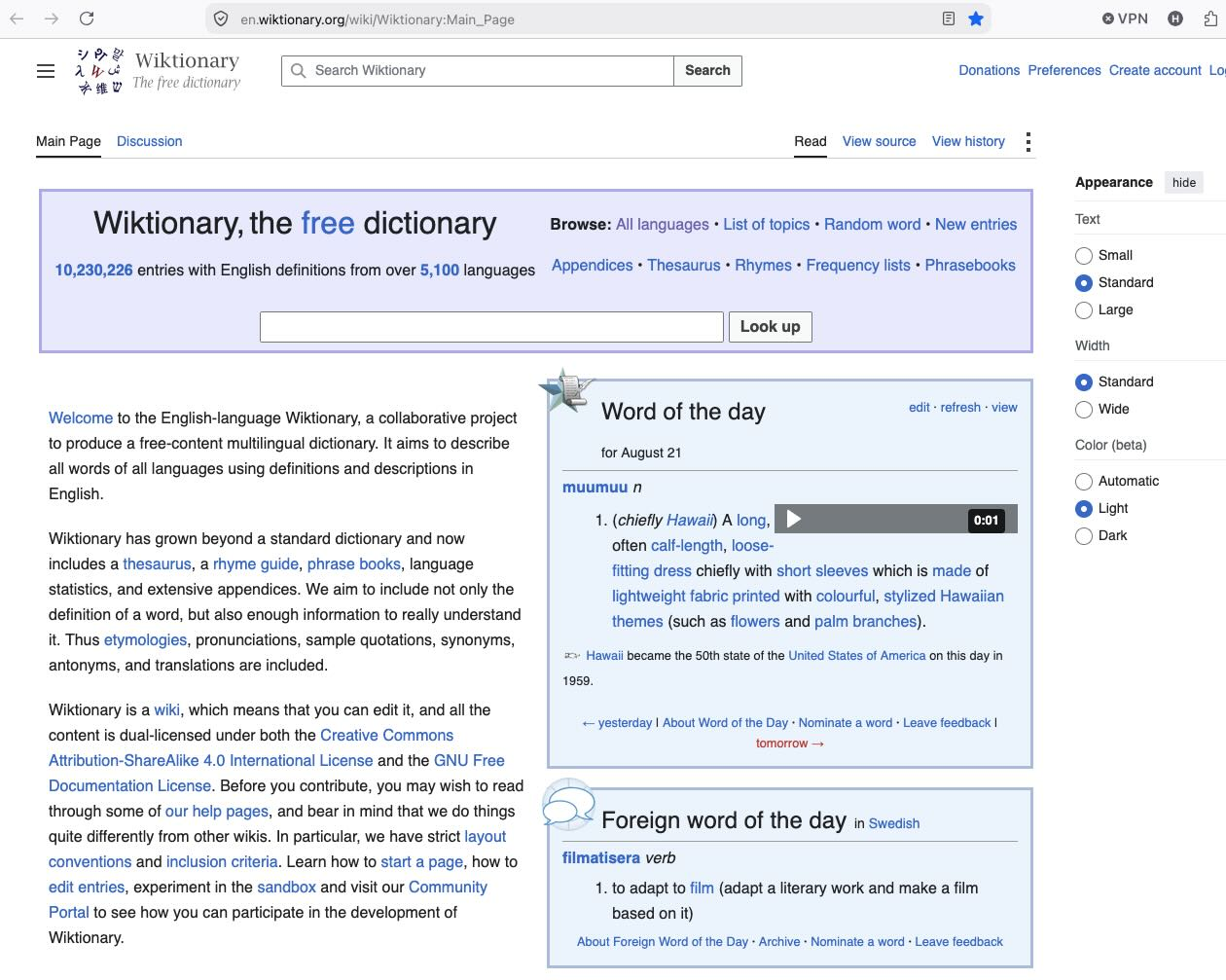
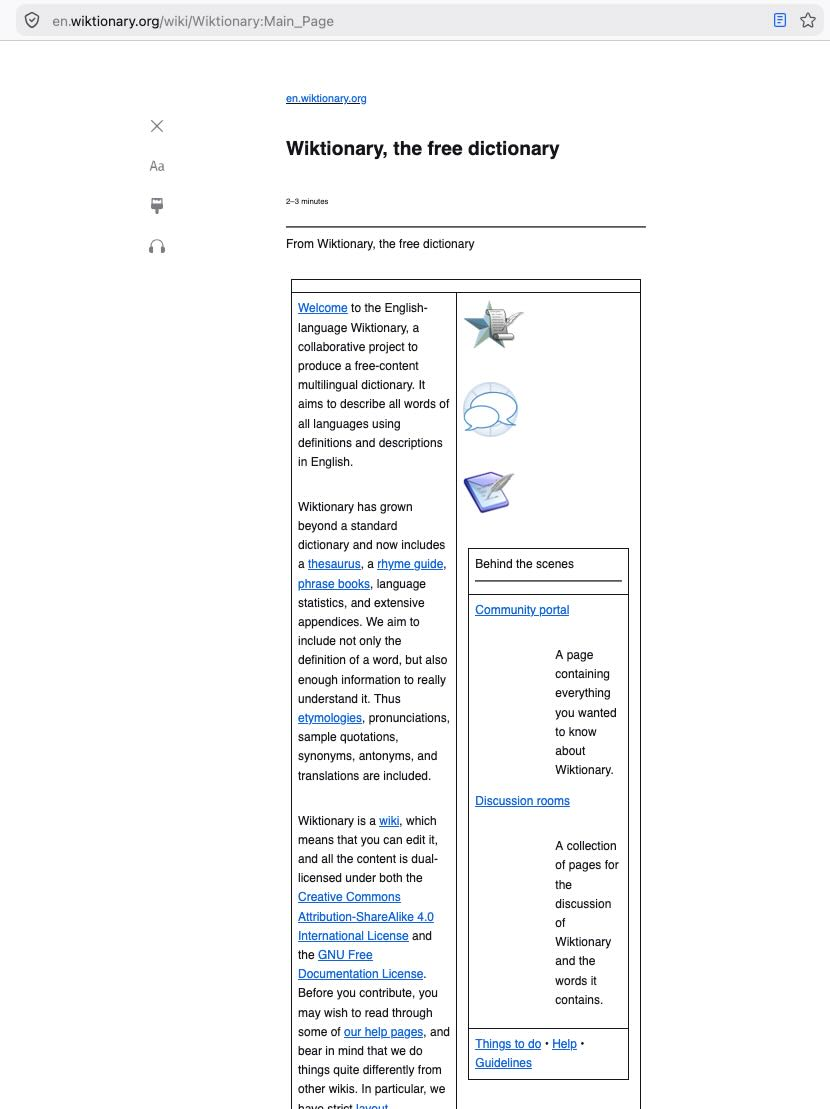
The second image is a page in its "Reader Mode" — click the blue paper–like icon next to the bookmark star in the address bar.
Right, I had found that on clicking on a thing, guessing it might be a button for something.
I do remember macOS having this kind of "gather all app windows here" functionality that I can't no longer find, maybe they removed it:( Unfortunately if the OS places the windows somewhere out of reach, I think your trick to force them full–screen and then back is the best workaround available really.
I am afraid this issue might be yet another side effect of FF "surrendering" to Apple's guidelines. Please, Mozilla, stop surrendering, stand for your rights.
Well surrendering or not, this is how the system SDK changes look like: phabricator.services.mozilla.com/D265337 and there's not much to do about it — the rest is on the operating system.
The other option would be not to ship for Tahoe and only support up to Sequoia (which I'd very much prefer), but that might not be a popular decision for most of the consumers, not having compatibility with their systems…;]
I don't know what an SDK is and I probably don't care. If this page was written in Chinese it would just as understandable for me. Firefox is not an exception: MacOS, the Finder, Apple Music, everything is going downhill. I always dread each new upgrade which it will certainly downgrade. In Firefox the Windows menu kept the pages in chronological order. With the Dock keeping them in alphabetical order you had the best of both worlds. But then, surrendering to Apple's guidelines, the menu went alphabetical. I am still not used to it and I probably never will. You need to use the Auto-Number Windows add-on that you need to refresh all the time. Then, whereas the Recently Closed Tabs item in the History menu used to include the closed tabs of the foreground window, well, err… as you might logically expect, now it includes tabs that were closed thousands of years ago in different windows and it skips the ones belonging to the very window you want. It must be yet another surrender to an Apple guidelines. It's yet another nice and useful feature that became totally useless. What's next? So there is no solution for the issue I have today, right? Mozilla really want me to quit?