


Saving bookmarks

When I bookmark a website and select edit, it does not show my created bookmarks to save too, nor can I move existing bookmarks to created folders, why not? I have to create a folder, then select all my existing important bookmarks and save them to the created folder. I can not later add any saved bookmarks to the created folder, why not? The Beta version has the same issue. Please make a change to allow for bookmark saving or moving to created folders. Thank you.
Soluție aleasă
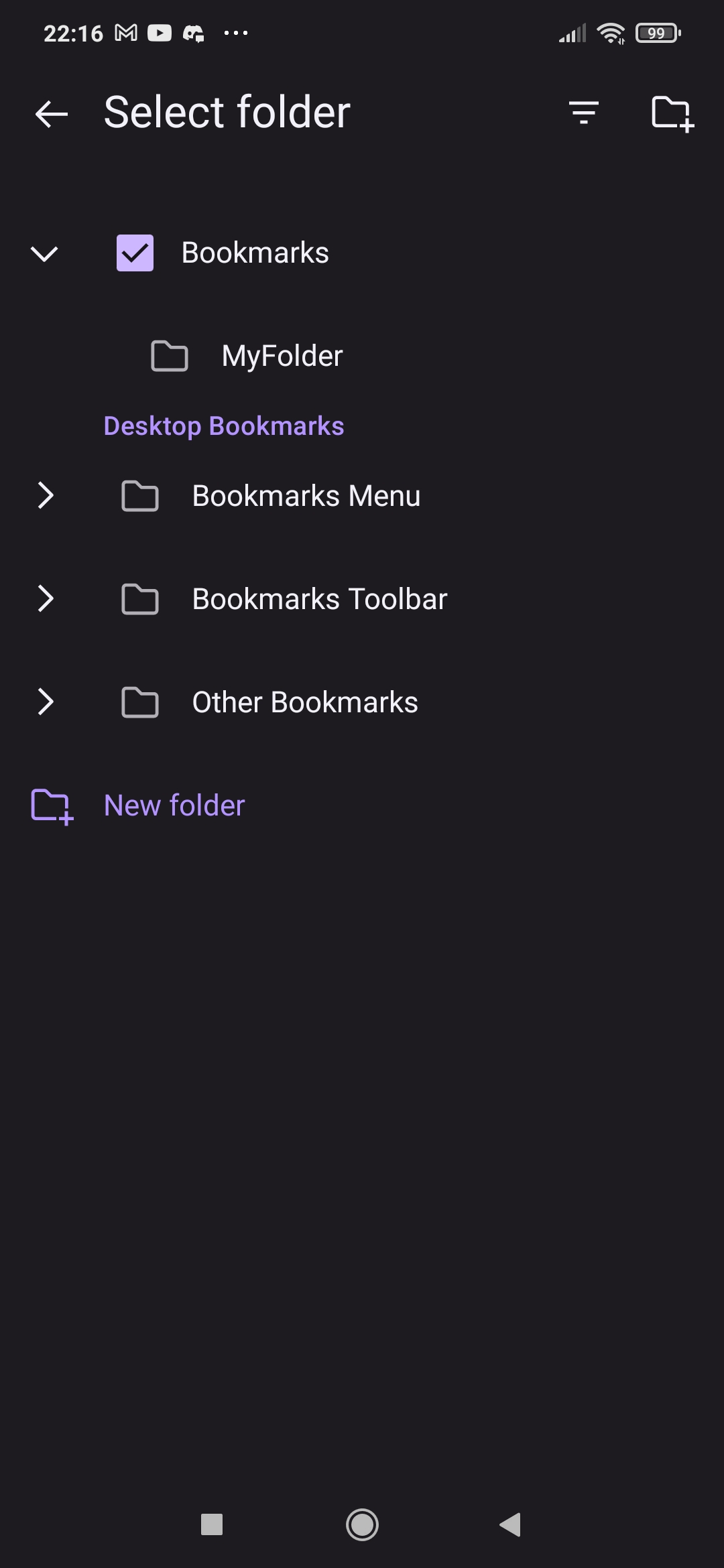
You need to expand Bookmarks to see the list of folders (or expand a different folder if that's where you created yours).
Toate răspunsurile (8)
Hi,
What happens when you get to select an existing folder when saving a bookmark?
It doesn't show the existing created folder when I try to save or move a bookmark.
What does it show? Could you attach a screenshot?
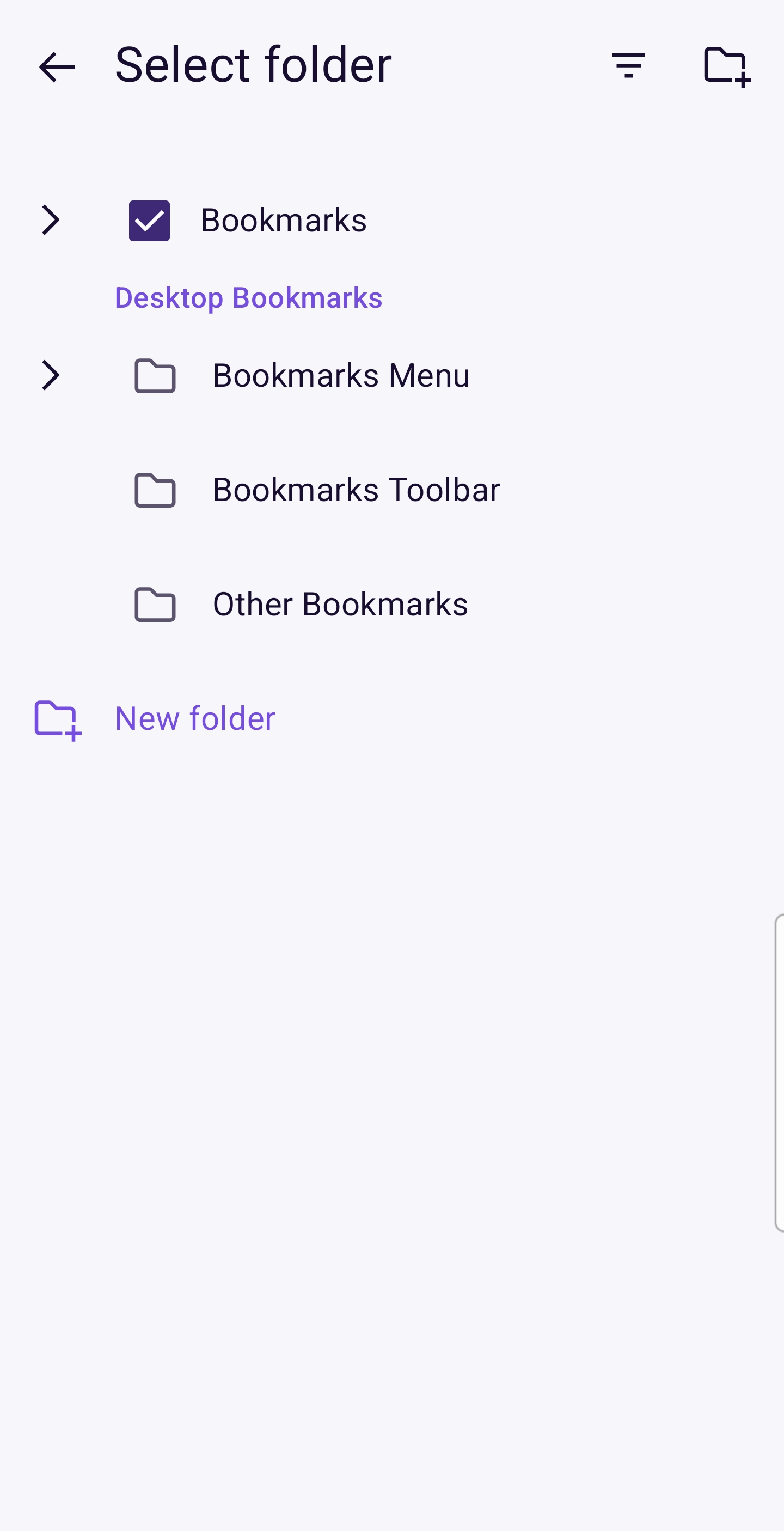
Attached .jpg is a screenshot of me moving a saved bookmark to a folder that I created. The .jpg shows the the only places that I am able to select to move the bookmark too. Doesn't show my existing created folder as an option to move the folder too.
Soluție aleasă
You need to expand Bookmarks to see the list of folders (or expand a different folder if that's where you created yours).
How do you expand bookmarks, I can't find any option to do that? I selected bookmarks, nothing happened, I double tapped bookmarks and nothing happened. How do I get the previously created folder to appear for selection, when moving a saved bookmark to the previously created folder?
Tap the arrow at the left to Bookmarks
That worked, I would never have thought of that, for some reason. It seems it would have to only be possible to accomplish. Thank you.