


Rezolvat
Holding back button does not show the recent history anymore
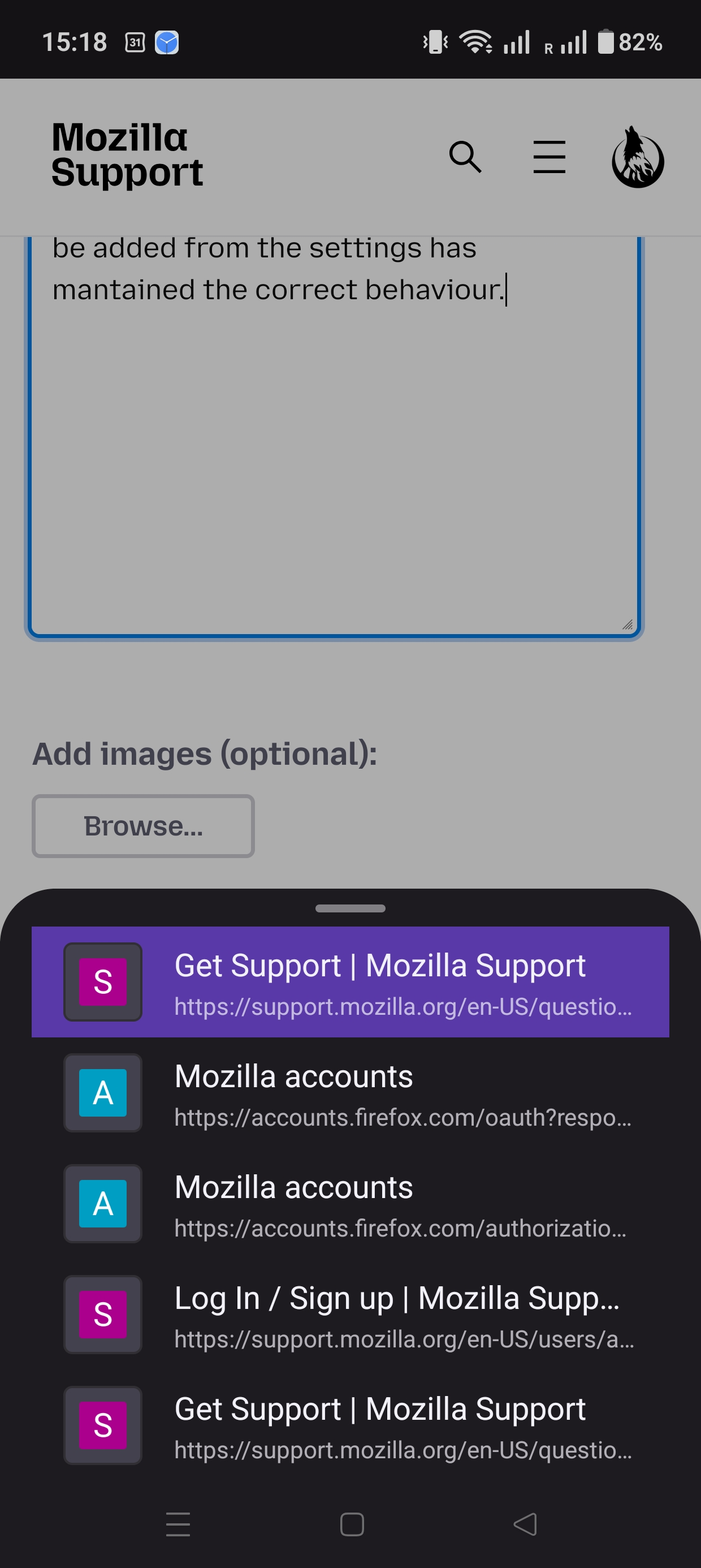
In previous versions of the app, holding the back button on android would display the recent history foldout. Currently it's not working anymore. However I've found out that the "virtual" back button to the address bar that can be added from the settings has mantained the correct behaviour. Adding an image to better clear uo what I'm referring to.
In previous versions of the app, holding the back button on android would display the recent history foldout.
Currently it's not working anymore.
However I've found out that the "virtual" back button to the address bar that can be added from the settings has mantained the correct behaviour.
Adding an image to better clear uo what I'm referring to.
Soluție aleasă
Citing Bonfi96 on Bugzilla:
I usually have the back button on the right, but on my phone (with Oxygen OS) it can be swapped to the other side. No clue if this is stock android functionality. Swapped it to the left, and the long press worked fine. Swapped it again back to the right, and the long press worked fine. So weird but definitely an OS issue. Thanks for the help, glad thare's nothing broken!
Toate răspunsurile (4)
Hi,
Holding the system back button shows the tab history for me.
I suggest that you file a bug for your issue on Bugzilla, specifying your device model and Android version.
Once you have a bug, please feel free to share a link here
Thanks, created a bug report: https://bugzilla.mozilla.org/show_bug.cgi?id=2062069
Soluție aleasă
Citing Bonfi96 on Bugzilla:
I usually have the back button on the right, but on my phone (with Oxygen OS) it can be swapped to the other side. No clue if this is stock android functionality. Swapped it to the left, and the long press worked fine. Swapped it again back to the right, and the long press worked fine. So weird but definitely an OS issue. Thanks for the help, glad thare's nothing broken!