


Tunderbird lässt sich nicht als Standard-App für E-Mail einstellen. -- I want to get Thunderbird as standard app, but it does'nt work.

Ich habe Thunderbird als Standard-App für E-Mail eingestellt und Gmail dafür abgewählt. Doch wenn ich einen E-Mail-Link klicke, sprich tippe, gibt es entweder gar keine Reaktion oder Gmail will den Link öffnen. "Rechtsklick", sprich langes Tippen funktioniert. --
I have toggled thunderbird as standard and gmail off. But either there is no reaction at all, if I click an email link, or gmail wants to open it.
Modificat la de Samuel
Soluție aleasă
Now, suddenly it works - I was prompted which app to open mailto links with after tapping a mailto link. But why? Despite I did the recommended steps, it did not work after that before.
The next things, I would have tried, is to let Gmail be in deep standby or to deactivate it - but it has to work without such workarounds.
Now, I mark the problem as solved, although the problem per se is not solved, but I think it's more a problem of Android than of Thunderbird.
Modificat la de Samuel
Toate răspunsurile (5)

In android ...
- Open settings > apps > gmail.
- Tap "open by default" label.
- Tap the "clear default preferences" button.
The exact wording and menu location can vary by phone manufacturer & Android version. After the default preference is cleared, you will be prompted which app to open mailto links with.
Modificat la de Platform34
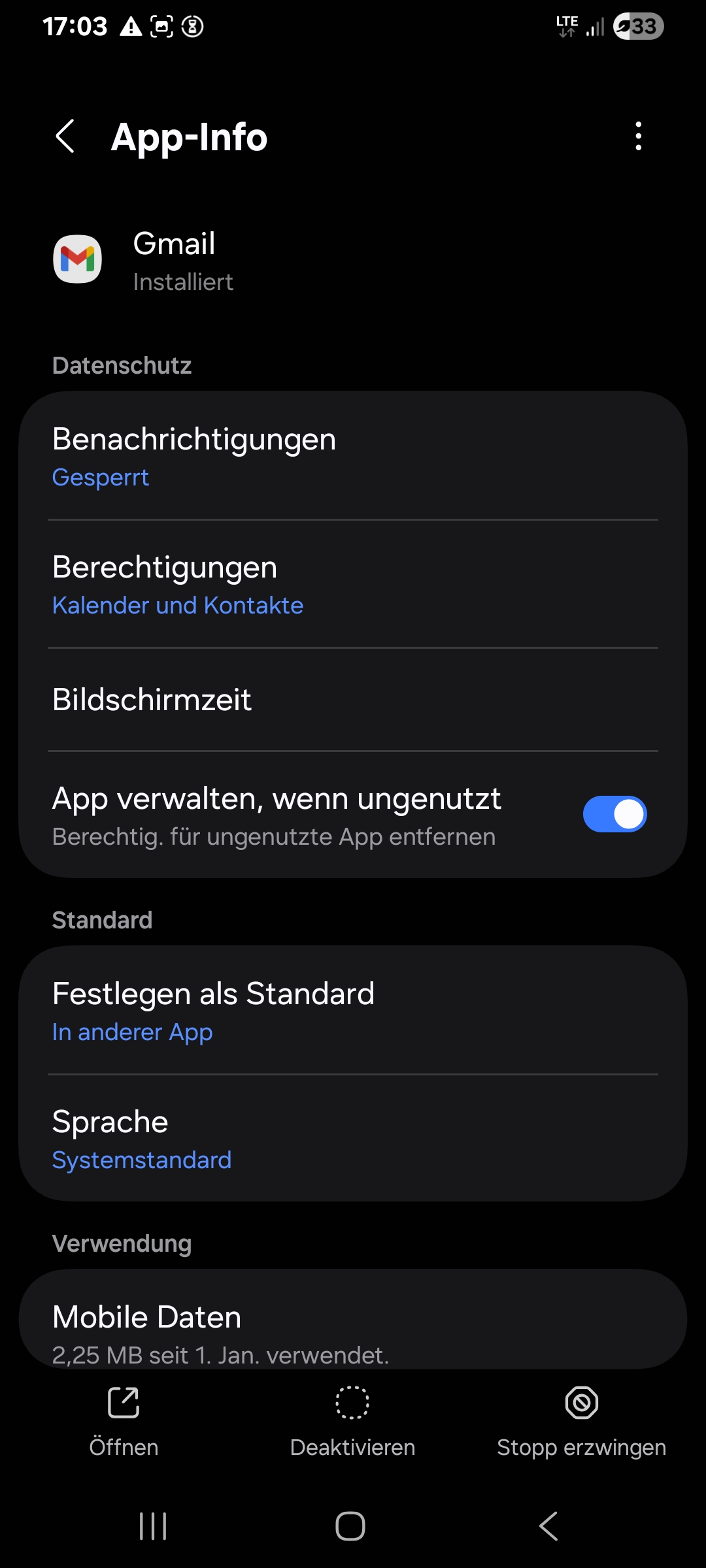
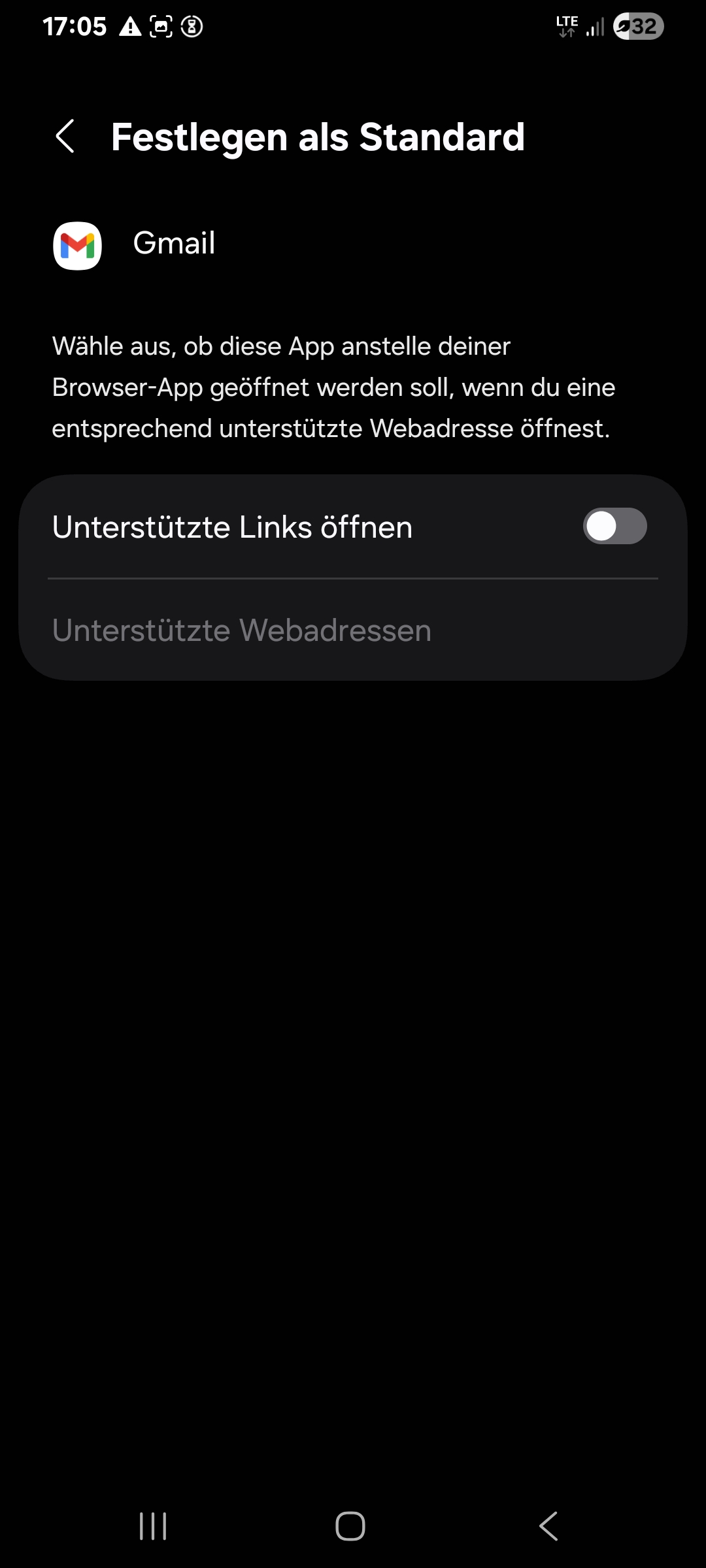
There is no option to clear default preferences (anymore). (I think there was such an option, which I tapped.) Look screenshots of the settings of gmail:
Modificat la de Samuel
Hi Samuel
Did you test an email link after clearing the gmail preference. Did this resolve the issue. I don't read german so i'm unable to comment on your screen shots.
Of course, I tested it. Mainly, the left screenshot shows "Define as standard -- in other App", the right screenshot shows "Define as standard -- Open supported links" is toggled off.
Soluție aleasă
Now, suddenly it works - I was prompted which app to open mailto links with after tapping a mailto link. But why? Despite I did the recommended steps, it did not work after that before.
The next things, I would have tried, is to let Gmail be in deep standby or to deactivate it - but it has to work without such workarounds.
Now, I mark the problem as solved, although the problem per se is not solved, but I think it's more a problem of Android than of Thunderbird.
Modificat la de Samuel