


win 7 ultimate, using fire fox 115 esr, linkedin window squished to top left corner in a square, internet archive site does not signin as blue button doesn't function
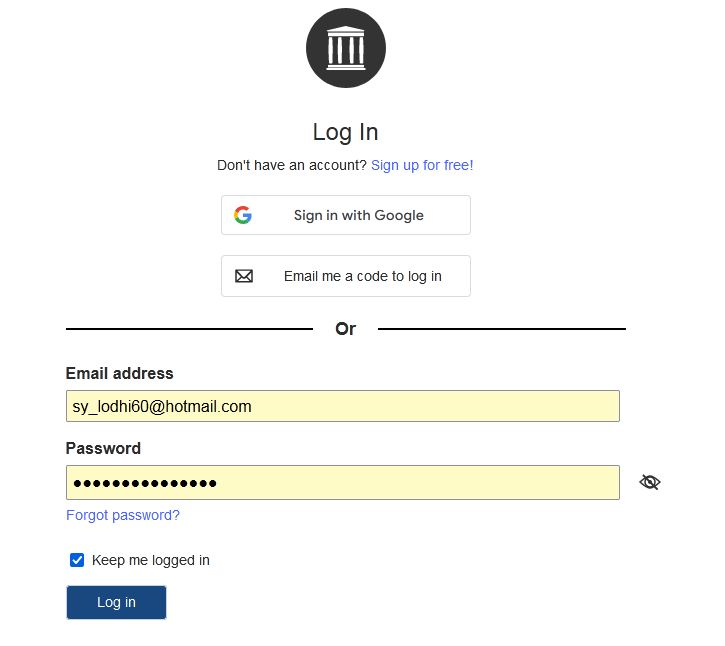
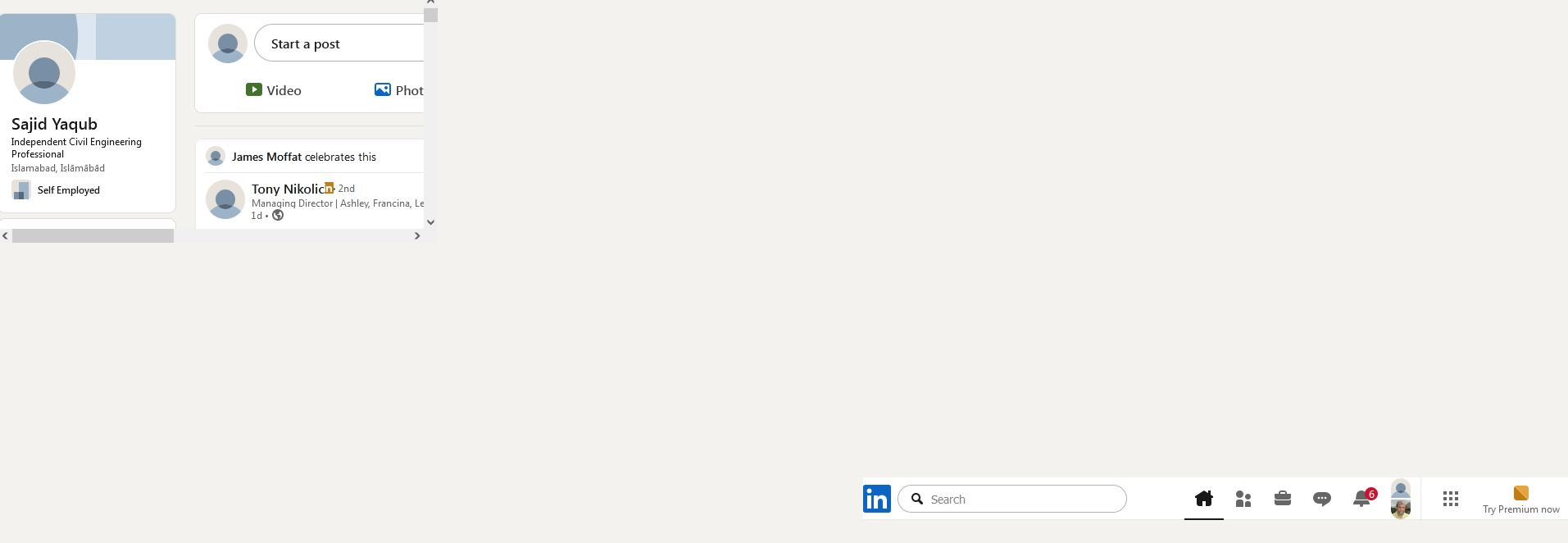
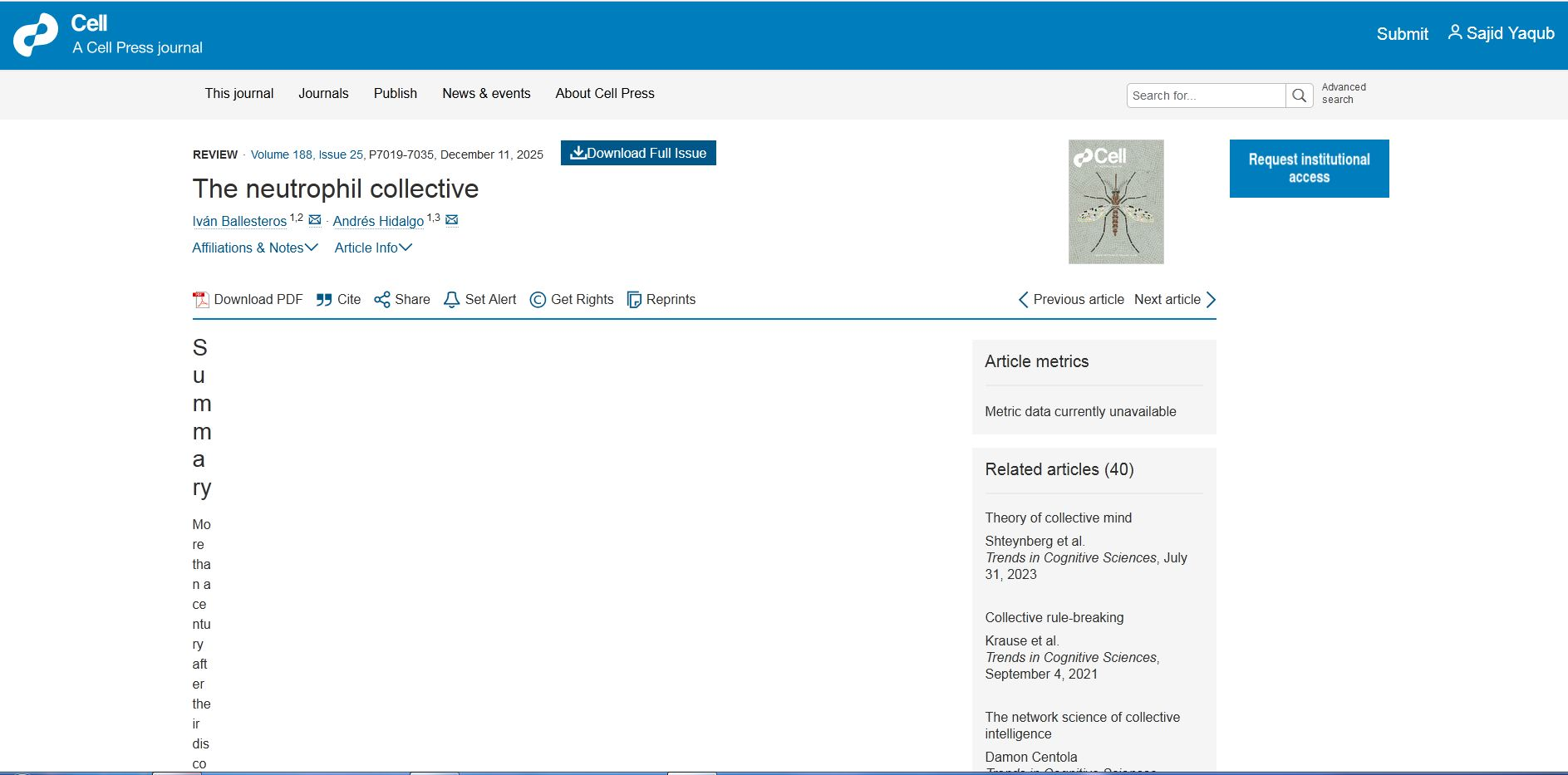
I am using win 7 ultimate, with fire fox 115.32.1 ESR,. The LinkedIn main window gets squished to top left corner in a small square, other pages open up normally. Internet archive site does not sign me in as the blue button of sign-in doesn't function. I can't change pass words nor sign-in. Website Cell Press opens research papers in a single verticle line in left corner, downloaded pdf papers open normally. Other browsers like Comodo and Chrome do not cause such issues.
I am using win 7 ultimate, with fire fox 115.32.1 ESR,. The LinkedIn main window gets squished to top left corner in a small square, other pages open up normally.
Internet archive site does not sign me in as the blue button of sign-in doesn't function. I can't change pass words nor sign-in.
Website Cell Press opens research papers in a single verticle line in left corner, downloaded pdf papers open normally.
Other browsers like Comodo and Chrome do not cause such issues.
Toate răspunsurile (1)
Hi,
Sorry to hear that. Here are some standard troubleshooting steps that may resolve the issue:
- Please check if you have Enhanced Tracking Protection (ETP) enabled. You can do that by clicking the shield
 icon in the left part of the address bar.
- If ETP is enabled, try disabling it.
- If the problem is not fixed, try clearing Firefox cache.
- If it does not help, try clearing cookies and data for the website you experience troubles with (warning: you will be logged out on this website).
- If it also does not help, try running Firefox in Troubleshoot Mode. If the problem doesn't persist, please follow the steps from this article to troubleshoot further.
- If nothing from the above helps, try creating a new Firefox profile and check if the issue persists there. If it doesn't, you can start copying files from your old profile to the new one to identify which one causes the issue. See this article on what files to copy.