


Open tabs on different sessions or windows?

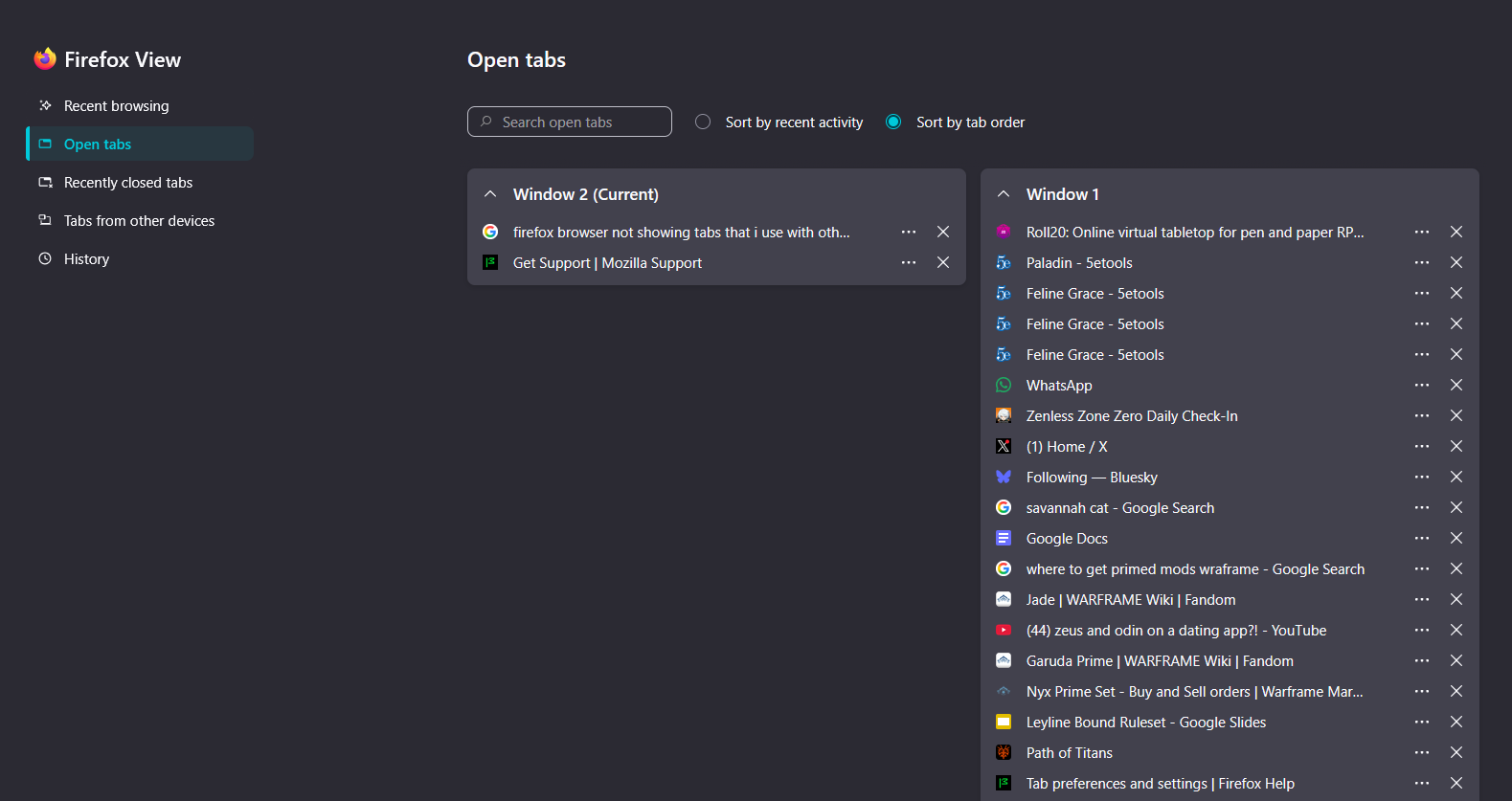
im having issues with my tabs as there are now two sets of tabs one that is empty basically and seems to be treated as the main one and the other that is all my other tabs... but when i try to switch to them it switches my screen so other apps like games or messaging apps no longer are visible yet the still appear to exist


Toate răspunsurile (4)
Soluție aleasă
Is it possible Windows moved that second Firefox window to a different desktop? If you hold down the "Windows" key on your keyboard, then tap and release the Tab key, then release the Windows key, after a few moments, Windows should display a bunch of window thumbnails and at the bottom, a bar to switch between desktops.
jscher2000 - Support Volunteer said
Is it possible Windows moved that second Firefox window to a different desktop? If you hold down the "Windows" key on your keyboard, then tap and release the Tab key, then release the Windows key, after a few moments, Windows should display a bunch of window thumbnails and at the bottom, a bar to switch between desktops.
its not there its still showing and i can fix it manually but on a restart it ends up happening again
So you can bring the two windows onto the same desktop manually, but when it restores your session, Firefox puts them on two different desktops again? Could you try switching from maximized to resizable windows before quitting Firefox -- I'm hoping that will trigger Firefox to update whatever data it is using to place the window during the restore process.
jscher2000 - Support Volunteer said
So you can bring the two windows onto the same desktop manually, but when it restores your session, Firefox puts them on two different desktops again? Could you try switching from maximized to resizable windows before quitting Firefox -- I'm hoping that will trigger Firefox to update whatever data it is using to place the window during the restore process.