

Firul de discuție a fost arhivat.
Adresează o întrebare nouă dacă ai nevoie de ajutor.

Rezolvat
Arhivate
Firefox set up from one computer to another
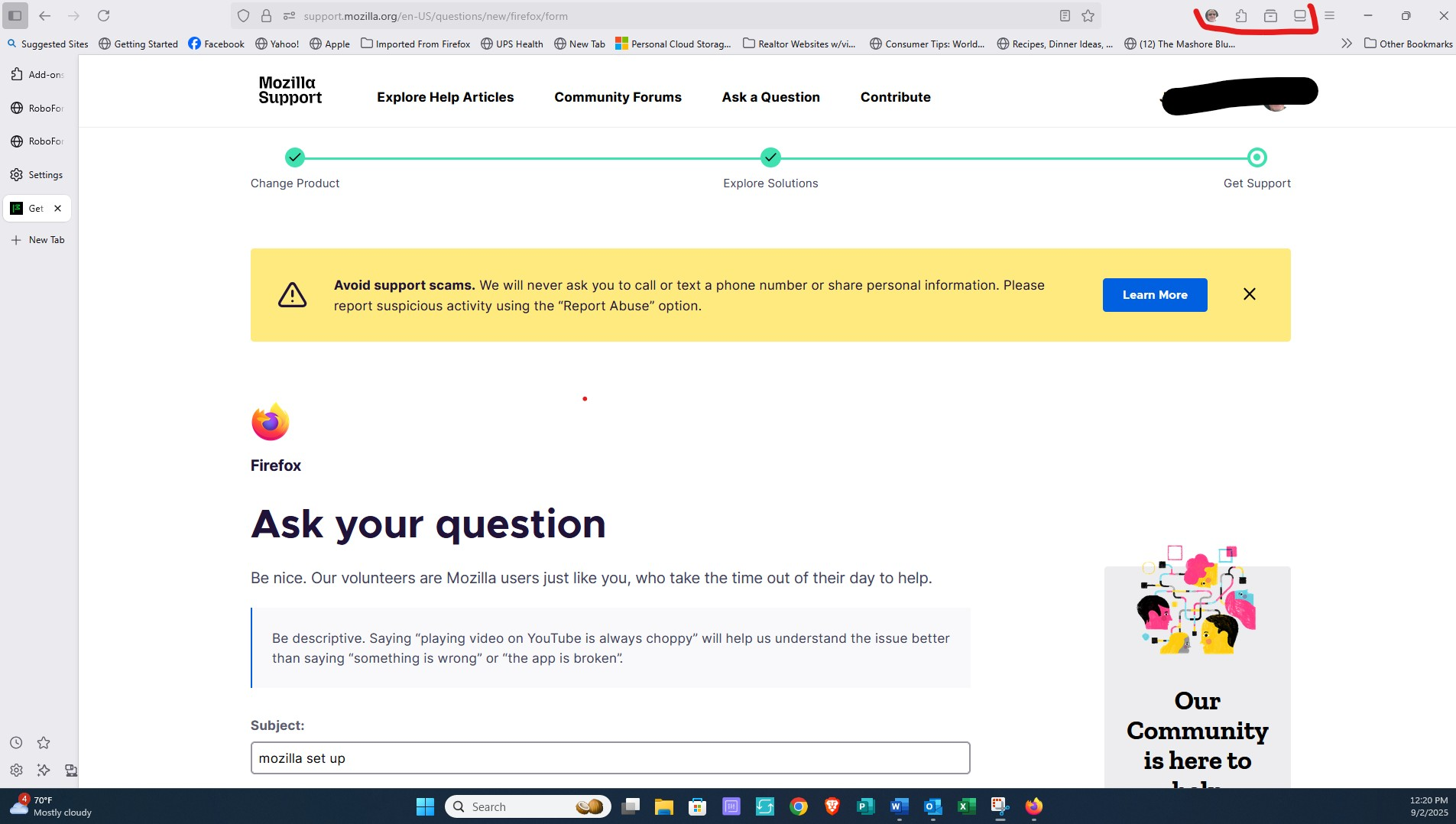
It seems that my main page settings aren't the same from one computer to the other. For instance, I use Roboforms password keeper and have an icon for it above the bookmark ribbon on one computer, but moving to the newer computer, that is missing. What am I doing wrong?
It seems that my main page settings aren't the same from one computer to the other. For instance, I use Roboforms password keeper and have an icon for it above the bookmark ribbon on one computer, but moving to the newer computer, that is missing. What am I doing wrong?
Toate răspunsurile (1)
Soluție aleasă
On the second computer, is Roboform on the drop-down from the "puzzle piece" button? See: Manage your extensions using the extensions button in the toolbar.
If not, do you recall whether it's a paid extension that installs directly from the manufacturer? Firefox might not be able to sync those between computers.