


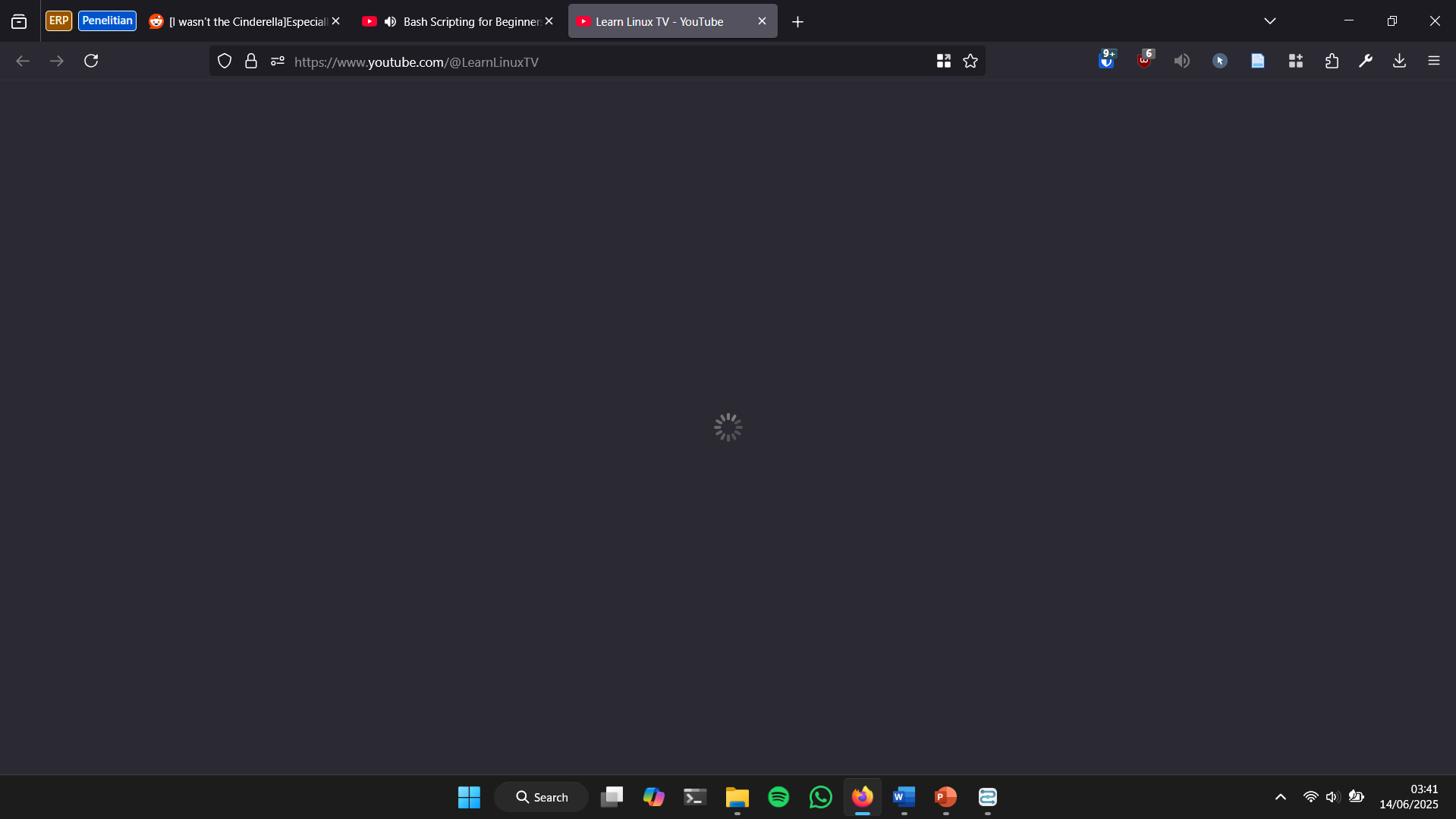
Open link on new tab hangs and show infinite loading

Since the latest update, sometimes when I open a link in a new tab, it hangs and shows infinite loading. The page will not load unless I refresh the tab.
Since the latest update, sometimes when I open a link in a new tab, it hangs and shows infinite loading. The page will not load unless I refresh the tab.
Toate răspunsurile (1)

Do you have the same issue with Firefox in Troubleshoot Mode? https://support.mozilla.org/en-US/kb/diagnose-firefox-issues-using-troubleshoot-mode#w_how-to-start-firefox-in-4troubleshoot-modesf5safe-modesf Did you try clearing the browser cache? https://support.mozilla.org/en-US/kb/how-clear-firefox-cache# Windows, home or pro and what security software are you running besides MS Defender?