


Windows 10 reached EOS (end of support) on October 14, 2025. If you are on Windows 10, see this article.

Caută ajutor

Atenție la excrocheriile de asistență. Noi nu îți vom cere niciodată să suni sau să trimiți vreun SMS la vreun număr de telefon sau să dai informații personale. Te rugăm să raportezi activitățile suspecte folosind opțiunea „Raportează un abuz”.

Află mai multe
Arhivate

Youtube player does not appear, only showing white

verdant.rivertree răspuns
verdant.rivertree

When I navigate to youtube and try to watch a video, the player does not load. It just shows white in the space where the player should be. No video, no audio, no nothing. No matter what video I click, the same thing happens. The only workaround I have found is that if I go to a page with an embedded youtube video, and click the "watch on youtube" link that appears in it, it will load a youtube page that can play videos normally. I can use that page to navigate youtube and it will operate normally. However if I type in youtube.com or get to the site some other way, the issue happens where it is only white space. It is very frustrating.
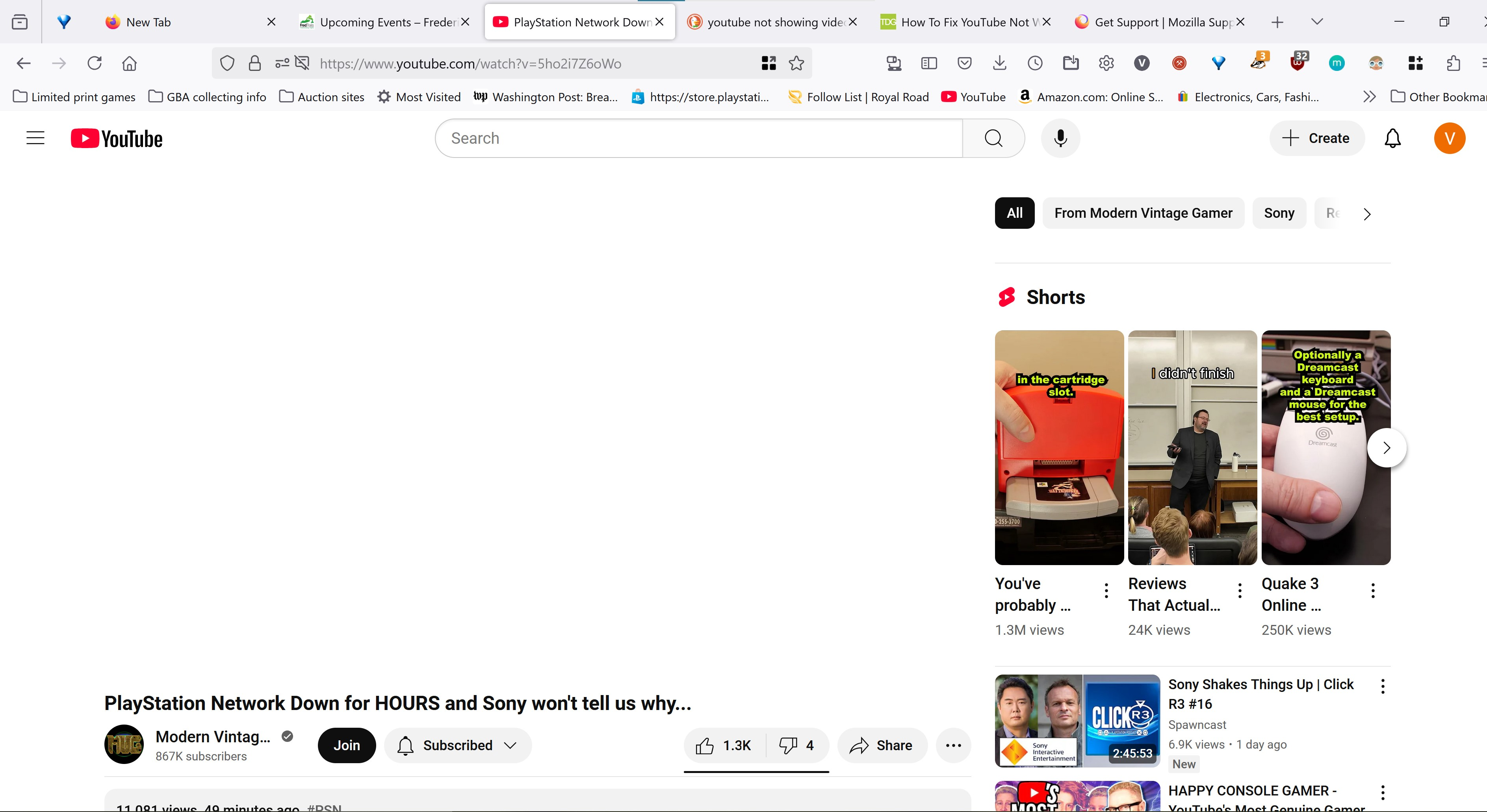
When I navigate to youtube and try to watch a video, the player does not load. It just shows white in the space where the player should be. No video, no audio, no nothing. No matter what video I click, the same thing happens. The only workaround I have found is that if I go to a page with an embedded youtube video, and click the "watch on youtube" link that appears in it, it will load a youtube page that can play videos normally. I can use that page to navigate youtube and it will operate normally. However if I type in youtube.com or get to the site some other way, the issue happens where it is only white space. It is very frustrating.
Capturi de ecran atașate

Toate răspunsurile (2)

I see a lot of add-ons. Did you try with Firefox in Troubleshoot Mode?

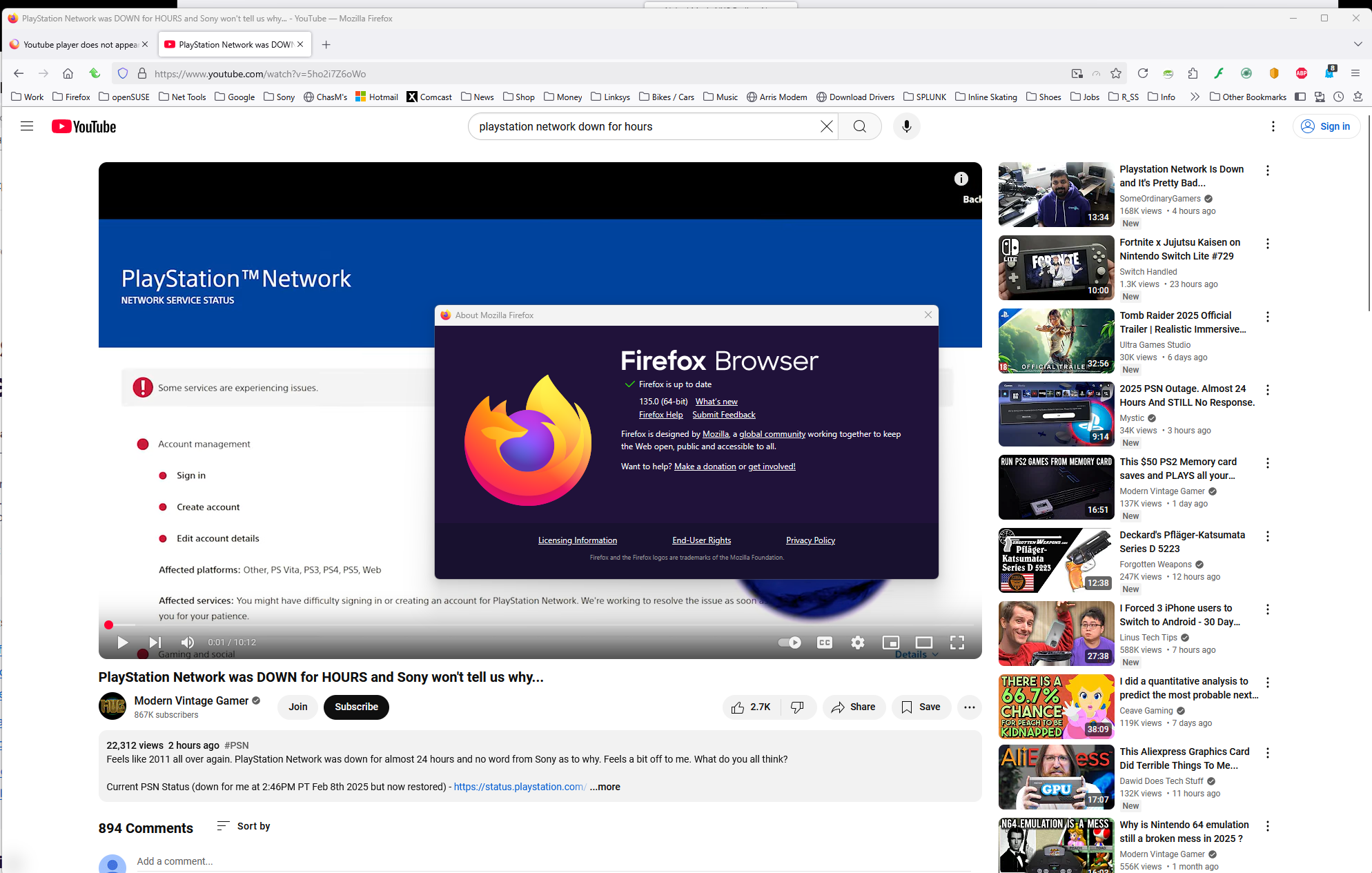
I have no issue with the same video. see screenshot https://www.youtube.com/watch?v=5ho2i7Z6oWo
Modificat la de jonzn4SUSE

I did try troubleshoot mode. The same issue persists