How do I hide the top menu bar in Fullscreen view in Mac OS 14.4.1 on MacBook Air?

When I'm in full screen mode, The Apple, "Firefox" "File" "Edit" "View" "History" "Bookmarks" "Tools" etc menu bar shows up at the top and won't disappear. On my iMac Pro, it doesn't show up. i.e. Off.
I can't figure out what is the setting to make sure it does not appear. I went digging everywhere and can't figure it out. If you could tell me what config, etc I'm missing I'd appreciate it.
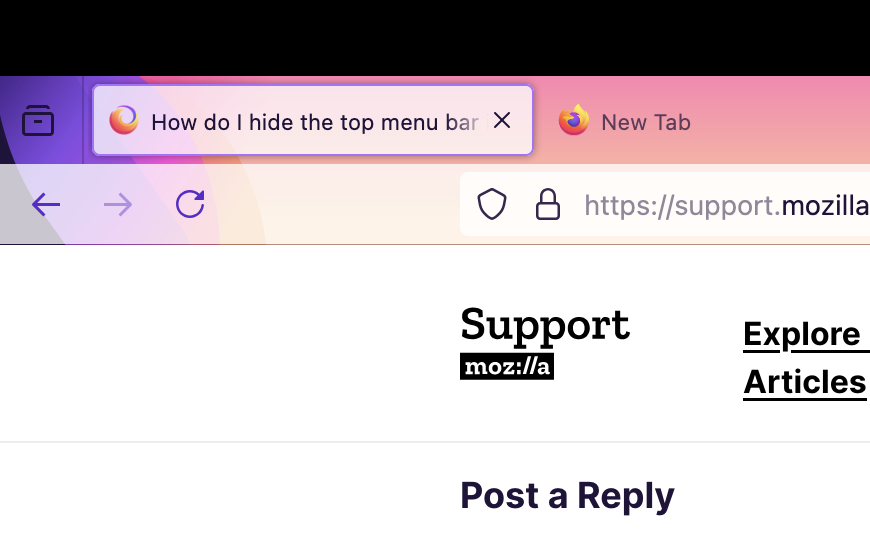
Screen shot attached to show which menu bar I mean.
My firefox is up to date: 126.0 (64-bit)

Soluție aleasă
You can check some prefs in about:config.
Whether to use macOS native full screen for Fullscreen API
- full-screen-api.macos-native-full-screen
Whether the toolbar should slide down with the menubar when the user mouses to the top of the screen in fullscreen mode.
- browser.fullscreen.autohide (right-click: Hide Toolbars)
Toate răspunsurile (3)
Soluție aleasă
You can check some prefs in about:config.
Whether to use macOS native full screen for Fullscreen API
- full-screen-api.macos-native-full-screen
Whether the toolbar should slide down with the menubar when the user mouses to the top of the screen in fullscreen mode.
- browser.fullscreen.autohide (right-click: Hide Toolbars)
about:config->full-screen-api.macos-native-full-screen solved it and the wonky behavior with the hover over the top too. I set this one to FALSE.
browser.fullscreen.autohide was already activated to true prior to me asking this question.
Thanks.

It is more simple than that. see the ScreenShots , but here is the written explanation. Once you are in "Full Screen" mode. go to the Left Upper Hand corner "Right Click" and select "Hide toolbars" and voila you will have a neat full-on truly full screen ,you can invoke the toolbar again just like you do the Auto-Hide of the Dock , hover over the top.