Files in the form of a web page-whole

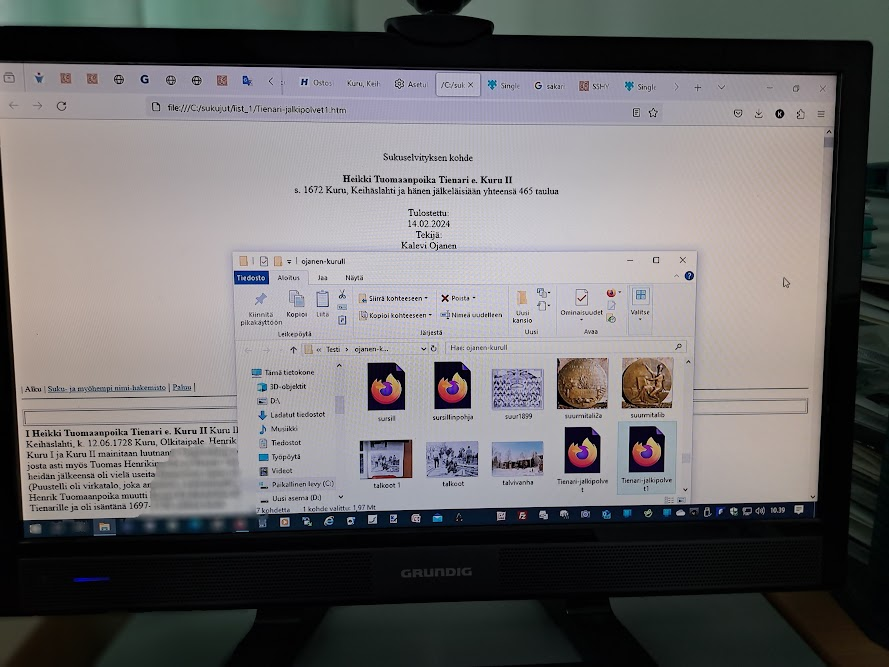
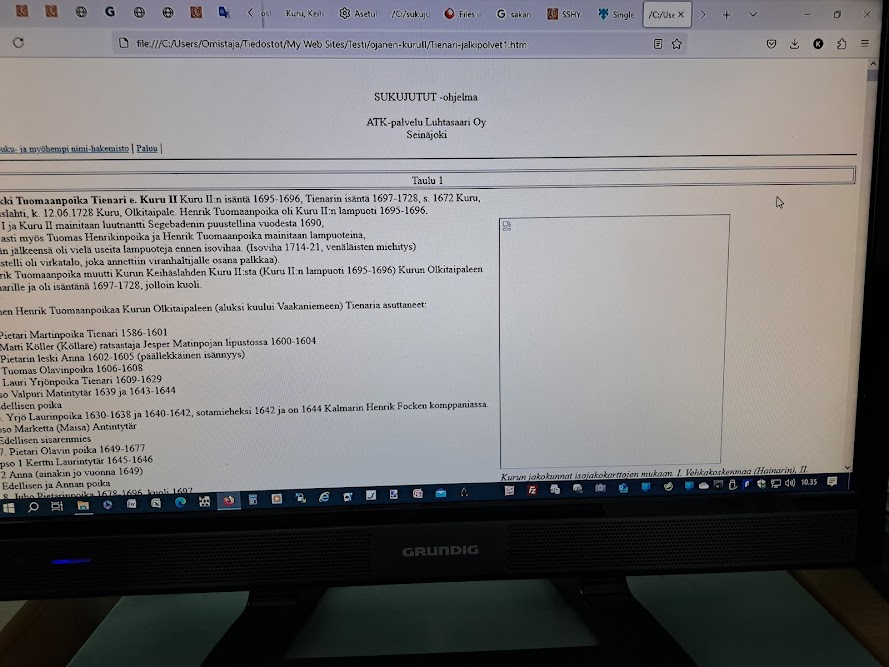
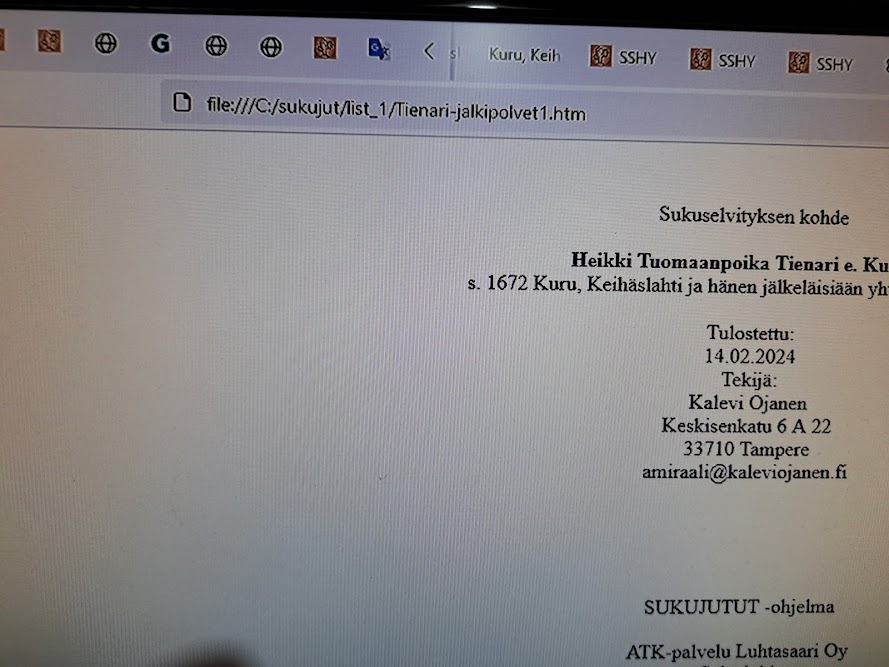
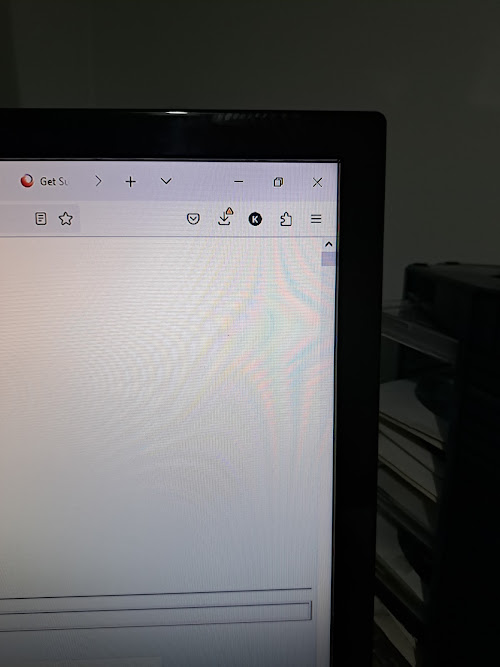
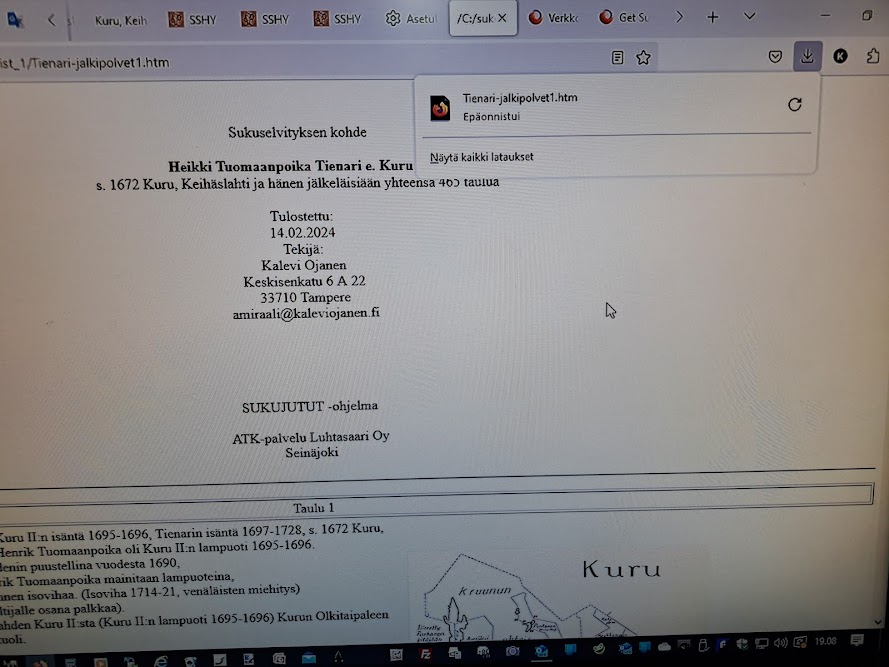
Hey! I use Firefox to create my websites, but the browser no longer saves (file:///C:/sukujut/list_1/Mattimakinen.htm) htm data and images. It only stores small files and image quantities, but not the size I need (e.g. 22mt). I create an htm file and an image file through family stories, open them in the Firefox browser, and after the page opens, I save them as a web page, the whole thing - in a Microsoft Expression Web program file. At this point, if the file is even slightly larger, it will save the htm file, but not the image file at all. A warning triangle appears next to the save button and the message: download failed. Mattimakinen.htm - download failed - local file.
I have reinstalled firefox, no help. The browser saves the plain htm file, but not with the photos. I am currently doing genealogy and an important area is photographs.
Best Regards from Finland, Kalevi Ojanen
Toate răspunsurile (2)
When you use the built-in Save Page As (Ctrl+S) function, you can choose between "HTML only" (no images, etc.) and "complete" (creates a companion folder with images, etc.).
In your second screenshot, the triangle probably means that the page or something in the companion folder did not save correctly when using the "complete" option. Often it works if you just try a second time. However, in some cases, it just might not work. I don't know exactly why.
If you need more assurance that you're saving a complete page, consider trying the following add-on: https://addons.mozilla.org/firefox/addon/single-file/
Two questions:
(1) What is "22mt"?
(2) Is a "Microsoft Expression Web program file" in regular HTML format or a different format? If it's a different format, perhaps there is an add-on that can generate it properly.
(1) What is "22mt"?
(2) Is a "Microsoft Expression Web program file" in regular HTML format or a different format? If it's a different format, perhaps there is an add-on that can generate it properly.
1. 22 megabytes
2. HTML format
Only the HTML file can be saved without images, but I want to save an entire web page with images.
https://addons.mozilla.org/firefox/addon/single-file/ This add-on did not help to save an entire web page.
In your second screenshot, the Triangle probably means that the page or something in the companion folder was not saved correctly when using the "full" option. Often it works if you just try a second time. However, in some cases it may not work. Answer: I have tried many times, but it only saves the HTML section, not the images.