


adblocker ultimate ad has hijacked a ride on all browser pages

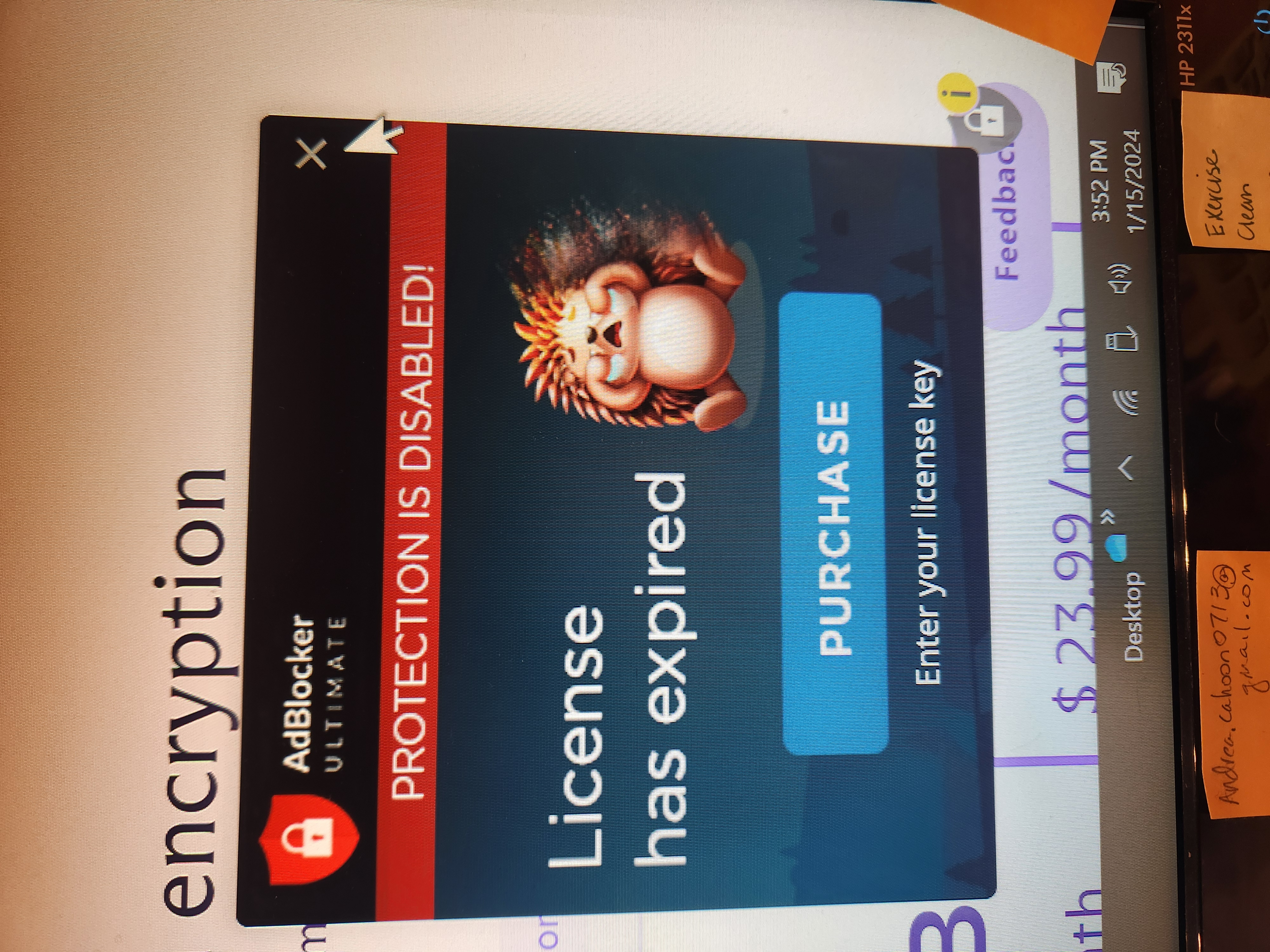
Smaller adblocker ultimate advertising icon appears on most screens. It's annoying and typically in the way. I tried adblocker once but disabled it months ago and removed it today. The ad for adblocker ultimate still appears in the lower corner of most pages. The icon and the Expanded flag is (opened) are both attached below.

Toate răspunsurile (1)
Start Firefox in Troubleshoot Mode to check if one of the extensions ("3-bar" menu button or Tools -> Add-ons -> Extensions) or if hardware acceleration or if userChrome.css/userContent.css is causing the problem.
- switch to the Default System theme: "3-bar" menu button or Tools -> Add-ons -> Themes
- do NOT click the "Refresh Firefox" button on the Troubleshoot Mode start window
- https://support.mozilla.org/en-US/kb/diagnose-firefox-issues-using-troubleshoot-mode
- https://support.mozilla.org/en-US/kb/troubleshoot-extensions-themes-to-fix-problems
Your System Details show that you have a user.js file in the profile folder to initialize prefs each time Firefox starts. The user.js file will only be present if you or other software has created this file and is normally not present.
You can check its content with a text editor (right-click: "Open with"; do not double-click). The user.js file is read each time Firefox is started and initializes preferences to the value specified in this file, so preferences set via user.js can only be changed temporarily for the current session.
You can delete the user.js file if you didn't create this file yourself.