Iframe doesn't load small images with srcset the first time

Hello,
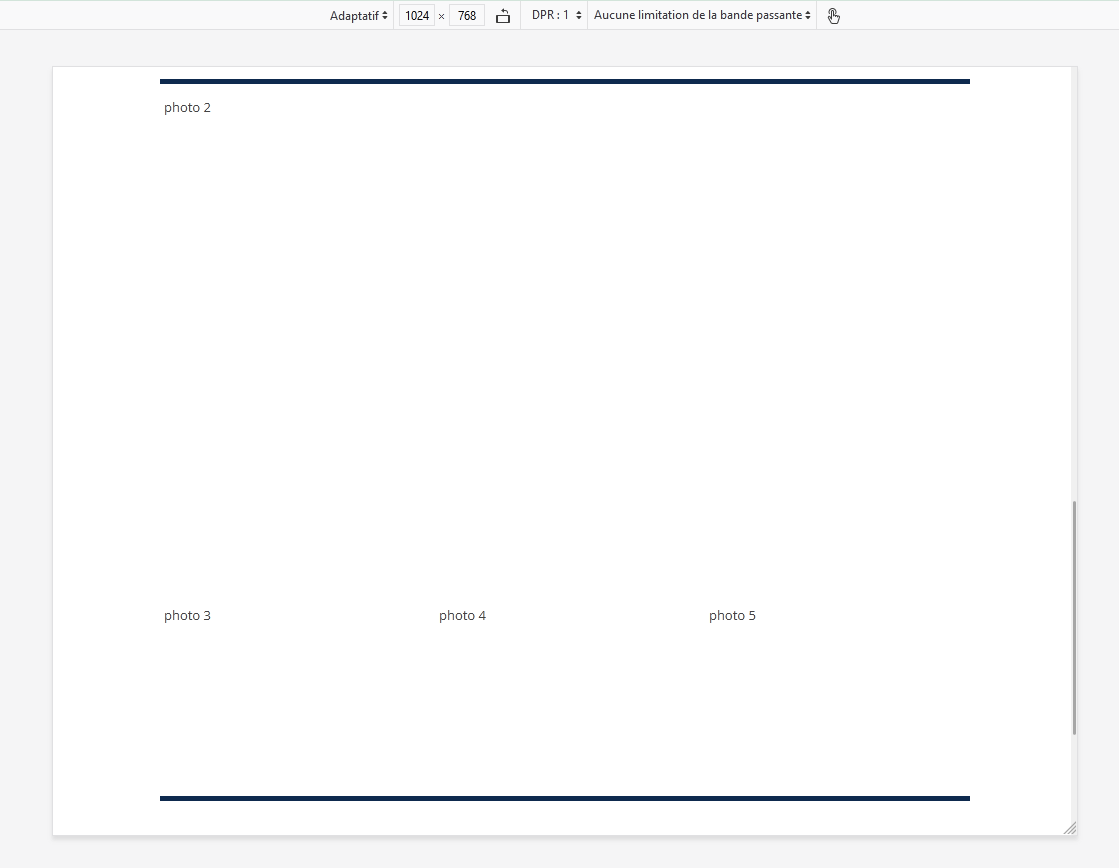
We have a solution to display a property sale detail in iframe. The first time it's displayed only the not small images or without srcset.
Points of note: - The iframe is resized by javascript to take the height of the content height at loading. - Most images are defined with a srcset.
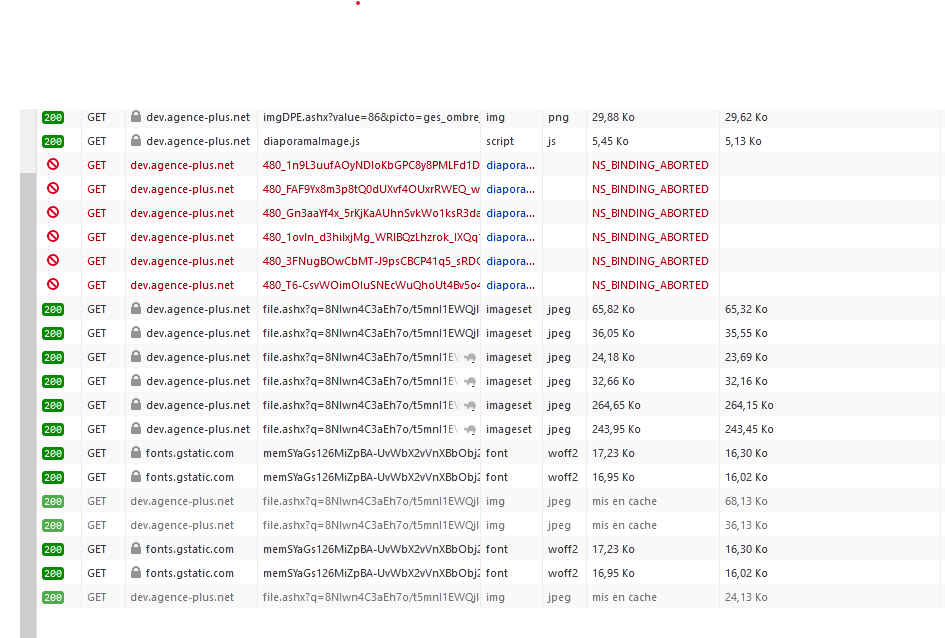
It's seems the browser begin to download 480px images as it should and the height resizing of the iframe cancel the requests (NS_BINDING_ABORTED) and it request the image in the attribute src but does not use it. The image preview in the inspector also display "Unable to load".
Refreshing the page display the images (with or without cache), you need to restart Firefox to have the issue with the same images. It's work correctly under Chrome.
Here an example https://test-agpwrapper.agence-plus.com/agpwrapper?k=cPZw_2neX-c At the end you have photo 3, photo 4, and photo 5 instead of the images, it's displayed if you refresh the page.
Thanks you for your support.

Toate răspunsurile (1)
Thanks for trying.
I have disabled all extensions and I don't have NS_BINDING_ABORTED anymore, netherless the issue persist albeit maybe more stable has refreshing doesn't have tendency to make it work, which make me able to do tests more easily.
The window size is the main factor making it work or not, with the window adapted to 1024x768 it have a tendency to not work (as shown in the capture), if i resize the window under another step of sizes attribute it load the images. It's obviously an issue with the srcset and sizes, but it does seem valid, if i modify those attributes (without notable changes) the image is loaded.
I suppose I can make a temporary fix with some javascript (something like img.sizes += img.sizes + ' ';).