


Opening Firefox browser
Why do I have to sign in with my e=mail address and a password every time I open Firefox?
Thanks
Toate răspunsurile (2)
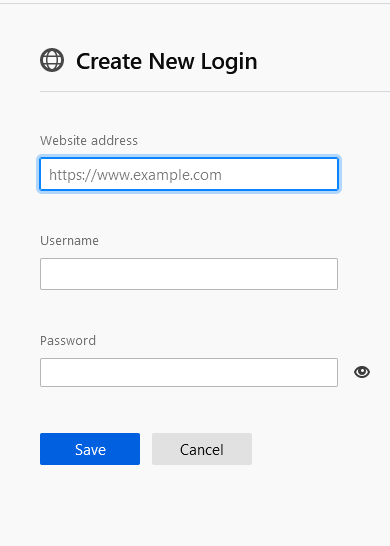
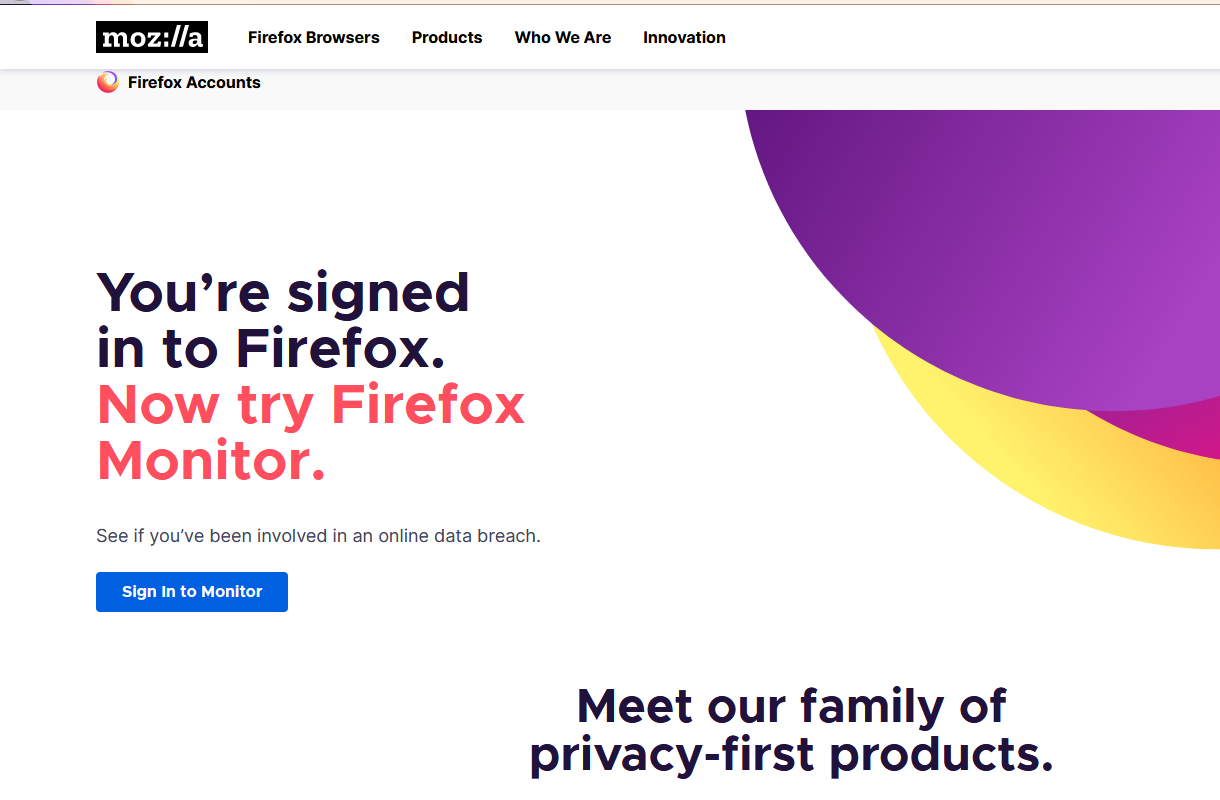
Hi, if you want it to be easier you can navigate to https://www.mozilla.org/en-US/firefox/new/?redirect_source=firefox-com , then click on "Get a Firefox Account" , after tap on "Sign in to monitor". You will be redirected on the authentification page, enter you Firefox account credentials and tap "Sign in". Usually a pop-up on the left top corner should be displayed which will ask you if you want to save the logins, tap "save". If the pop-up isn't displayed , tap on the hamburger menu and select "Logins and Passwords" then on the left bottom corner tap "Create New login" and enter the credentials for Firefox account.
Modificat la de user3373218
Make sure you install Firefox properly and that you do not run Firefox from within the DMG (Disk Images) file.
Open the Firefox Disk Images file and drag the Firefox application to the Applications folder on your hard drive. You shouldn't double-click the Firefox application to run it from the Disk Images, but instead drag it out of the DMG folder.