


Windows 10 reached EOS (end of support) on October 14, 2025. If you are on Windows 10, see this article.

Caută ajutor

Atenție la excrocheriile de asistență. Noi nu îți vom cere niciodată să suni sau să trimiți vreun SMS la vreun număr de telefon sau să dai informații personale. Te rugăm să raportezi activitățile suspecte folosind opțiunea „Raportează un abuz”.

Află mai multe

Set Up Multiple Gmail Accounts on Thunderbird

  • 1 răspuns
  • 1 are această problemă
  • 57 de vizualizări
  • Ultimul răspuns dat de sfhowes

I have one standard gmail account already set up in Thunderbird, and I tried to add my university and my work accounts (both offered through gmail), but was unable to do so.

In the process, I received a couple of error messages. The first one said that the "incoming server already exists" (I imagine because the same server name (imap.gmail.com), port (993), and security protocol (SSL/TLS) are configured for my first gmail account).

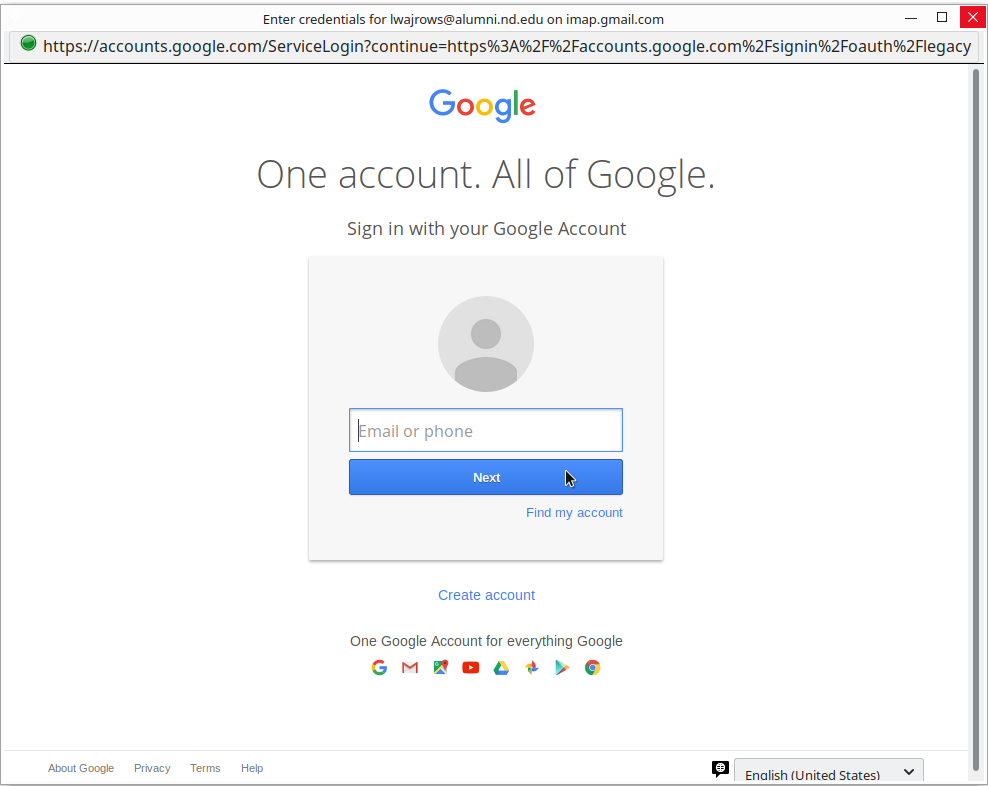
The other error I received was when I was able to pass that first message (by changing the configuration for my first gmail account) and the login screen actually appeared. I was able to enter my email address, but not able to continue, as the gmail interface asked for my email address again (and again and again), so I was never able to enter my password. This problem is captured in the two images (the first one is when I enter my email; the second is after immediately after I click "Next.")

Any help would be much appreciated!
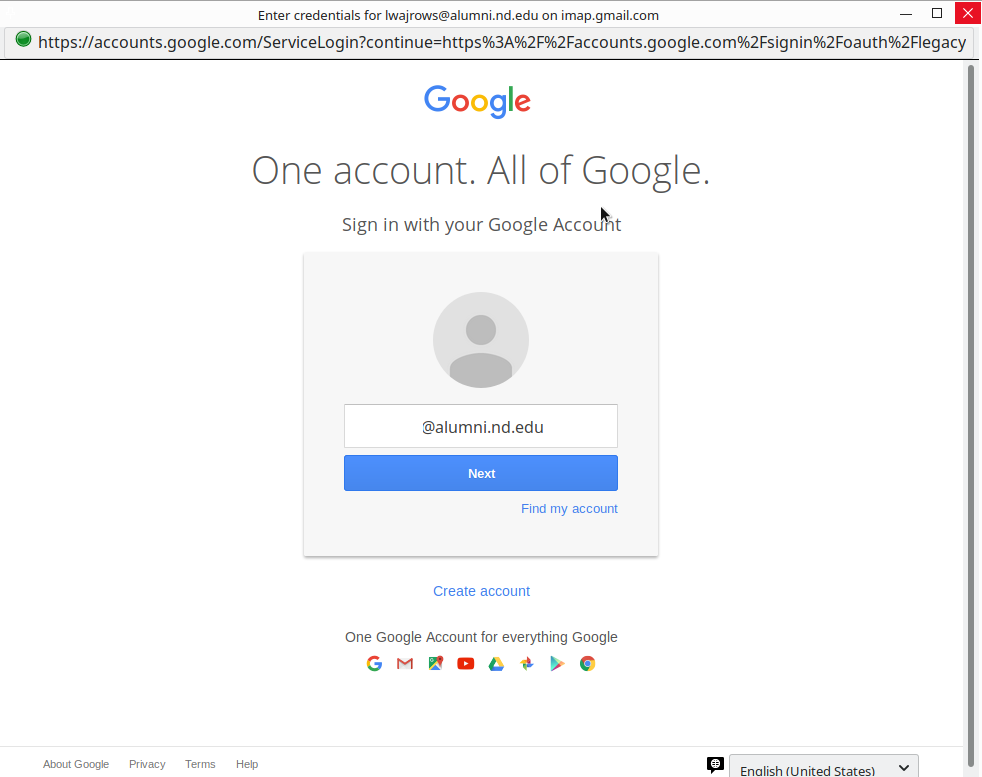
I have one standard gmail account already set up in Thunderbird, and I tried to add my university and my work accounts (both offered through gmail), but was unable to do so. In the process, I received a couple of error messages. The first one said that the "incoming server already exists" (I imagine because the same server name (imap.gmail.com), port (993), and security protocol (SSL/TLS) are configured for my first gmail account). The other error I received was when I was able to pass that first message (by changing the configuration for my first gmail account) and the login screen actually appeared. I was able to enter my email address, but not able to continue, as the gmail interface asked for my email address again (and again and again), so I was never able to enter my password. This problem is captured in the two images (the first one is when I enter my email; the second is after immediately after I click "Next.") Any help would be much appreciated!
Capturi de ecran atașate

Toate răspunsurile (1)

The OAuth2 verification requires that cookies be enabled in TB Options/Privacy.