


Digital Certificate for secure connection

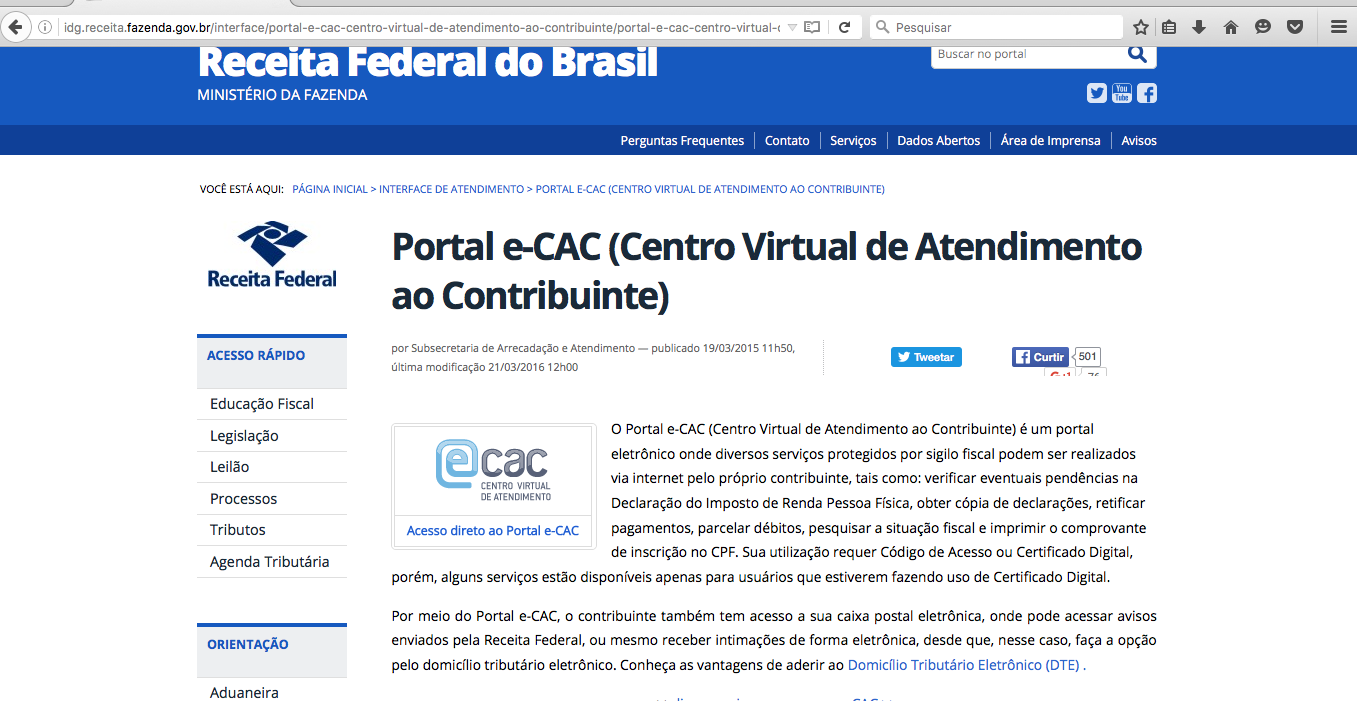
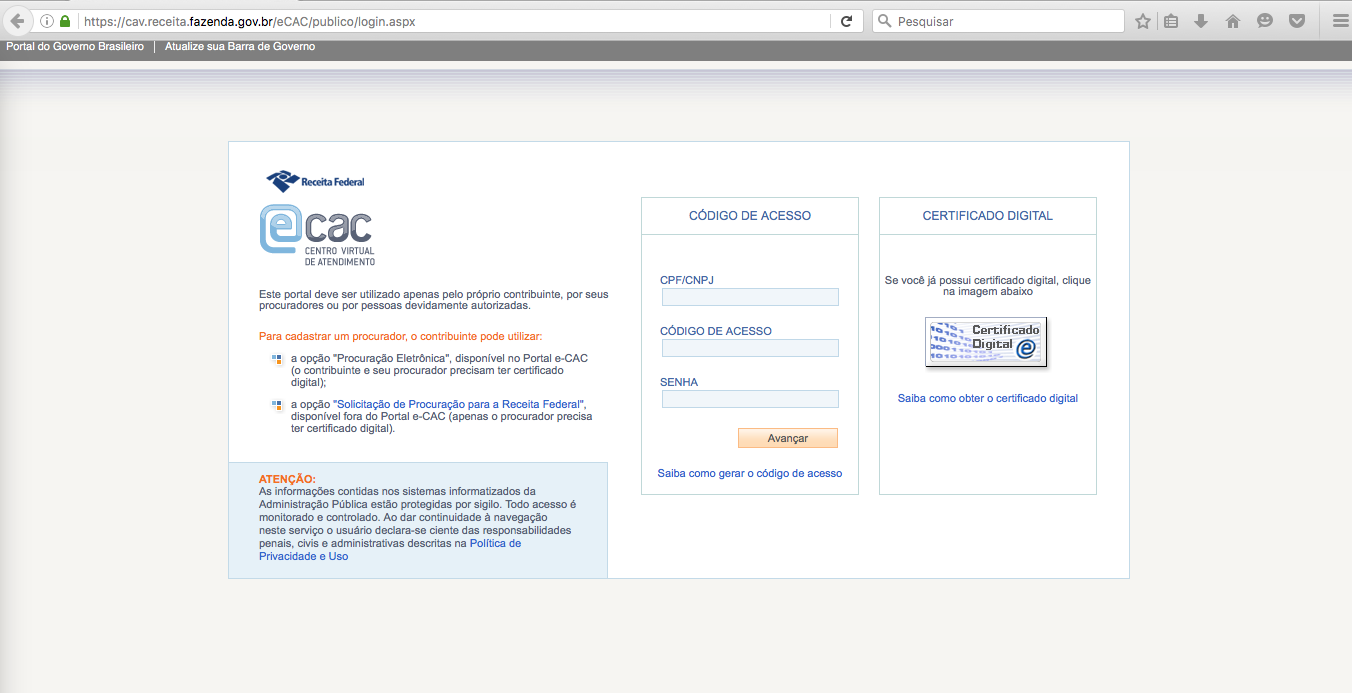
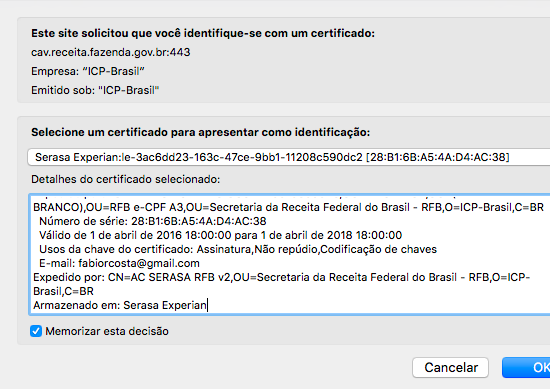
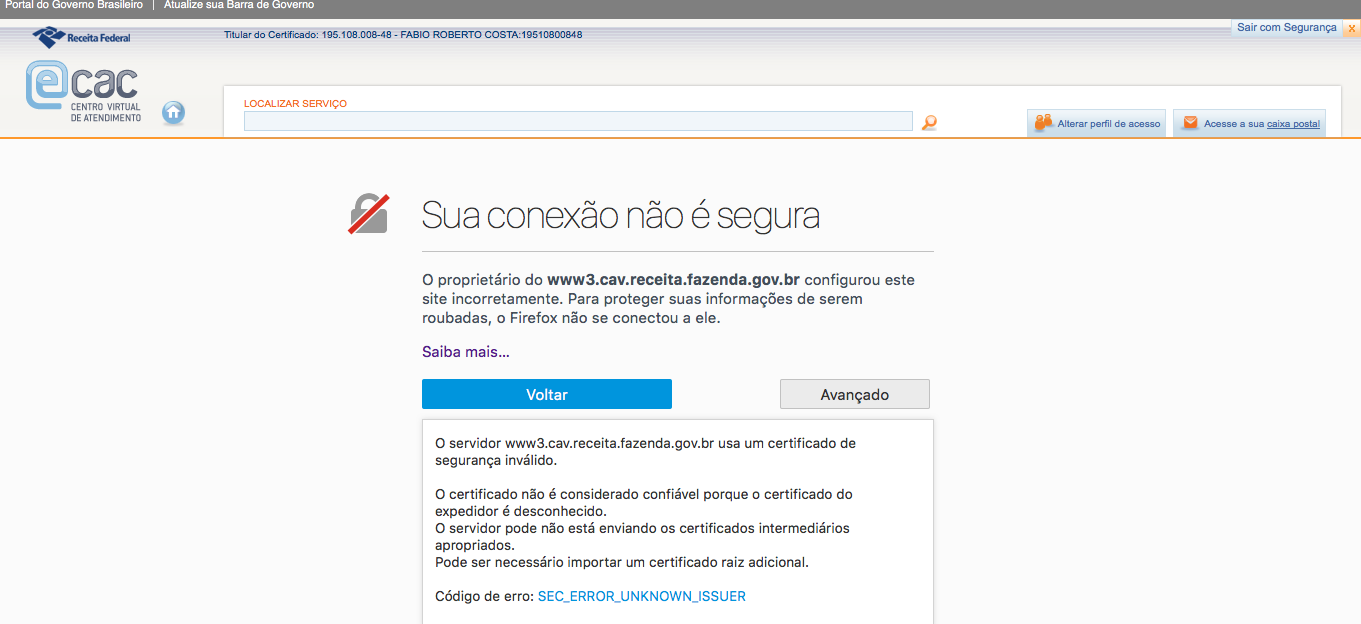
Hi there You are my last chance to get this solved. I am from Brazil and trying to access a secure site for the Federal institution that regulates our Tax matters. My setup: MAC OSX last version (El CApitan). Firefox 46.0.1 I use Digital Certificate provided by a USB token. It uses safenet authentication client (https://serviceportal.safenet-inc.com ). While accessing the page (you can see the figure 1) I click on the ecac button and then on the middle right of the page where there is a button "certificado digital" (figure2). The site prompts me a window to choose the certificate I want to use (figure 3). I hit OK, the USB token light flashes (which means it has been accessed) and I am logged. See on figure 4 that I am completely authenticated with my data on top of the screen. The problem now starts: When I click in any option of the site I got the non secure warning with no option add an exception. The error code : SEC_ERROR_UNKNOWN_ISSUER (figure5)

Toate răspunsurile (1)
Here's the in-depth help page: https://support.mozilla.org/en-US/kb/troubleshoot-SEC_ERROR_UNKNOWN_ISSUER.
You could be missing an intermediary certificate that you need to import to use this specialised certificate. Anything mentioned about that in the instructions for this certificate?
It is common to have to install signing authority files for the issuers of specialised certificates like this.