

Firul de discuție a fost arhivat.
Adresează o întrebare nouă dacă ai nevoie de ajutor.

Arhivate
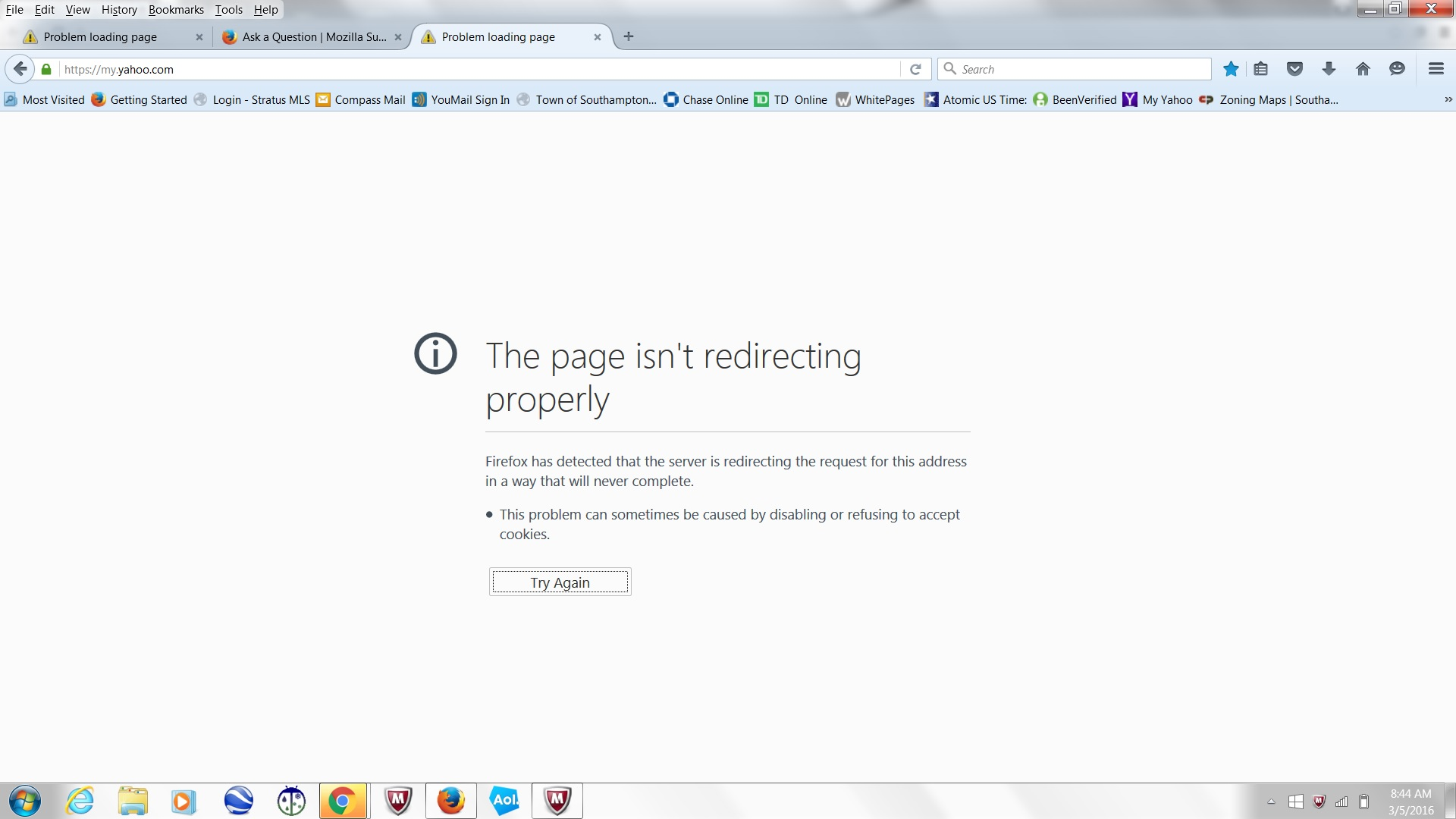
all works but my yahoo it did works for years now it wont load at all
With Firefox my yahoo will not load works fine with internet explorer and chrome regular yahoo is fine it works have any idea what happened? Dennis
With Firefox my yahoo will not load works fine with internet explorer and chrome regular yahoo is fine it works have any idea what happened? Dennis
Toate răspunsurile (2)

Please Check is this option are on in your settings?
Got to Tool>Options>Privacy > History> Choose "Firefox will USe custom settings for history
In here Please check is there mark sign in accept cookies from sites option. If there is not any mark sign then do it.
This issue can be caused by corrupted cookies or cookies that are blocked.
- check the permissions on the about:permissions page and in "Tools > Page Info > Permissions"
- https://support.mozilla.org/kb/fix-login-issues-on-websites-require-passwords
Clear the Cache and remove the Cookies from websites that cause problems via the "3-bar" Firefox menu button (Options/Preferences).
"Clear the Cache":
- Firefox/Tools > Options > Advanced > Network > Cached Web Content: "Clear Now"
"Remove the Cookies" from websites that cause problems.
- Firefox/Tools > Options > Privacy > "Use custom settings for history" > Cookies: "Show Cookies"