


RoboForm toolbar not displaying after upgrading to FireFox 43.0.3
I have selected my RoboForm toolbar to display and it does not display the toolbar but instead it shows a blank line under the Bookmark toolbar. Why isn't Firefox displaying RoboForm toolbar?
Toate răspunsurile (3)

I was not able to find RoboForm in the Add-ons Web Site. It might have been removed. Do you have a support site for it?
This will not work for Ver 44; Enter about:config into your Firefox address bar Click the I'll be careful button Find xpinstall.signatures.required in the list Right click the preference Select Toggle until the value is false https://support.mozilla.org/en-US/kb/add-on-signing-in-firefox
Hello Fred,
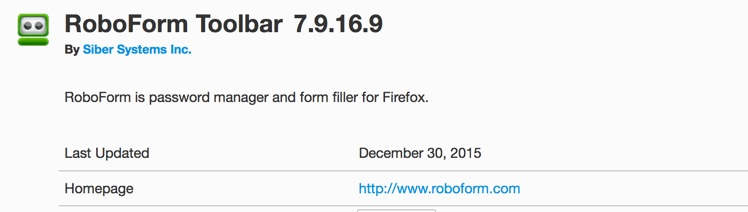
Thanks for your reply. RoboForm is not listed on available Add-on but it was supported in prior release. The support site for RoboForm is www.roboform.com I have attached the snapshot of RoboForm toolbar in the attachment. Roboform toolbar stopped working from 43.0.1 release
I think you should contact their support for more help.