I am trying to get my Firefox iOS bookmarks from an old iPad to a new one - how do I do that?

I installed Firefox iOS on both my iPads and have Firefox on my Windows laptop.
I have tried to use Sync but the instructions are minimal and I really do not understand them. I started Sync and see that it says "change the device name". Which device is it talking about the laptop or iPad? Am I syncing from my old iPad onto my laptop? How do I know when it is finished (I finally found out how to tart the process - did not see how to do that in the instructions)?
And how exactly do I get the bookmarks onto my new iPad from the old iPad without having to set up each one?
Terry
Toate răspunsurile (1)
Just log in to the same Firefox account on all these devices :)
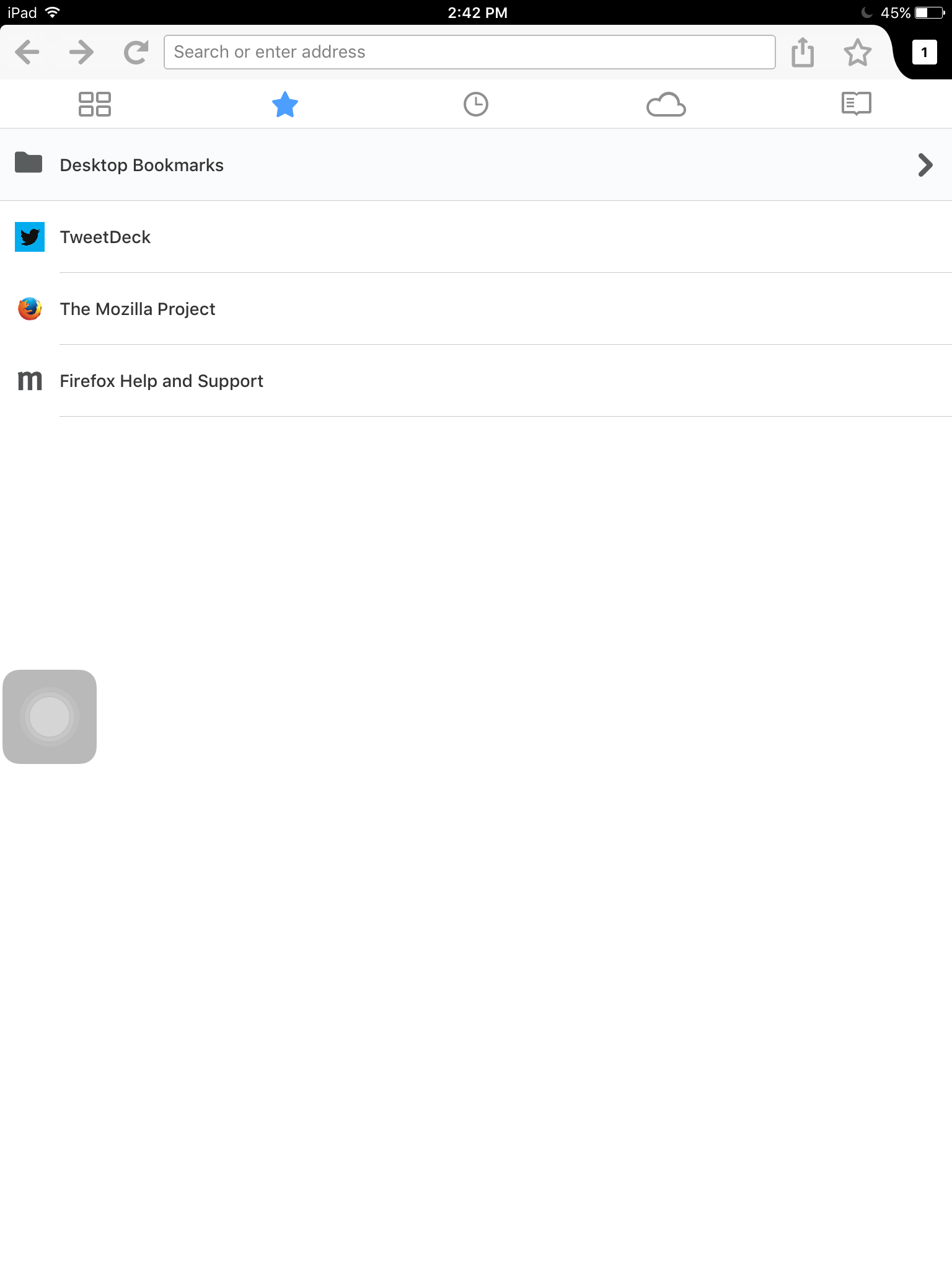
After logging in, sync will start immediately (and automatically, if not just tap sync now). It will be completed in a few seconds. And bookmarks will be now in their respective folders (like mine, I synced desktop to here, the bookmarks appeared in "Desktop Bookmarks").
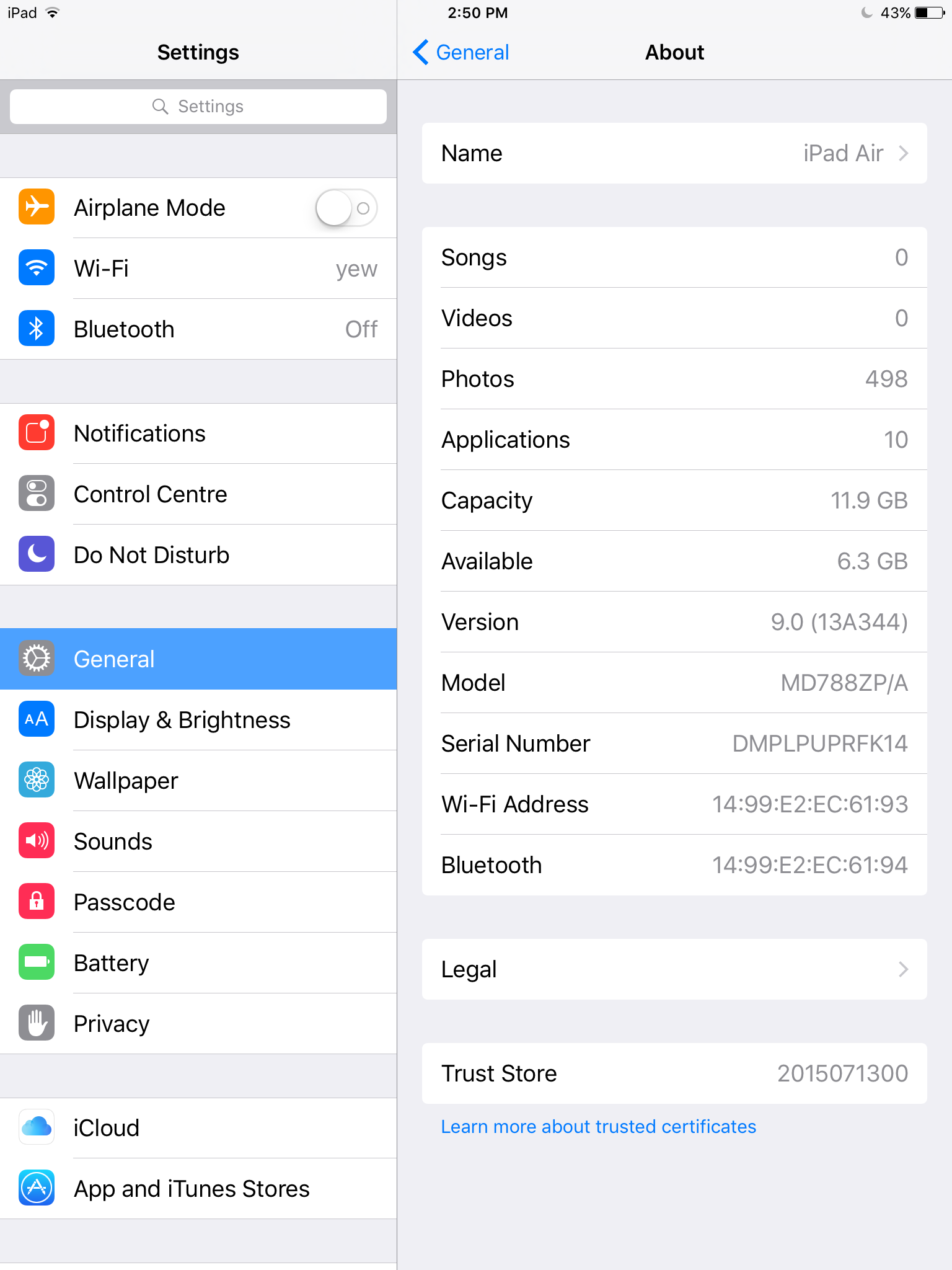
Regarding device names, perhaps both iPads have the same device name. Firefox might use their names to give folder names in bookmarks page, and two same names would cause conflict or whatever, you can change them in Settings of your iPad (tap on "Name" to change it like the second image I uploaded).
Hope this helps and good luck :)