


Custom keyboard shortcust not working.

I have Firefox Mac 42 with Custom keyboard shortcuts https://addons.mozilla.org/en-US/firefox/addon/customizable-shortcuts/ installed. They all of a sudden stopped working and I no longer see the customize tab in Preferences. How do I get these working again?
I have Firefox Mac 42 with Custom keyboard shortcuts https://addons.mozilla.org/en-US/firefox/addon/customizable-shortcuts/ installed. They all of a sudden stopped working and I no longer see the customize tab in Preferences. How do I get these working again?
Toate răspunsurile (3)
Do you see the toolbar button of this extension?

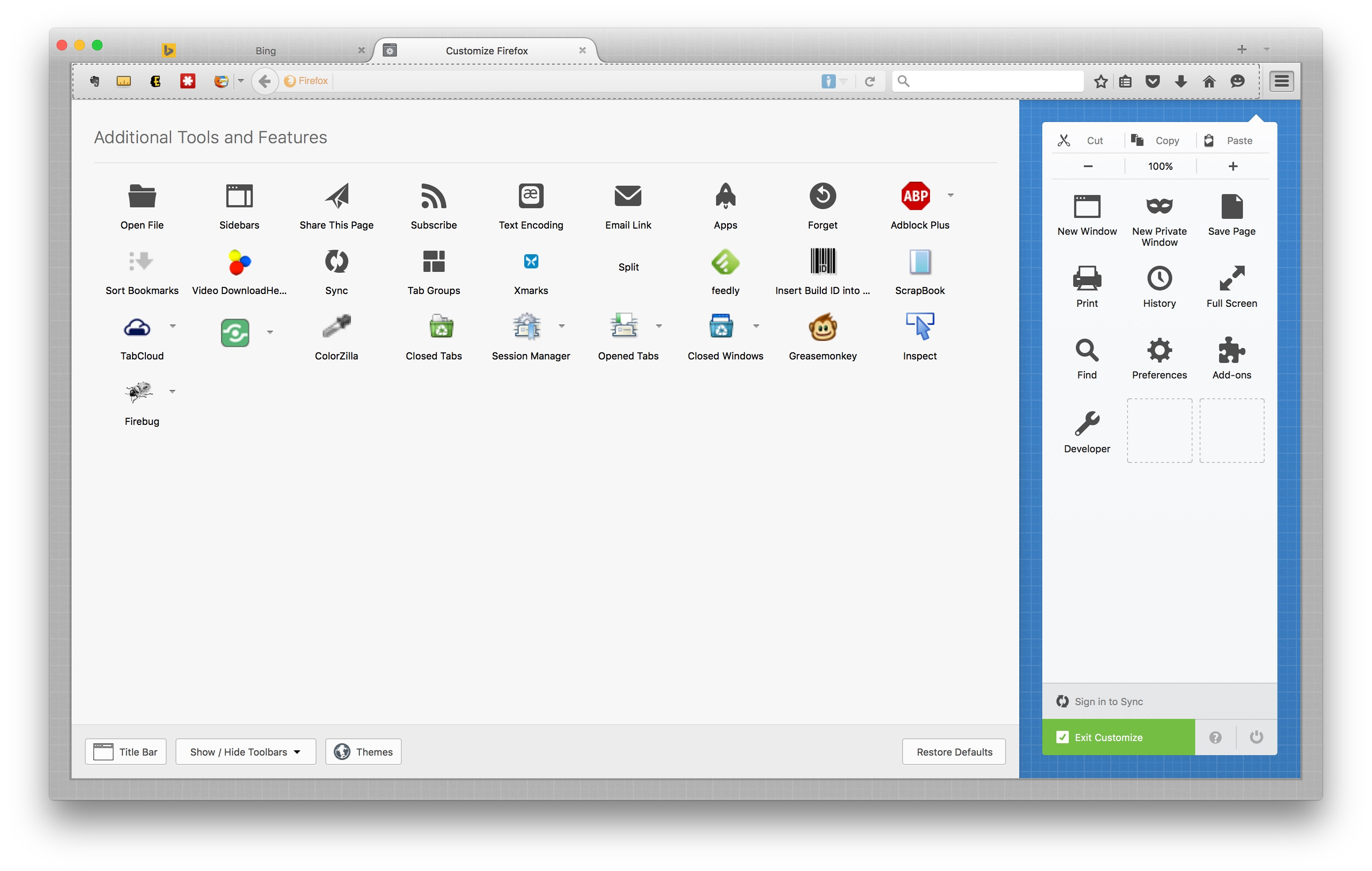
Open the Customize window and set which toolbar items to display.
- "3-bar" menu button > Customize
- if missing items are in the Customize palette then drag them back from the Customize window on the toolbar
- if you do not see an item on a toolbar and in the Customize palette then click the Restore Defaults button to restore the default toolbar setup
If this didn't help then reset browser.uiCustomization.state via the right-click context menu to the default value or set the value to an empty string.
You can open the about:config page via the location/address bar. You can accept the warning and click "I'll be careful" to continue.
No I don't. here is what I see.
Ok I found it. I had to reset it again.