


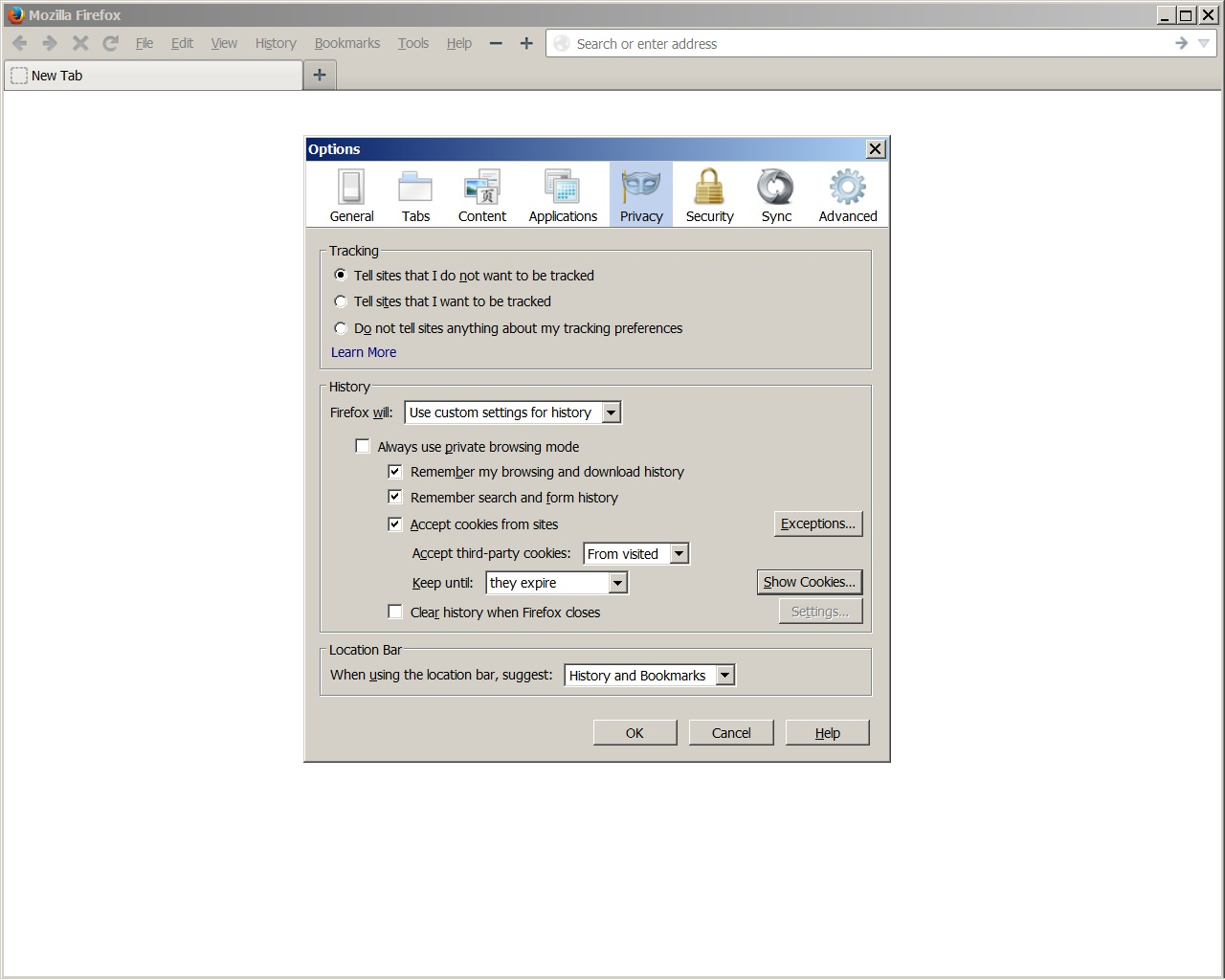
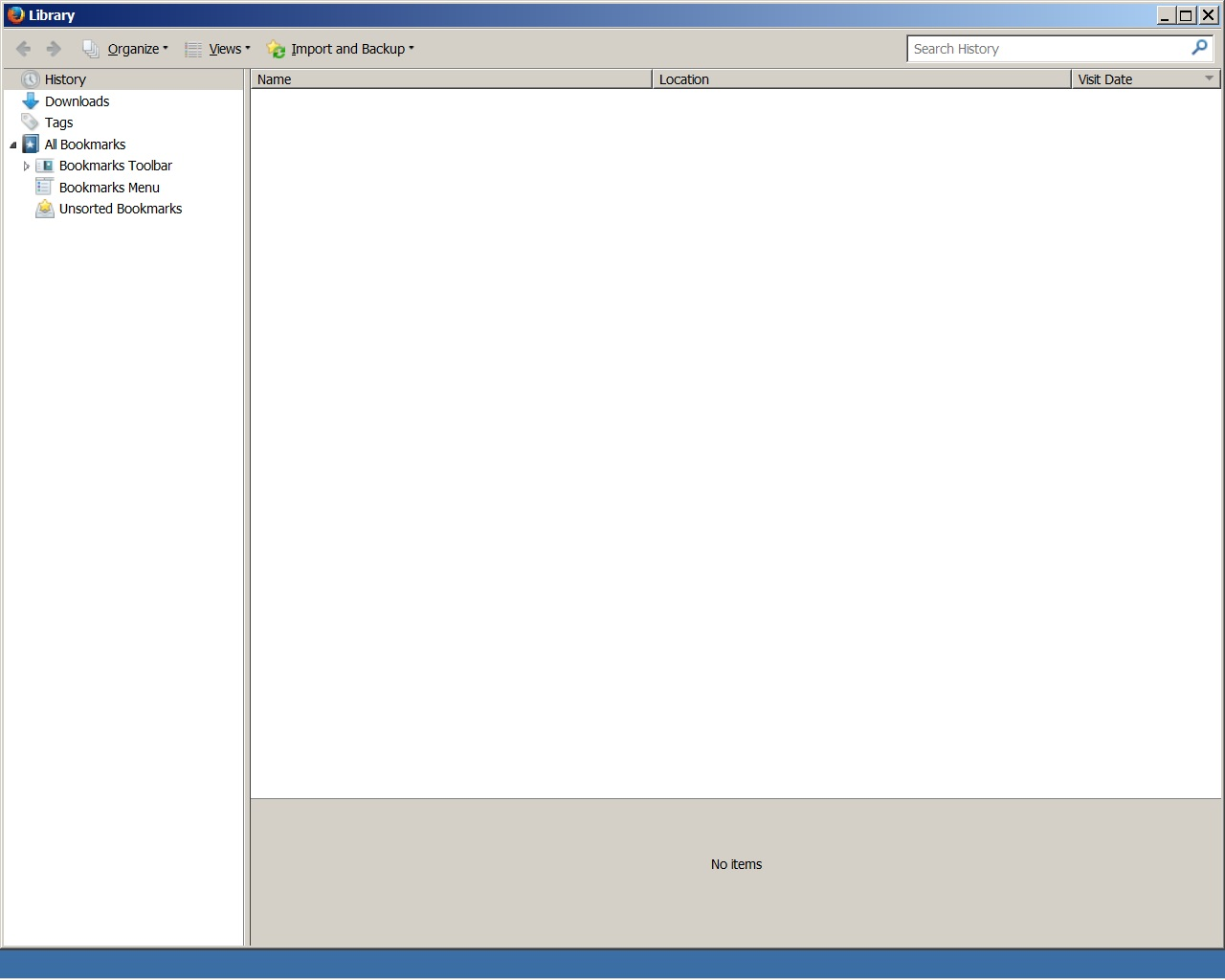
Options/Privacy/History/custom-is set to remember. Why then are there "no items" in the library???

I want to see my history! FF 24 is set to remember browsing, download, search and form! No items it library!
Alterado por Sportster em
Solução escolhida
You were right, cor-el, the places.sqlite was corrupted.
I add the Places Maintenance add-on. But all it did was tell me the file was corrupted.
After shutting down Firefox, I deleted all of the places.sqlite files. I restarted Firefox and all is good. I still have my Bookmarks and only lost the most visited tabs info, which I believe will fill back in as I continue to browse with Firefox.
Thanks to both of you for your feedback.
Ler esta resposta 👍 2Todas as respostas (5)

Make sure you not running Firefox in (permanent) Private Browsing mode.
- https://support.mozilla.org/kb/Private+Browsing
- Tools > Options > Privacy > Firefox will: "Use custom settings for history"
- Deselect: [ ] "Always use private browsing mode"
If you not using Private Browsing Mode
- Tools > Options > Privacy > History>
- Firefox will: "Use custom settings for history":
- Select: [x] Accept Cookies from sites
- Accept third party cookies: "From Visited"
- Keep until "They Expire"
- Deselect: [ ] "Clear history when Firefox closes"
- https://support.mozilla.org/kb/Clear+Recent+History
If you use cleanup software like CCleaner then check the settings for the Firefox application.
Thanks for you reply,
As you can see in my post, I have the options set to Custom and to Remember.
I can see cookies in the Show Cookies window, that's not a problem.
Even if I was using a cleanup software there's nothing there to cleanup except cookies!
I've included a couple of screenshots.
I'm not sure but I think I might have to change something in about:config even thought I haven't changed anything since I updated to FF 24
Looking forward to your response.
Problems with bookmarks and history not working properly can be caused by a corrupted places.sqlite database file.
You can check for problems with the places.sqlite database file in the Firefox profile folder.
Solução escolhida
You were right, cor-el, the places.sqlite was corrupted.
I add the Places Maintenance add-on. But all it did was tell me the file was corrupted.
After shutting down Firefox, I deleted all of the places.sqlite files. I restarted Firefox and all is good. I still have my Bookmarks and only lost the most visited tabs info, which I believe will fill back in as I continue to browse with Firefox.
Thanks to both of you for your feedback.
Alterado por Sportster em
You're welcome