


How to disable the donation webpage/screen

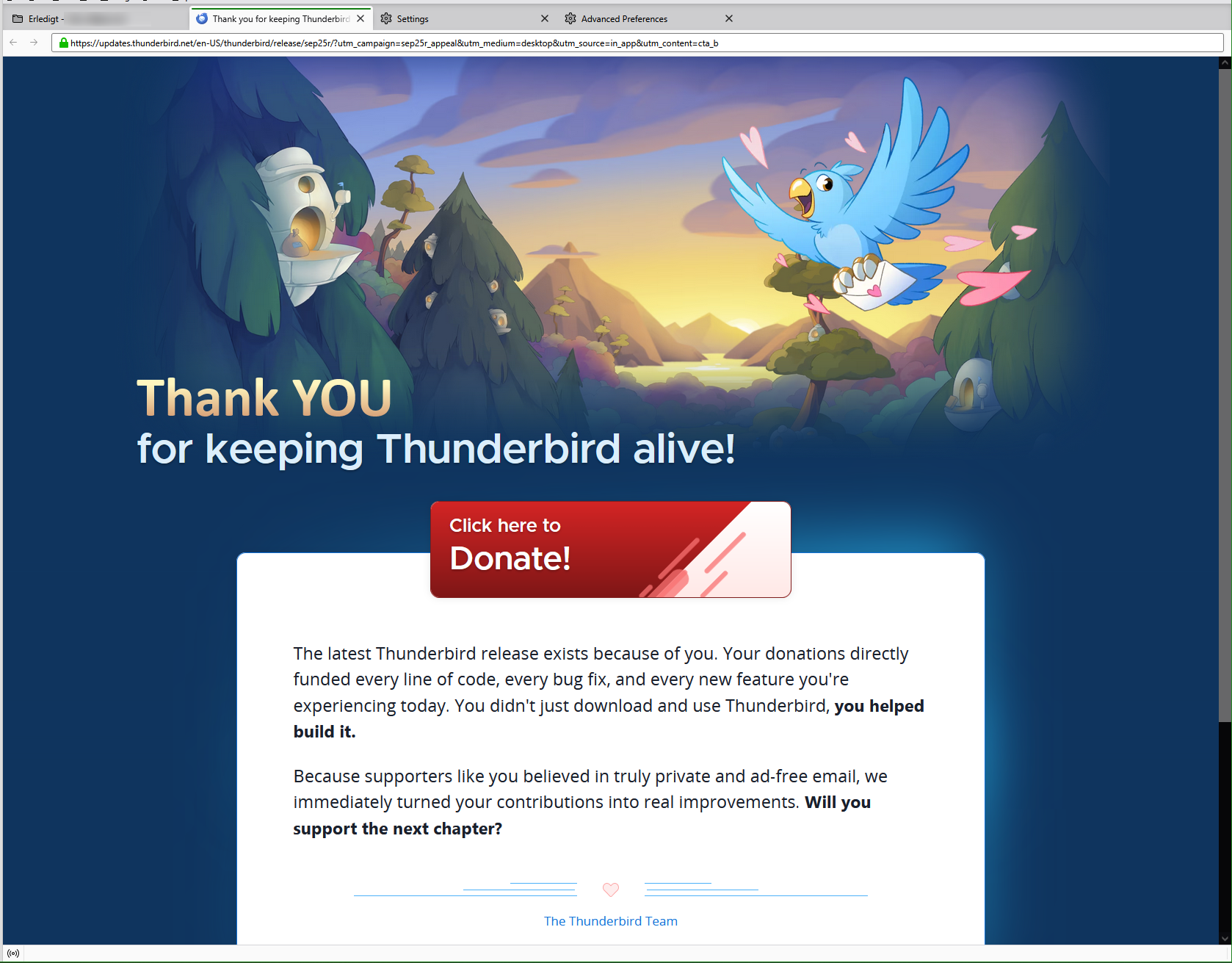
How do I disable the donation webpage that opens (in Thunderbird) automatically?
A common suggestion is to disable the start page: https://support.mozilla.org/en-US/questions/1226585 https://support.mozilla.org/en-US/questions/1520014 https://support.mozilla.org/en-US/questions/1515838 https://support.mozilla.org/en-US/questions/1507571 That option is already unchecked.
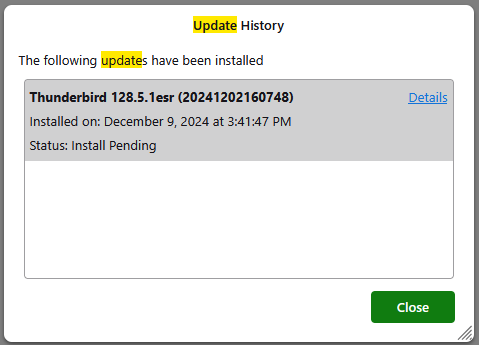
Some seem to be suggesting that this page opens when an update happens: https://support.mozilla.org/en-US/questions/1512477 There was no update installed lately.
Todas as respostas (11)
Donation appeal and start page are not the same thing.
The donation appeal in your screen shot should only appear once. It does not care whether you have updated. To dismiss it you must close the tab.
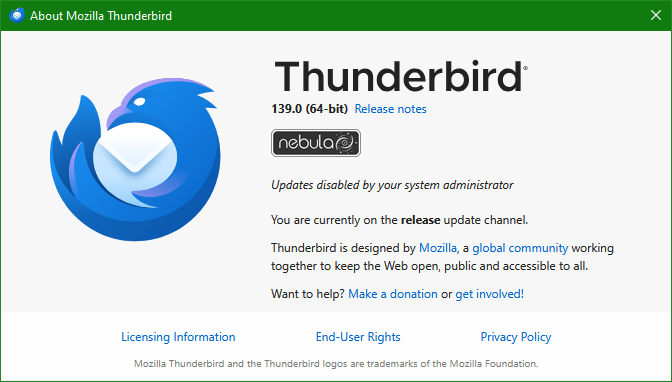
Your screen shot shows version 139. But Thunderbird is at version 142 - you should update.
Wayne Mery said
The donation appeal in your screen shot should only appear once. It does not care whether you have updated. To dismiss it you must close the tab.
It appears once per what? I already had the donation appeal appear in the past, so the statement that it only appears once is either plain wrong or needs further qualification.
What I mean is once per appeal which happens approximately 4-5 times a year.
Thunderbird obviously can't know whether you already donated, so if you have donated then the appeal will still appear.
You were successful in dismissing the tab?
Wayne Mery said
What I mean is once per appeal which happens approximately 4-5 times a year.
That's an important detail!
Ok, so how do I disable that?

Ed said
⬆⬆ "To dismiss it you must close the tab."
It should be sufficiently clear from what was said that I want this to not show up again in the future. Are you saying that "dismissing it" by closing the tab makes it never show up again in the future?
niko.o.generic said
Ed said
⬆⬆ "To dismiss it you must close the tab."It should be sufficiently clear from what was said that I want this to not show up again in the future. Are you saying that "dismissing it" by closing the tab makes it never show up again in the future?
No, I'm not saying that.
⬆⬆ "What I mean is once per appeal which happens approximately 4-5 times a year."
Ed said
No, I'm not saying that.
⬆⬆ "What I mean is once per appeal which happens approximately 4-5 times a year." </blockquote>
Ok, then how is this relevant to my question?
Since it happened again today: push
niko.o.generic said
Since it happened again today: push
As noted above, it will happen several times a year and there is no way to stop that. Just dismiss the tab and move on :-)