


Firefox Menu Bar History Issue
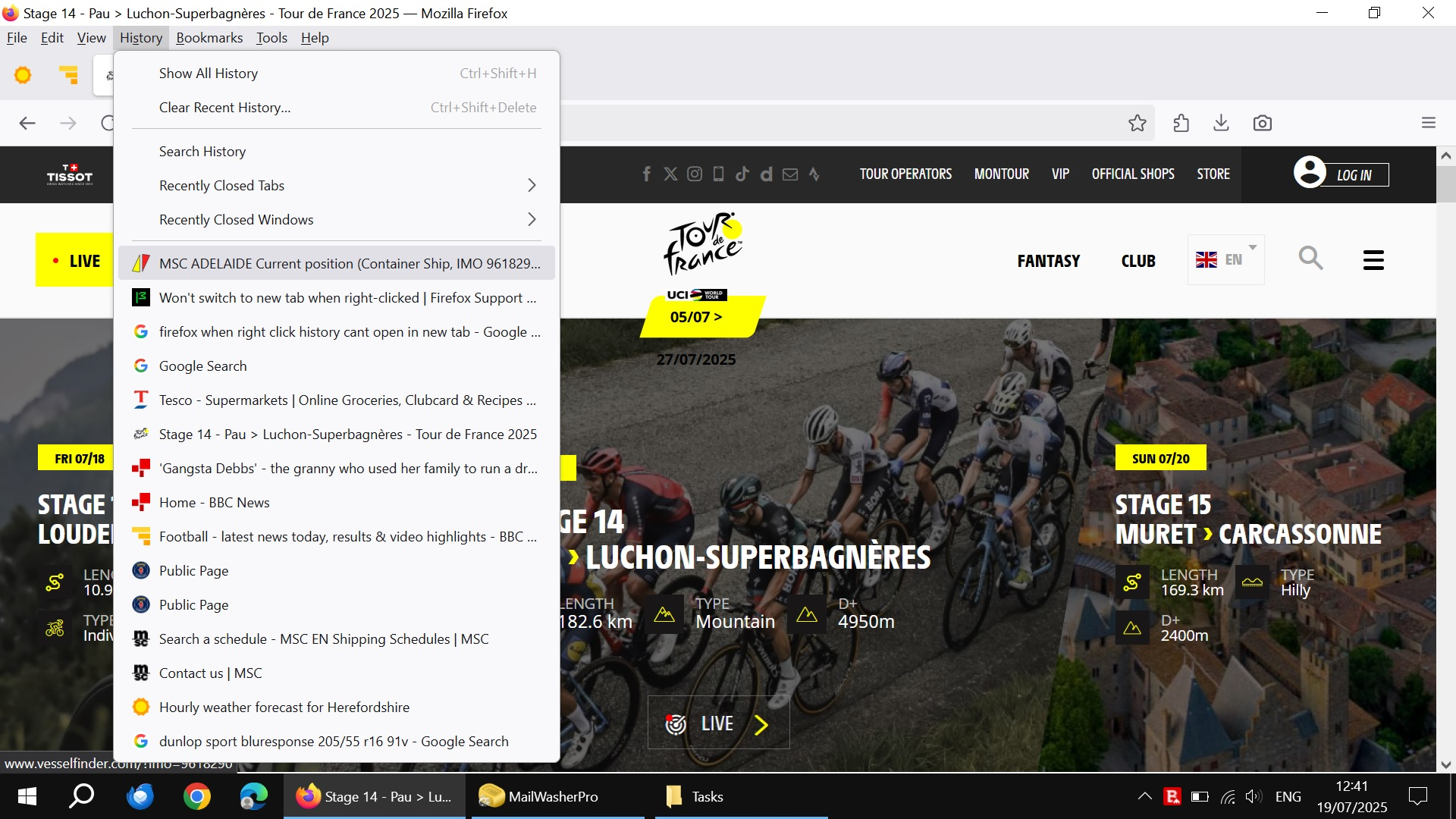
I use the Menu Bar and discovered that when I select History and then right click one of the entries it no longer shows the small window which allows you to Open in a New Tab etc.
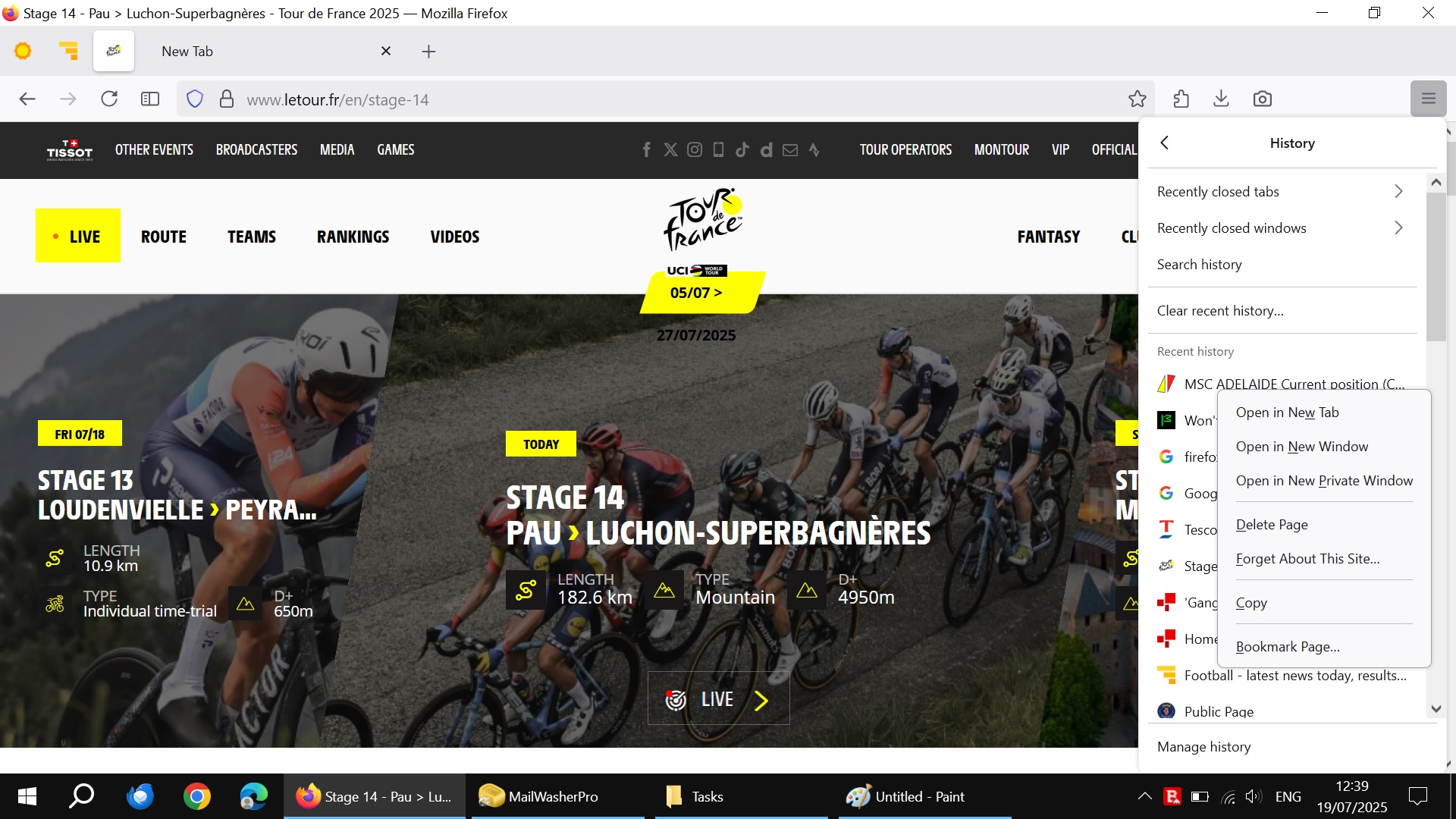
If I use the 3 bar option on the right hand side to Open application menu, then select History, then right click an entry, the small window I mentioned above opens as it used to when using the Menu Bar.
I have attached screenshots showing the issue when using the Menu Bar and also when I use the application menu on the right.
I have been using the Menu Bar option for years now so I can only assume that this issue has arisen after a previous update.
I am currently running Firefox 140.0.4 and this issue is there even when I disabled all themes & extensions and when I ran Troubleshoot Mode!
Hopefully a simple fix will resolve this.
Todas as respostas (2)

Sounds like a bug with Firefox’s Menu Bar after the update. Right click works from the other menu, so it’s not your settings. Hopefully, a fix will come soon!
I haven't noticed this before. Is it a new problem in Firefox 140 (this month)?
As a temporary workaround, you can use the tricks you would use with links or bookmarks when you don't want to use the context menu:
- Ctrl+click the entry => Open in a new Tab
- Shift+click the entry => Open in a new Window
- Middle-click with the mouse wheel => Open in a new Tab