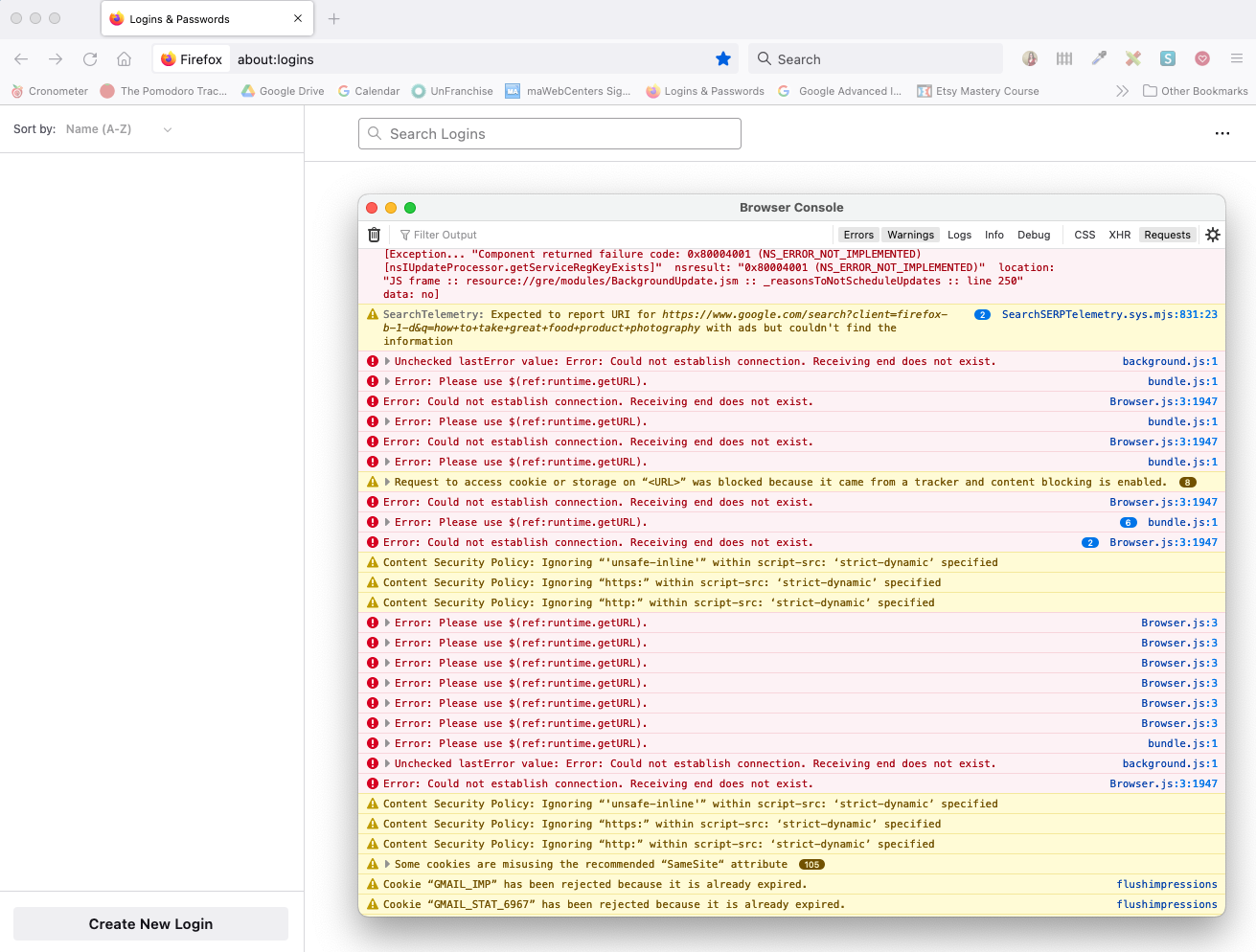
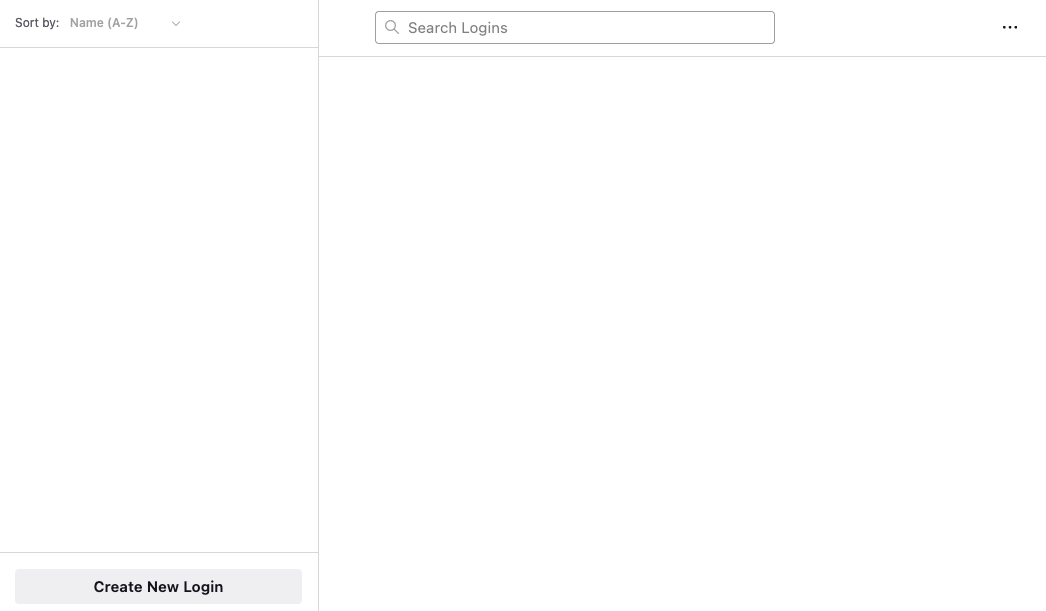
Passwords missing from about:logins
I have Logins & Passwords (about:logins) as a bookmark in my toolbar. Sometimes you need to look up a password. I opened about:logins in a new tab and there is nothing there. No content, whatsoever.
I AM logged into Firefox. No, I haven't installed any security features recently. My history and my bookmarks are all intact. When I go to a previously visited site, I DO get the prompt for my user name and it DOES supply the password. It's only about:logins where no data at all is displaying. I can't search, it isn't showing me anything.
I tried to export passwords from about:logins but it didn't work, that is, I thankfully actually remembered my Firefox password and it prompted a csv download, but nothing was saved (presumably because there is no content within about:logins) to generate into a csv.
Now what?
Todas as respostas (2)
Does it make a difference if you open about:logins via the "3-bar" Firefox menu button drop-down list -> Passwords ?
You can try set signon.debug = true on the about:config page before opening the about:logins page and check the Browser Console for login related messages.
Do not forget to reset signon.debug to false after you are done testing.
Thanks for the reply. Neither solved my problem, best as I could tell.
I didn't know the hamburger menu could take me directly to about:logins, which is why I created a bookmark. Now I know. Unfortunately, getting to about:logins that way still didn't show me any saved content.
I did open Browser Console and tried to look at it. It's my area of expertise; nothing there seemed related to my issue.
Any other suggestions?