


Firefox browser autu-resizing when moved

In the last couple of days Firefox has started automatically resizing whenever I try to drag it onto another screen. I have chescked the two suggest fields in about:config, dom.disable_window_move_resize and resistFingerprinting this hasn't worked, and frankly the instruction to stop this happening through tools is antiquated.
Can anyone help top stop this?
I'm crrently running ver. 102.1
Thanks
Todas as respostas (4)
Do both screen have the same screen dimensions as Firefox might not be adjusting the page dimensions in this case ?
As soons I move it is becomes the size in the attached picture, I haven't tried to drag it from screen to screen. The screen are differnt sizes.
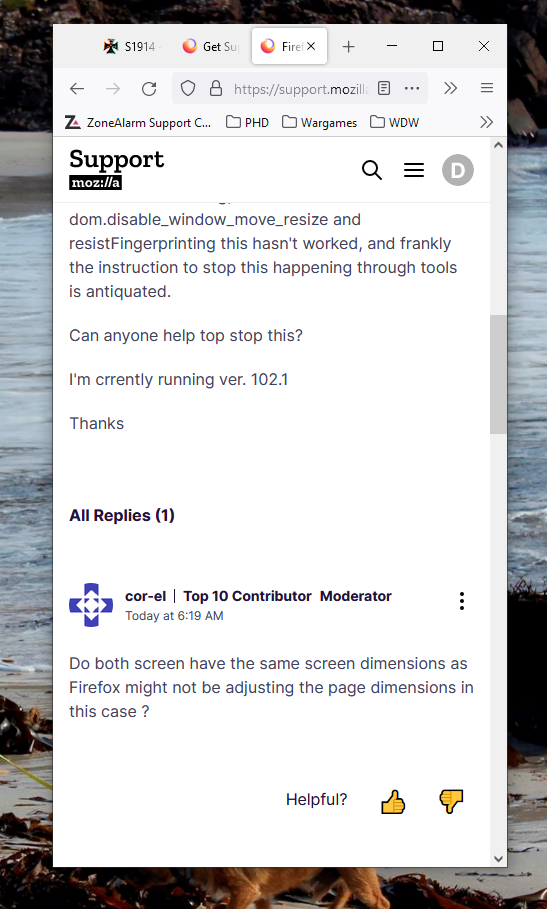
What do you see if you open the system menu via Alt+Space ?
I've seen cases like your screenshot shows where 'Unmaximize' was present in the system menu menu and selecting that choice restored the normal size of the Firefox window.
I've not come across the system menu before, I've just tried Alt+Space and all I get is small drop down in the top left corner of the screen, with Restore, Move, etc.